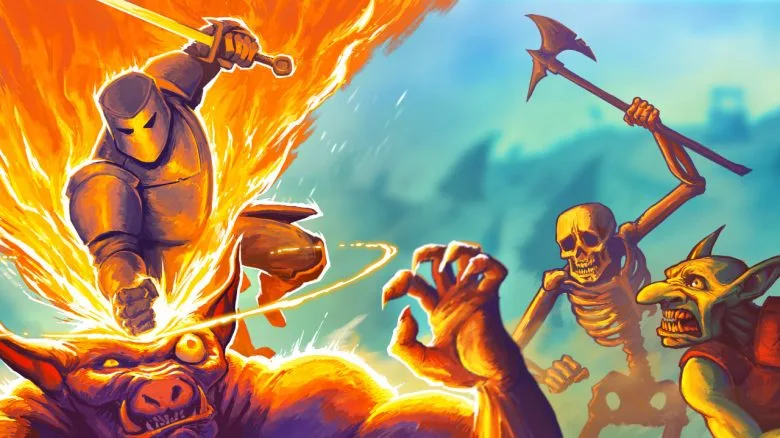
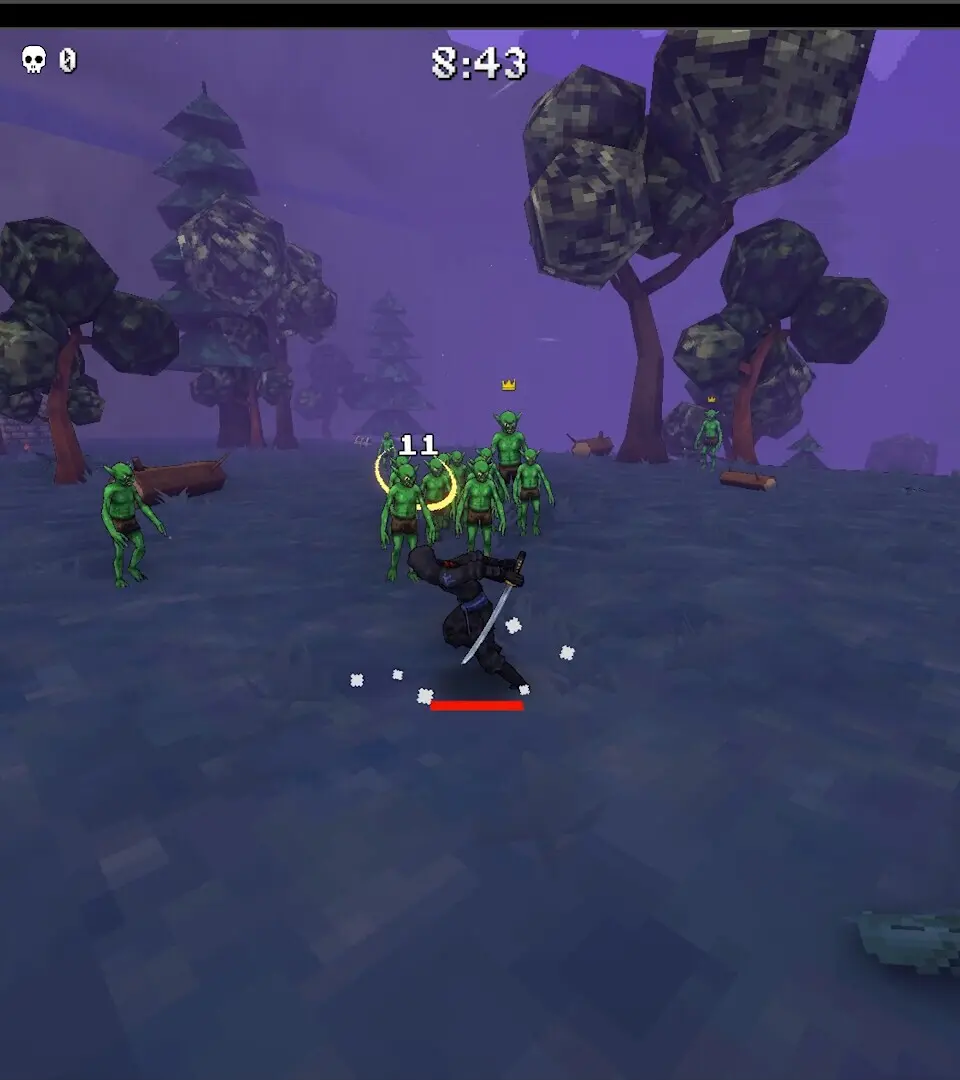
Get Megabonk installed and running smoothly. Our guide covers the first launch process, including shader compilation and initial setup steps.
Before you can embark on your epic quest, you'll need to install Megabonk. Ensure you have at least 50GB of free disk space. Once installed, launch the game. The first launch may involve a shader compilation process, which can take a few minutes depending on your system specifications. Do not close the game during this process.
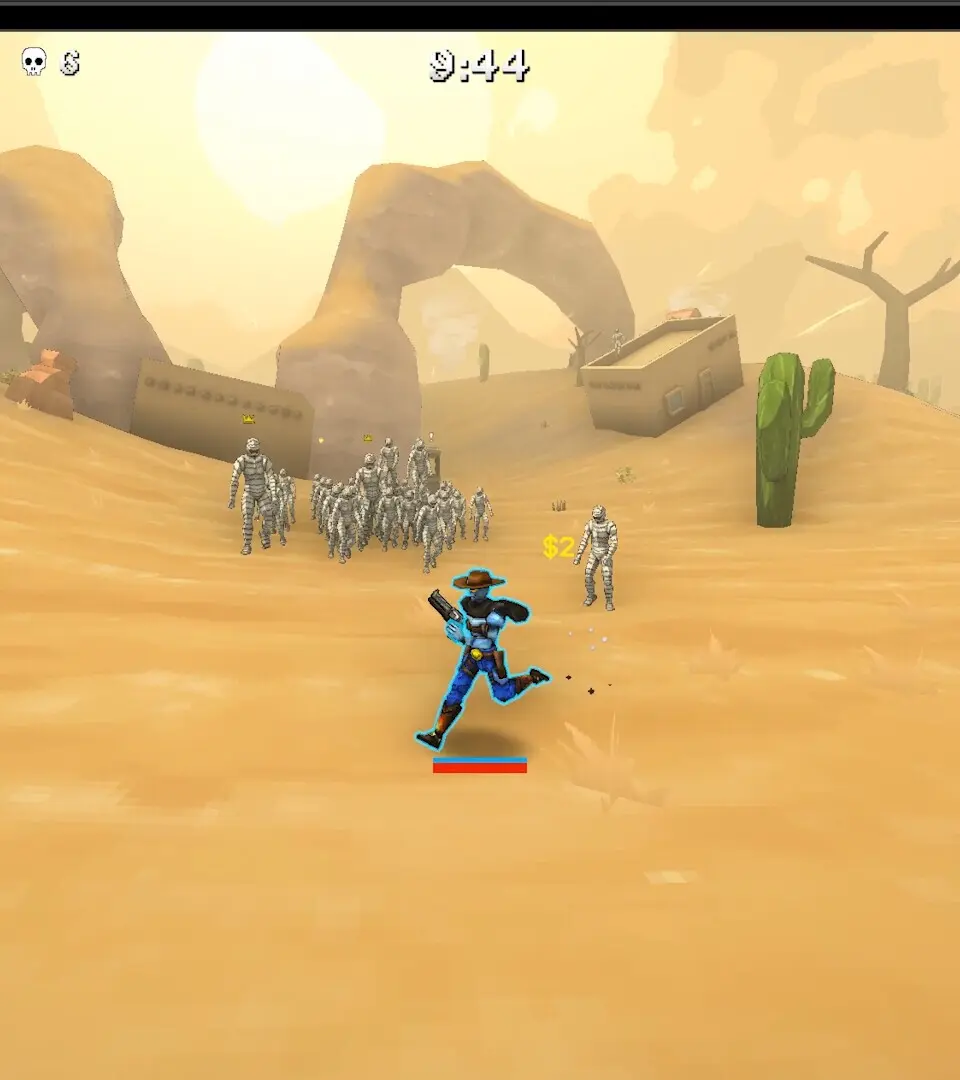
Upon successful launch, you'll be greeted by the main menu. Here, you can adjust graphics settings, audio preferences, and keybinds. We recommend starting with the 'Recommended' graphics preset and fine-tuning later if you experience performance issues. Ensure your audio output is correctly configured to fully immerse yourself in the game's rich soundscape.
100% Human-Written. AI Fact-Checked. Community Verified. Learn how AntMag verifies content