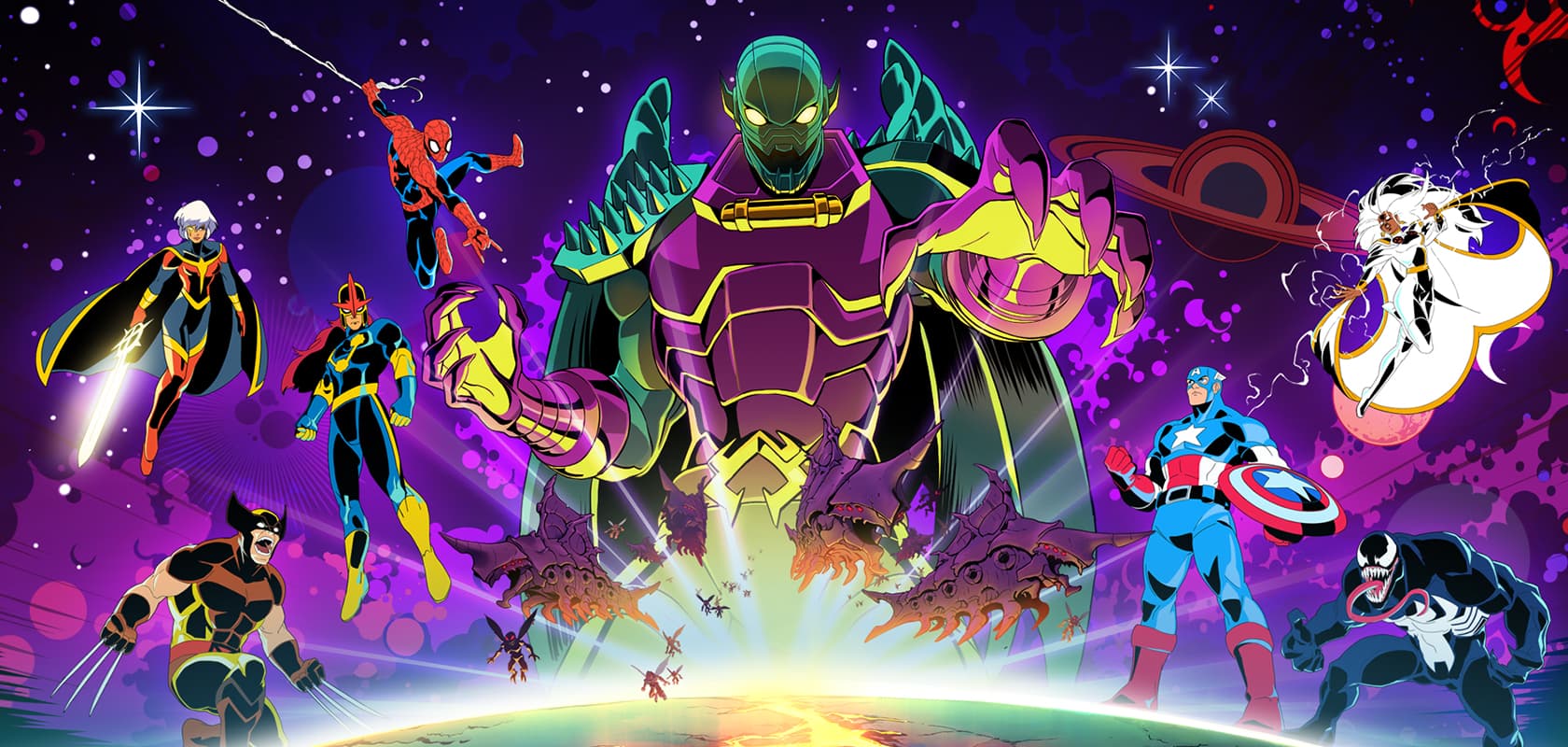
Learn how to tweak your display and graphics settings in MARVEL Cosmic Invasion to get the best visual experience. Optimize for performance or fidelity!
Hey there, Commander! Let's get your game looking and feeling just right. The Display & Graphics settings are super important for making sure MARVEL Cosmic Invasion runs smoothly and looks awesome on your device. We'll walk through how to tweak these so you get the best experience, whether you're prioritizing buttery-smooth framerates or stunning visual detail.
Think of these settings like adjusting the focus on a camera. You can either get a super sharp, detailed picture, or you can make sure everything is clear and in motion, even if it's not quite as crisp. It's all about finding that sweet spot that works best for you and your setup.
We'll cover how to adjust things like resolution, texture quality, anti-aliasing, and other visual bells and whistles. Don't worry if some of these terms sound a bit technical – I'll break them down so you know exactly what each one does and how it impacts your game. Let's dive in and get your cosmic view dialed in!
100% Human-Written. AI Fact-Checked. Community Verified. Learn how AntMag verifies content