
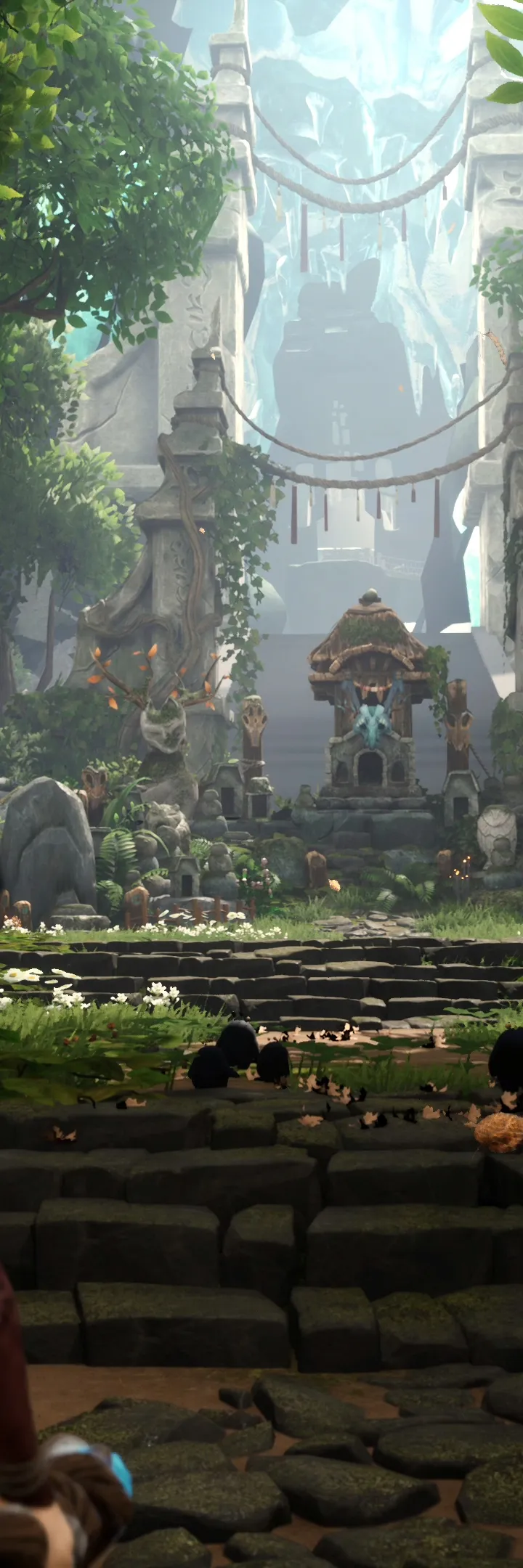
Unlock the full potential of Kena: Bridge of Spirits! This guide breaks down the HUD elements, combat mechanics, and essential tips to help you navigate the world and defeat your foes.
This guide breaks down the Heads-Up Display (HUD) elements in Kena: Bridge of Spirits, explaining what each icon and indicator signifies to help players better understand the game's mechanics and interface.
The HUD in Kena: Bridge of Spirits provides crucial information at a glance, including Kena's health, Rot abilities, available abilities, and enemy status. Understanding these elements is key to mastering combat and exploration.
Key HUD elements include:
- Health Bar: Displays Kena's current health.
- Rot Ability Indicators: Shows the availability and count of Rot abilities, such as healing and combat enhancements.
- Stamina Bar: (If applicable) Indicates Kena's stamina for actions like dodging and sprinting.
- Ability Icons: Displays available combat and traversal abilities.
- Enemy Health Bars: Shows the health of targeted enemies, often with weak points highlighted.
- Objective Markers: Guides players towards current objectives or points of interest.
By familiarizing yourself with the HUD, you can react more effectively to combat situations, manage your resources efficiently, and navigate the world of Kena: Bridge of Spirits with greater confidence.
100% Human-Written. AI Fact-Checked. Community Verified. Learn how AntMag verifies content