
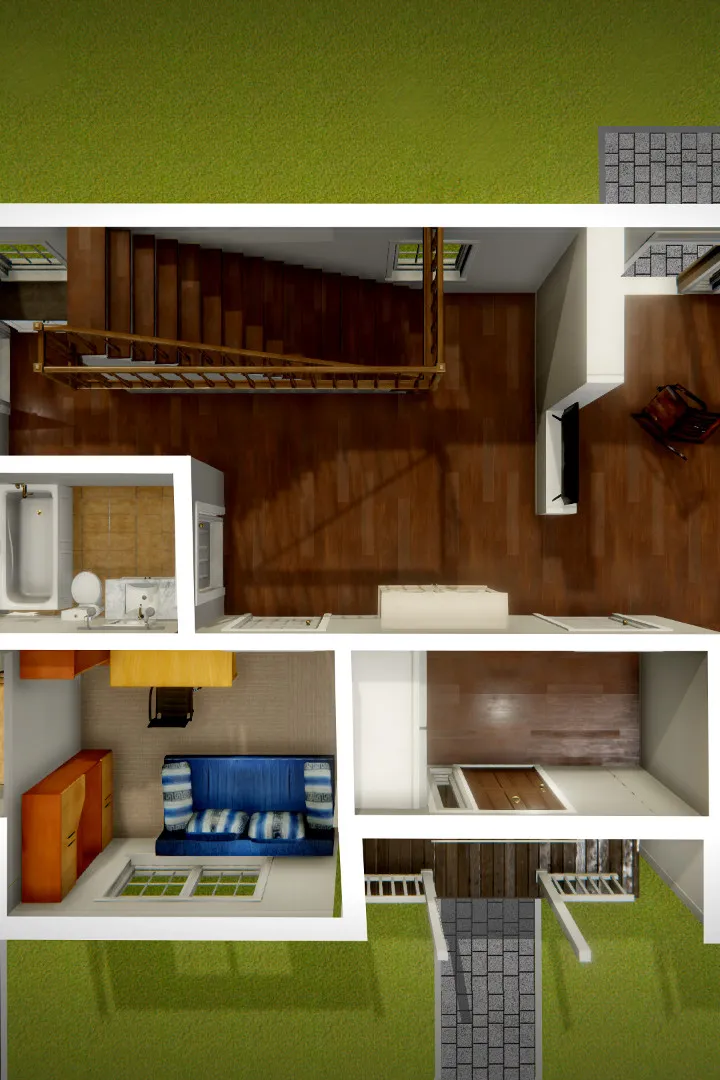
Learn the essential controls and movement mechanics in House Flipper. This guide covers everything you need to know to navigate and interact with your properties effectively.
This guide provides a comprehensive overview of the basic controls and movement mechanics essential for playing House Flipper. Understanding these fundamentals will help you efficiently navigate your properties, perform renovations, and manage your flipping business.
| Action | Button/Key |
|---|---|
| Move Forward | W |
| Move Backward | S |
| Strafe Left | A |
| Strafe Right | D |
| Look Around | Mouse Movement |
| Jump | Spacebar |
| Crouch | Ctrl |
| Sprint | Shift |
| Interact | E |
| Open Tablet/Menu | Tab |
| Use Tool (e.g., Paintbrush, Tiler) | Left Mouse Button |
| Cancel Action/Tool | Right Mouse Button |
| Zoom In/Out (with tools) | Mouse Wheel |
| Select Item/Tool | Number Keys (1-9) or Mouse Click |
| Rotate Item | Q or E (while holding an item) |
| Drop Item | G |
| Toggle Walk/Run Speed | Caps Lock |
Mastering these controls will significantly improve your efficiency and enjoyment as you renovate and flip houses in House Flipper.
100% Human-Written. AI Fact-Checked. Community Verified. Learn how AntMag verifies content