
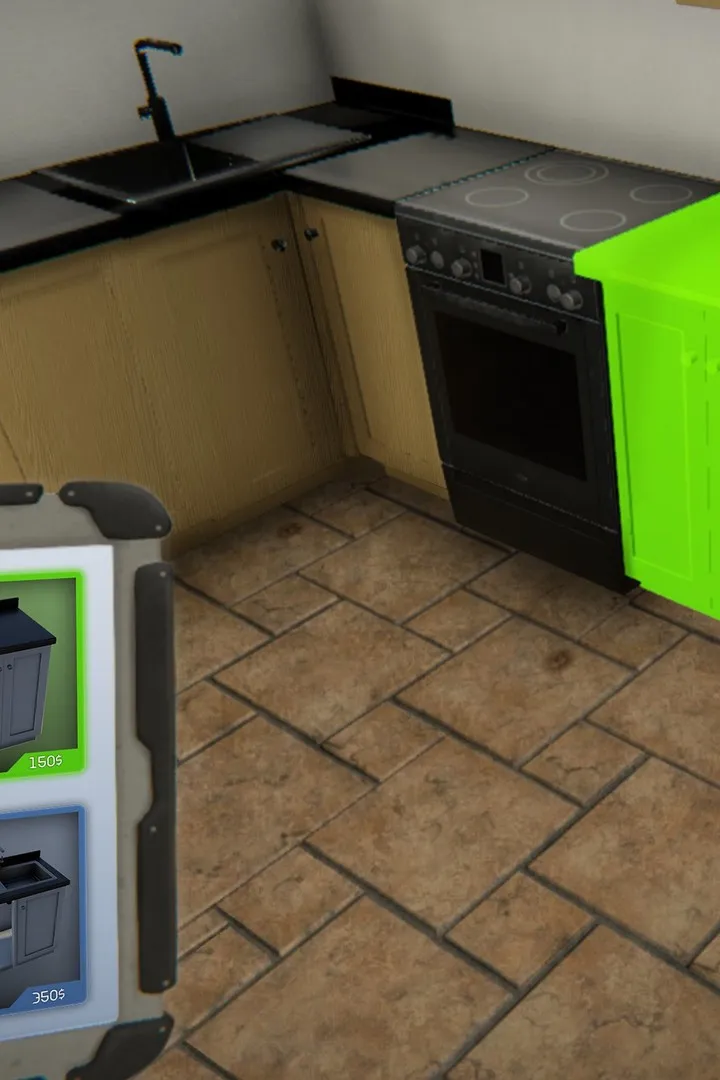
Learn how to accept your first job in House Flipper. This guide covers the initial steps to get you started with your first renovation project and earning money.
This guide will walk you through the process of accepting your very first job in House Flipper. Successfully completing jobs is the primary way to earn money and progress in the game, allowing you to purchase and renovate more houses.
Walkthrough
- 1Open your tablet by pressing the 'Tab' key.
- 2Navigate to the 'Jobs' tab.
- 3Browse the available jobs. Each job listing will show the house's condition, the client's requirements, and the potential profit.
- 4Select a job that suits your current budget and skill level. For your first job, it's recommended to choose a simpler, less demanding task.
- 5Click on the job to accept it.
- 6The house will be added to your map, and you can travel to it to begin your renovation.
Tips
- Always check the client's specific requests. Failing to meet them can result in a lower payout.
- Start with smaller, less complex jobs to get a feel for the game mechanics.
- Ensure you have enough starting capital to cover any necessary purchases like cleaning supplies or paint.
- Don't be afraid to use the 'F5' key to quickly sell unwanted items from the house.
100% Human-Written. AI Fact-Checked. Community Verified. Learn how AntMag verifies content