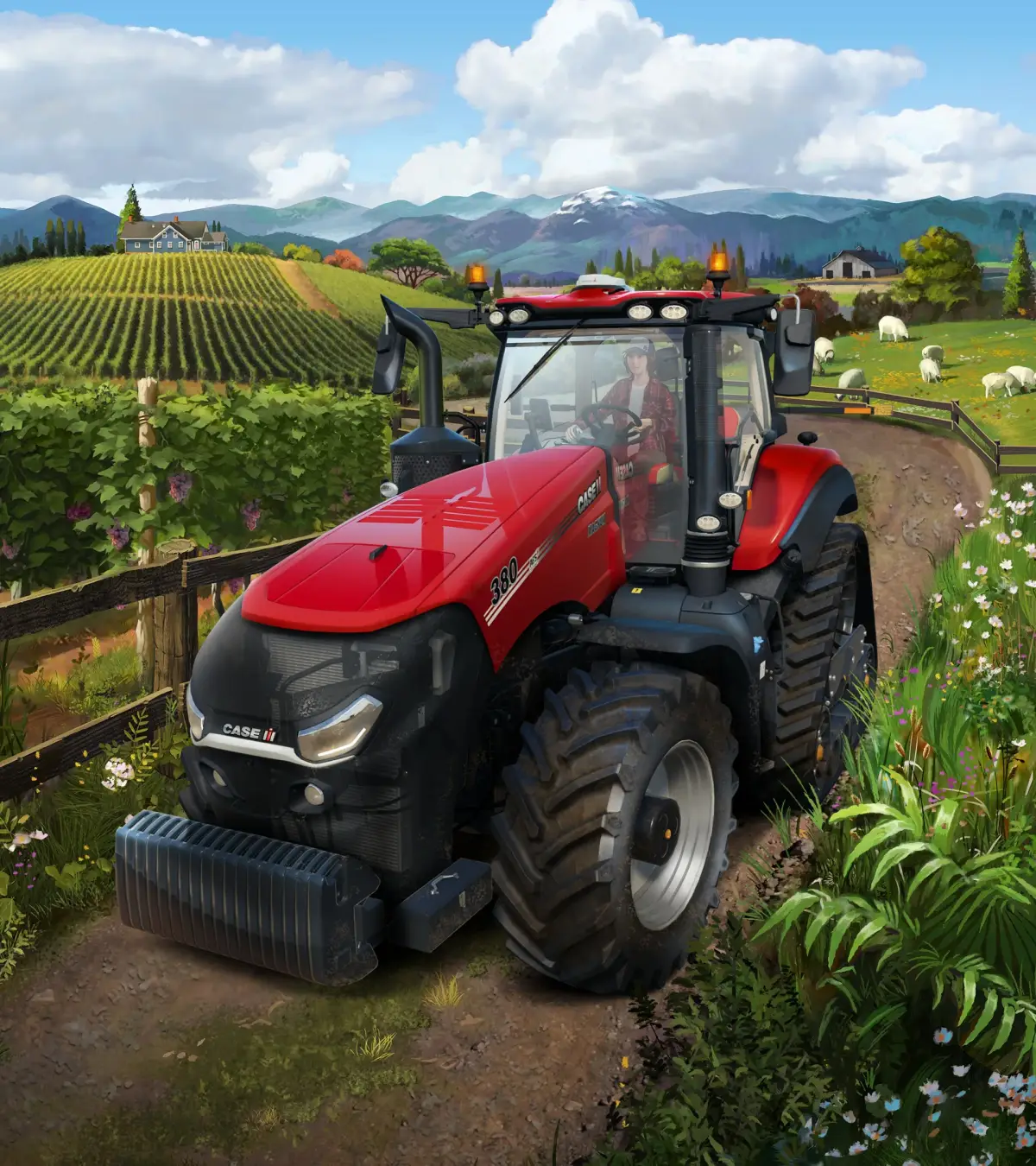
Welcome to Farming Simulator 22, the latest installment in the series where you step into the boots of a modern farmer. You'll be managing every aspect of your agricultural operation, from ploughing and cultivating fields to sowing, harvesting, and even tending to livestock and forestry. It's an open-world experience focused on the satisfying loop of planning, executing, and reaping the rewards of your hard work.
This guide is here to help you master the ins and outs of FS22. We'll cover everything from your very first equipment purchases and understanding the difference between plowing and cultivating, to detailed breakdowns on how to grow specific crops like cotton, grapes, olives, potatoes, and sugar beets. We'll also dive into managing your animals and tackling forestry, ensuring you can maximize profits and become a true agricultural mogul.
Getting Started
New to Farming Simulator 22? Our guide covers everything the tutorial misses, from basic mechanics like cultivating and harvesting to advanced crop and animal husbandry. Start your farm today!
Getting Started
New to Farming Simulator 22? Our guide covers everything the tutorial misses, from basic mechanics like cultivating and harvesting to advanced crop and animal husbandry. Start your farm today!
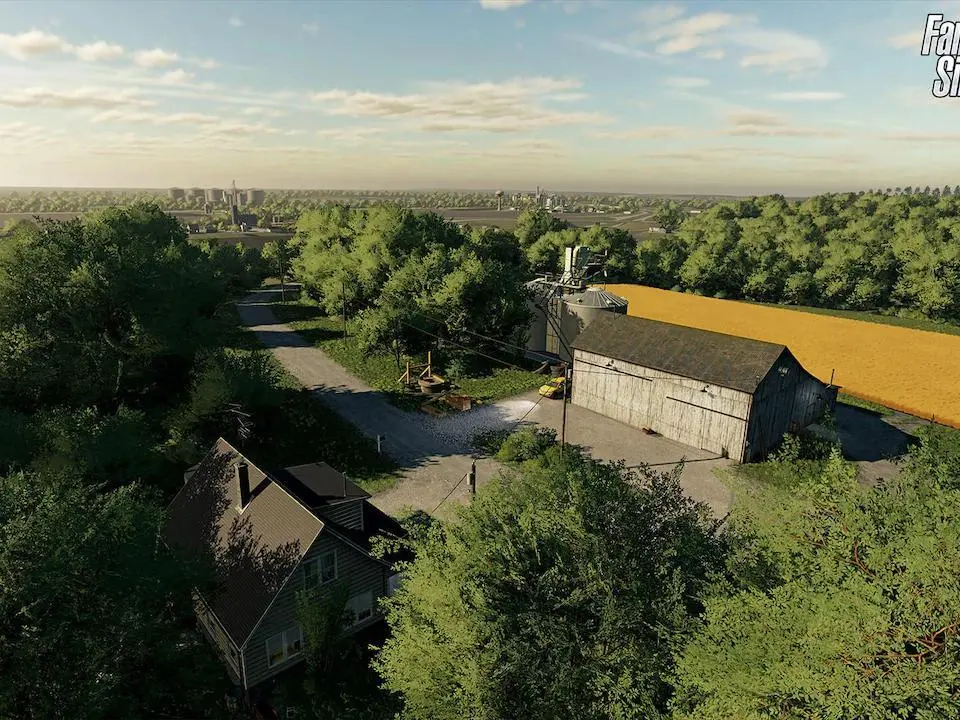
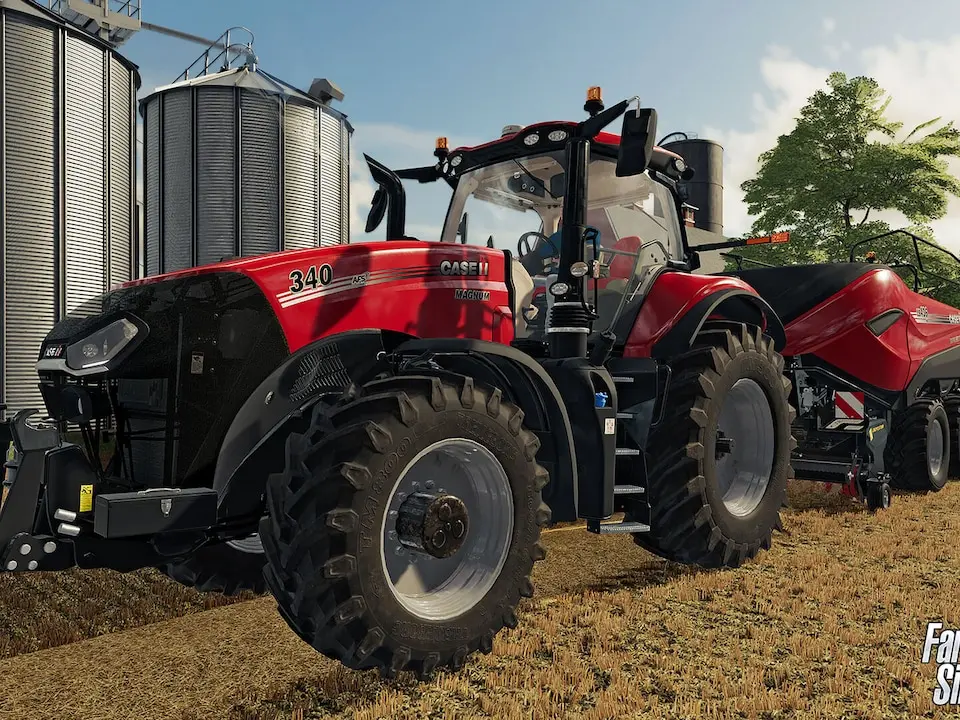
Understanding the User Interface (UI) — Farming Simulator 22 Guide
Navigate Farming Simulator 25 with ease! This guide details the user interface, including menus, HUD elements, and controls, to enhance your farming experience.
Welcome to the Farming Simulator Wiki! This guide will help you understand the user interface of Farming Simulator 25.
Farming Simulator 25, also known as "The Future of Farming Simulator" and "Next Generation Farming Simulator", is the latest installment in the farming simulator series, developed and published by GIANTS Software. It was released on November 12, 2024.
The game introduces a variety of new features, including:
- Three maps: Riverbend Springs (North America), Hutan Pantai (East Asia), and Zielonka (Central Europe).
- New crops: Rice, spinach, peas, green beans, and long grain rice.
- New animals: Goats and water buffaloes, along with baby animals and dynamic pastures.
- Over 400 machines from more than 150 agricultural brands.
- Weather events such as twisters and hail, along with improved effects.
- Ground deformation and GPS-assisted steering.
- New production chains, farm shops, and construction projects.
- Quality-of-life improvements for farming.
Key features highlighted in the description include the rewarding farm life experience, the choice between single-player or cooperative multiplayer, and the overall theme of "This Farm is Your Farm!".
The game also features new construction projects like playgrounds and museums, town projects such as wagon and toy building, crop orbs as collectibles, interactions with townsfolk, and the ability to put away hand tools.
Choosing Your Starting Farm
Discover the best starting farms in Farming Simulator 25. Learn about the maps, crops, animals, and features to help you make the optimal choice for your new farming career.
Choosing your starting farm in Farming Simulator 25 is a crucial first step that sets the tone for your entire gameplay experience. Each map offers unique challenges, opportunities, and starting conditions. This guide will help you understand the key differences between the available maps and make an informed decision.
Maps:
- Riverbend Springs (North America): A classic North American setting with familiar farming challenges and opportunities.
- Hutan Pantai (East Asia): Experience a unique East Asian environment with new crops and cultural influences.
- Zielonka (Central Europe): A returning map from Farming Simulator 22, offering a familiar yet enhanced Central European farming landscape.
New Features to Consider:
- Crops: Farming Simulator 25 introduces new crops like Rice, Spinach, Peas, and Green Beans, which may be more prevalent or easier to cultivate on certain maps.
- Animals: New additions such as Goats and Water Buffalo, along with baby animals and dynamic pastures, can influence your choice based on your preferred livestock management.
- Machines and Brands: With over 400 machines from 150+ brands, ensure your chosen map and starting conditions align with the equipment you intend to use.
- Weather Events: Twisters and Hail can impact gameplay. Consider how these might affect your chosen map and crops.
- Production Chains and Shops: New production chains and farm shops offer expanded economic opportunities. Some maps may feature unique construction projects or town projects related to these.
- Collectibles: Crop orbs are scattered throughout the maps, offering an additional objective for players who enjoy exploration and collection.
Ultimately, the best starting farm depends on your playstyle. Whether you prefer a traditional North American experience, an exotic East Asian setting, or a familiar European landscape, Farming Simulator 25 offers diverse options to begin your farming legacy.
Basic Controls and Movement — Farming Simulator 22 Guide
Learn the essential controls and movement mechanics for Farming Simulator 22. Navigate your farm, operate machinery, and manage your fields with ease. Your ultimate guide to FS22 gameplay.
Welcome to the AntMag guide for Farming Simulator 22! This section covers the fundamental controls and movement mechanics to help you get started on your farming journey. Mastering these basics is key to efficiently managing your farm, operating a wide variety of machinery, and navigating the game world.
Below is a breakdown of the common controls used in Farming Simulator 22. Please note that some controls may vary slightly depending on your input device (keyboard/mouse or controller) and specific in-game actions.
| Action | Default PC Controls | Default Controller (Xbox) |
|---|---|---|
| Move Forward | W | Left Stick Up |
| Move Backward | S | Left Stick Down |
| Strafe Left | A | Left Stick Left |
| Strafe Right | D | Left Stick Right |
| Look Around (Mouse) | Move Mouse | Right Stick |
| Look Around (Keyboard) | Arrow Keys | Right Stick |
| Jump | Spacebar | A Button |
| Enter/Exit Vehicle | G | B Button |
| Toggle Engine | I | X Button |
| Speed Up | X | Right Trigger |
| Slow Down | Z | Left Trigger |
| Hand Throttle Up | Num+ | D-Pad Up |
| Hand Throttle Down | Num- | D-Pad Down |
| Camera Zoom In | Num* | Right Bumper |
| Camera Zoom Out | Num/ | Left Bumper |
| Change Camera View | C | Y Button |
| Open Main Menu | Esc | Start Button |
| Open Help Menu | ? | Back Button |
| Open Store | P | LB + RB |
| Open Vehicle Overview | Tab | View Button |
| Toggle Lights | L | LB |
| Toggle Wipers | K | RB |
| Engage/Disengage PTO | Home | X Button (Hold) |
| Raise/Lower Implements | N | A Button (Hold) |
| Turn On/Off Work Lights | Num 5 | Right Stick Click |
| Attach/Detach Implements | B | Y Button (Hold) |
| Activate/Deactivate Cruise Control | V | Left Bumper |
| Increase/Decrease Cruise Control Speed | C / V | Left D-Pad Left/Right |
- Use the mouse for precise looking around while driving.
- Adjust your speed using the throttle controls to match the terrain and task.
- Familiarize yourself with the camera controls to get the best view of your surroundings and machinery.
- The help menu (?) provides context-sensitive information on controls for the currently selected equipment.
Similar guides you might like






100% Human-Written. AI Fact-Checked. Community Verified. Learn how AntMag verifies content