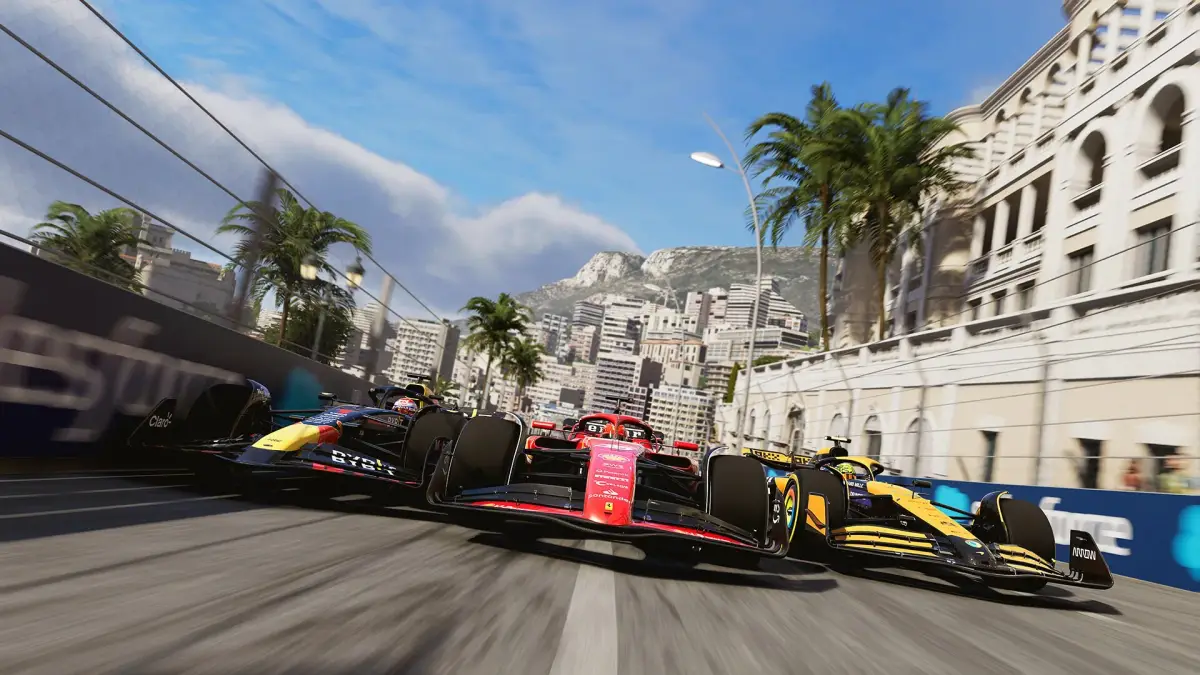
Confused by the F1 24 menus and on-screen displays? This guide breaks down the UI, helping you navigate races and manage your team like a pro. Get up to speed!
Hey there! So, you've jumped into F1 24 and you're looking to get a handle on what all those buttons, meters, and icons on your screen actually mean? That's totally normal! The UI can look a bit overwhelming at first, but once you know what you're looking at, it's your best friend on the track and in the garage. Let's break it down so you can focus on the racing.
Think of the UI as your co-pilot and engineer rolled into one. It's constantly feeding you crucial information, from how your car is performing to what your rivals are up to. Understanding it means you can make split-second decisions that could be the difference between a podium finish and a DNF.
We'll cover everything from the main menu navigation to the in-race displays, making sure you're never left guessing what that little gauge or warning light is telling you. Ready to become a UI master?
100% Human-Written. AI Fact-Checked. Community Verified. Learn how AntMag verifies content