
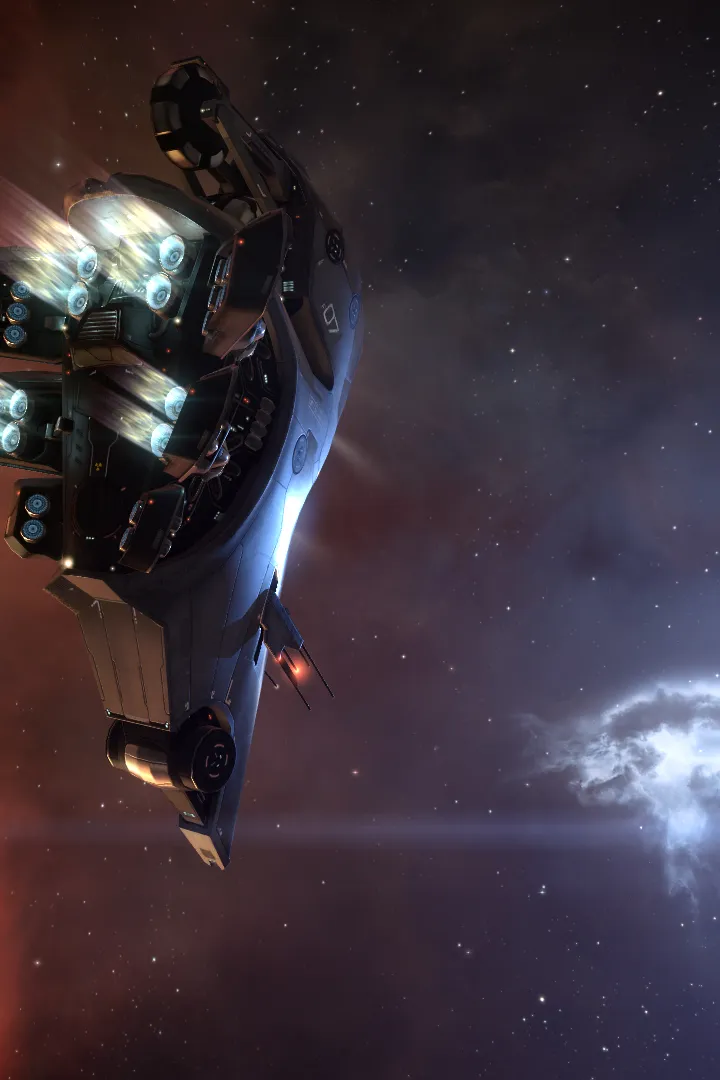
Learn EVE Online's Player-Owned Structures and Upwell Structures. Manage deployment, industry, logistics, and territorial control with this guide.
Player-Owned Structures (POS) and the newer Upwell Structures are foundational elements of player industry, logistics, and territorial control in EVE Online. Understanding their deployment, management, and vulnerabilities is crucial for any aspiring industrialist, nullsec resident, or even a high-sec manufacturer looking for advanced facilities.
Upwell Structures: The Modern Frontier
Upwell Structures represent the modern iteration of player-owned facilities, offering a wide array of services, greater flexibility, and more robust defenses than their legacy POS counterparts. They are categorized by size and primary function.
Deployment of Upwell Structures
- Acquire the Blueprint: Upwell Structure blueprints (e.g., Athanor Blueprint, Raitaru Blueprint) can be purchased from the market or obtained through various in-game activities.
- Manufacture the Structure: Head to an industrial station (e.g., a Raitaru or Azbel) with the necessary materials. The manufacturing process can be lengthy and resource-intensive, requiring significant quantities of minerals, components, and potentially advanced materials like Isogen-5 or Zydrine.
- Transport the Structure: Once manufactured, the structure is packaged into a large container. You will need a freighter (e.g., Providence, Charon) or a jump freighter (e.g., Ark, Rhea) to transport it to your desired system. Be aware that these structures are high-value targets.
- Select a Deployment Location:
- High-Security Space: Upwell Structures can only be deployed in specific locations, primarily around asteroid belts or moons. You cannot deploy them too close to existing stations, stargates, or other player structures.
- Low-Security/Null-Security Space: Deployment is more flexible, allowing placement further from celestial bodies, but still subject to proximity restrictions to other structures or stargates.
- Wormhole Space: Similar to low/null-sec, but with unique considerations for wormhole stability and local effects.
- Initiate Deployment:
- Right-click the packaged structure in your cargo hold and select "Launch Structure."
- A deployment timer will begin (typically 24 hours). During this time, the structure is vulnerable to attack and can be destroyed before it comes online.
- Defense Strategy: It is crucial to have a strong defense fleet present during the deployment timer, especially in low-sec, null-sec, or wormhole space.
- Fueling the Structure: Once deployed, the structure requires fuel blocks (e.g., Nitrogen Fuel Block, Helium Fuel Block) to operate. Access the structure's "Fuel Bay" and load the appropriate fuel. Without fuel, modules will not function, and the structure will enter a low-power state, making it vulnerable.
Key Upwell Structure Types and Their Functions
- Astrahus (Medium Citadel): General-purpose structure, good for basic station services, fitting, and market. Often used as a forward operating base.
- Fortizar (Large Citadel): Enhanced services, more robust defenses, and can anchor capital ships. Ideal for alliance headquarters or major logistics hubs.
- Keepstar (X-Large Citadel): The largest and most powerful structure, capable of docking supercapital ships. A true symbol of power and control in null-sec.
- Raitaru (Medium Engineering Complex): Specializes in manufacturing and research. Offers significant bonuses to production and invention.
- Azbel (Large Engineering Complex): Superior manufacturing and research capabilities, can anchor capital ship production.
- Sotiyo (X-Large Engineering Complex): The ultimate industrial hub, offering the best bonuses for all forms of manufacturing and research, including supercapital construction.
- Athanor (Medium Mining Citadel): Provides bonuses to moon mining and asteroid mining operations. Can anchor moon drills.
- Tatara (Large Mining Citadel): Enhanced mining bonuses and larger moon drill capacity.
- Ansible Jump Gate (Jump Gate): Allows instant travel between linked Ansiblex structures, requiring significant fuel and a jump freighter to activate.
- Pharolux Cyno Beacon (Cyno Beacon): Acts as a permanent cynosural field generator, allowing capital ships to jump to its location.
Structure Management and Vulnerability Windows
Upwell Structures have specific vulnerability windows during which they can be attacked. These windows are set by the structure owner and typically last for a few hours. Outside of these windows, the structure is invulnerable to attack.
- Setting Vulnerability Timers: Access the structure's "Structure Management" interface. You can set up to two vulnerability windows per week. Choose times when your corporation/alliance can realistically defend the structure.
- Reinforcement Cycles: If a structure's shield or armor is destroyed during its vulnerability window, it enters a "reinforcement" timer. This timer provides a period of invulnerability before the next vulnerability window opens, allowing defenders to rally.
- Shield Reinforcement: Typically 24 hours.
- Armor Reinforcement: Typically 6 days (longer in null-sec).
- Hull Reinforcement: After armor is destroyed, the structure enters its final hull vulnerability. If the hull is destroyed, the structure is destroyed.
- Low Power Mode: If a structure runs out of fuel, it enters a low-power state. In this state, its vulnerability windows are extended, and its defenses are significantly weakened, making it an easier target.
Legacy Player-Owned Structures (POS)
While largely superseded by Upwell Structures, legacy POS still exist and serve niche roles, particularly for specific reactions, moon mining in some areas, and as cheaper, less visible alternatives for certain operations.
Deployment of a Legacy POS
- Acquire a Control Tower: Purchase a Caldari Control Tower, Gallente Control Tower, Minmatar Control Tower, or Amarr Control Tower from the market. Each race's tower has different power grid and CPU allocations, influencing what modules can be anchored.
- Acquire Fuel Blocks: POS require specific fuel blocks (e.g., Caldari Fuel Block for a Caldari Control Tower) to operate.
- Transport to a Moon: POS can only be deployed at moons. Fly to your desired system and warp to a moon.
- Launch Control Tower: Right-click the packaged control tower in your cargo and select "Launch Control Tower."
- Anchor and Online: Once launched, the tower will appear as an unanchored object. Right-click it and select "Anchor." After anchoring, right-click again and select "Online." This will consume fuel blocks and bring the tower online.
- Anchor Modules: You can now anchor various modules around the control tower, such as:
- Starbase Reactor Array: For advanced reactions.
- Moon Harvester Array: To extract resources from moons.
- Ship Maintenance Array: For ship storage and fitting.
- Assembly Array: For manufacturing.
- Force Field Array: Creates a protective bubble around the tower.
- Various defensive modules: Auto-cannons, missile batteries, ECM jammers, etc.
POS Management and Vulnerability
Legacy POS have a constant vulnerability. If their force field is offline (due to lack of fuel or being destroyed), the tower and its modules can be attacked at any time. Fuel management is paramount for POS survival.
- Fuel Bay: Access the control tower's "Fuel Bay" to load fuel blocks. Monitor fuel levels closely.
- Strontium Clathrates: These can be loaded into the tower's "Strontium Bay" to extend the tower's invulnerability period if its shield is breached. This acts as a buffer, buying time for defenders.
- Force Field: The force field protects the tower and anchored modules. If the force field is destroyed, the tower and modules become targetable.
While Upwell Structures are the preferred choice for most modern operations due to their superior features and vulnerability mechanics, understanding both types of structures provides a comprehensive view of player-owned infrastructure in EVE Online.
100% Human-Written. AI Fact-Checked. Community Verified. Learn how AntMag verifies content