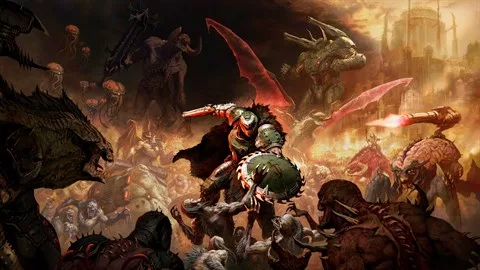
Learn how to adjust your settings in Doom: The Dark Ages. Customize controls, graphics, audio, and gameplay options for the ultimate experience.
This section covers the settings available in Doom: The Dark Ages. While the game focuses on intense combat and exploration, adjusting settings can significantly improve your gameplay experience. Below, you'll find details on how to access and modify various options.
| Setting Category | Description |
|---|---|
| Graphics | Adjust resolution, texture quality, anti-aliasing, and other visual settings to optimize performance and fidelity. |
| Audio | Control master volume, music volume, sound effects, and voice chat settings. |
| Controls | Customize keybindings for keyboard and mouse, or controller layouts to suit your playstyle. Includes sensitivity and inversion options. |
| Gameplay | Modify elements such as HUD display, subtitle options, aim assist, and other gameplay-specific features. |
| Network | Configure online play settings, including matchmaking preferences and network performance options. |
100% Human-Written. AI Fact-Checked. Community Verified. Learn how AntMag verifies content