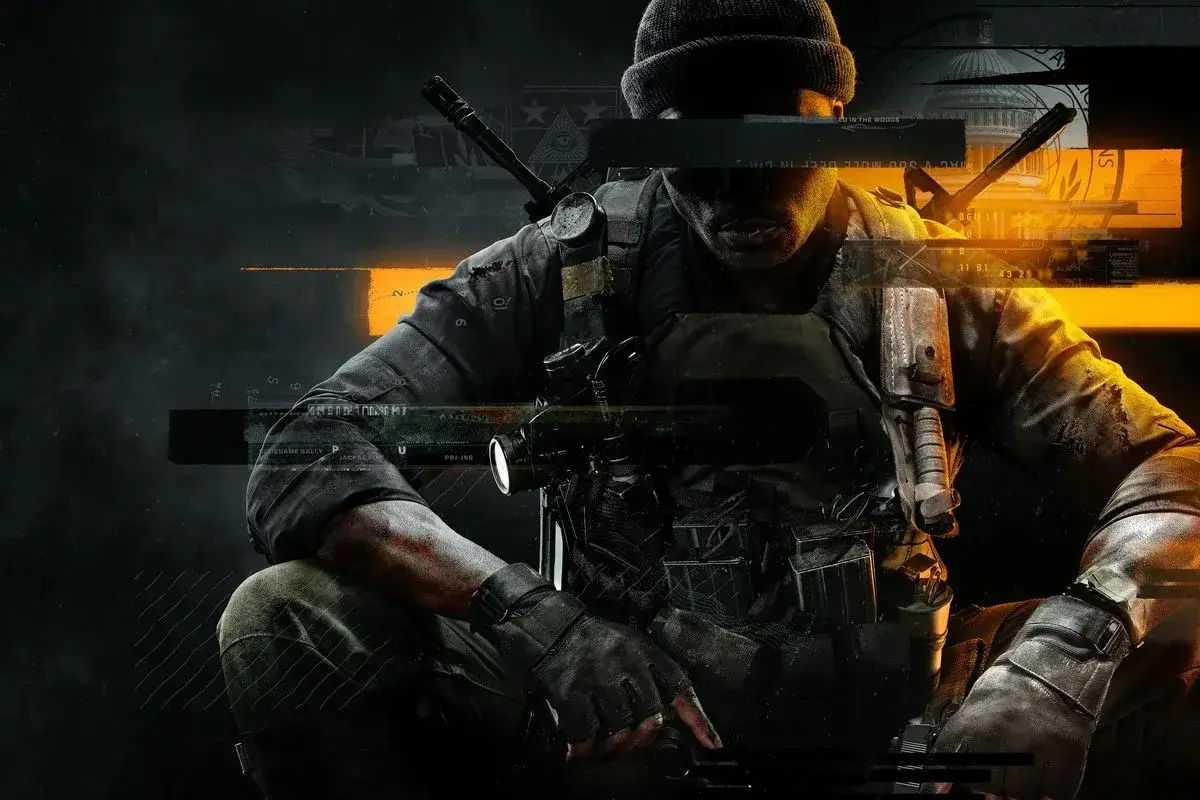
New to Black Ops 6? Learn how to join a game and jump into the action with this quick guide. Get ready for your first match!
Alright, soldier, ready to jump into the action? Joining a game in Call of Duty: Black Ops 6 is pretty straightforward. Think of it like finding your squad before a mission.
First things first, you'll want to navigate to the main menu. From there, you'll see different options. Look for something that says 'Multiplayer' or 'Online Play' – that's your gateway to joining up with other players.
Once you're in the multiplayer lobby, you'll usually have a few choices. You can often join a quick match, which throws you into a random game that's already in progress or about to start. Or, you might see options to join specific game modes like Domination, Team Deathmatch, or Search & Destroy. If you have friends playing, you'll definitely want to look for an option to join their party or game directly.
Don't be afraid to explore the different menus. Sometimes, there are options to create your own private match if you just want to play with friends, or even browse servers if you're looking for something specific. The key is to get comfortable with the lobby screen – it's your command center for all things multiplayer.
100% Human-Written. AI Fact-Checked. Community Verified. Learn how AntMag verifies content