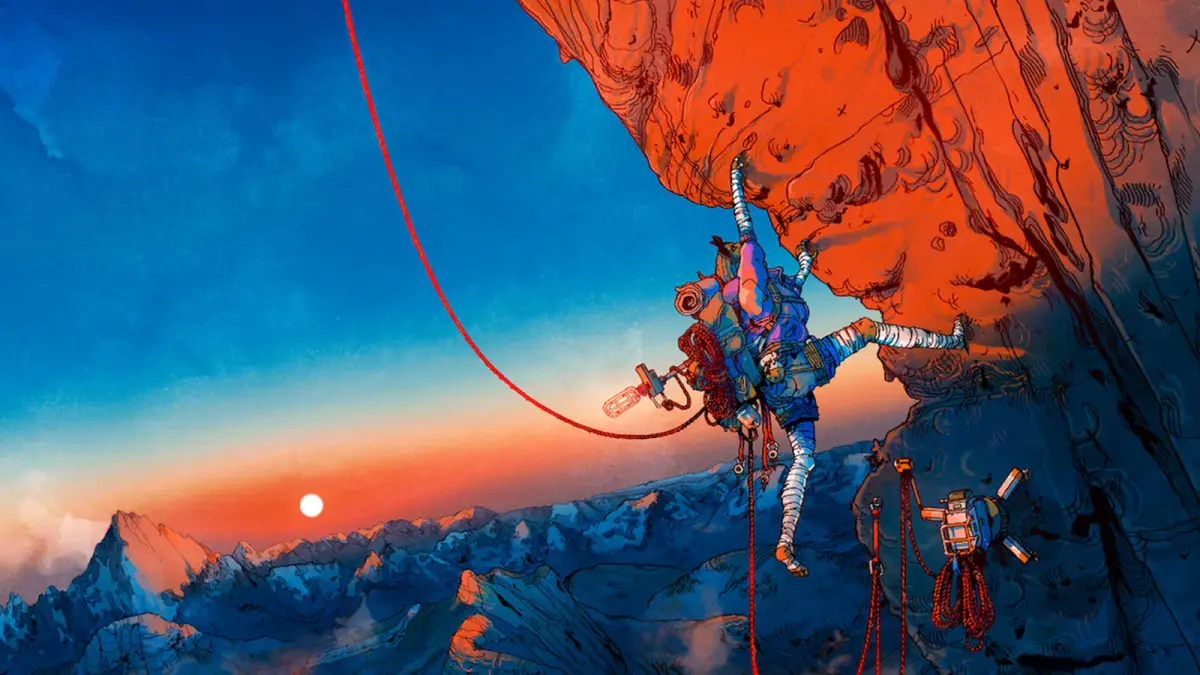
Guide to installing Cairn on your PlayStation 5. Get Aava ready for her climb up Kami with this step-by-step installation process.
Installing Cairn on your PlayStation 5 is a straightforward process designed for ease of use. If you have purchased a physical copy of the game, simply insert the Blu-ray disc into your PS5 console. The console will automatically detect the disc and initiate the installation process. You will see the game's icon appear on your PS5's main dashboard. Once the installation begins, a progress bar will typically be displayed, indicating how much of the game has been installed. It is recommended to have a stable internet connection active, as the PS5 will often download the latest patches and updates for the game immediately after the initial installation from the disc is complete. This ensures you are playing the most current and stable version of the game.
For those who have purchased Cairn digitally through the PlayStation Store, the installation process is initiated directly from your console's library. Navigate to your game library, find Cairn, and select the download option. The game will then begin downloading and installing automatically. The PS5's user interface will clearly display the download and installation progress. Ensure your console is connected to the internet and has sufficient free storage space. The game's file size will be displayed before you begin the download, allowing you to confirm you have adequate space. It is always a good practice to check your console's storage capacity beforehand to avoid any interruptions during the download and installation.
After the initial installation from disc or digital download is complete, your PS5 will likely prompt you to download additional updates. These updates are crucial for addressing any bugs, improving performance, and potentially adding new features or content that may have been released post-launch. It is highly recommended to allow these updates to download and install fully before launching the game for the first time. This ensures that Aava's journey up Kami is as smooth and bug-free as possible. Once all installations and updates are finished, the Cairn game icon on your dashboard will be ready to launch, signaling that you are prepared to begin your survival climbing adventure. Ensure your PS5 is set to download updates automatically in the background to always have the latest version.
100% Human-Written. AI Fact-Checked. Community Verified. Learn how AntMag verifies content