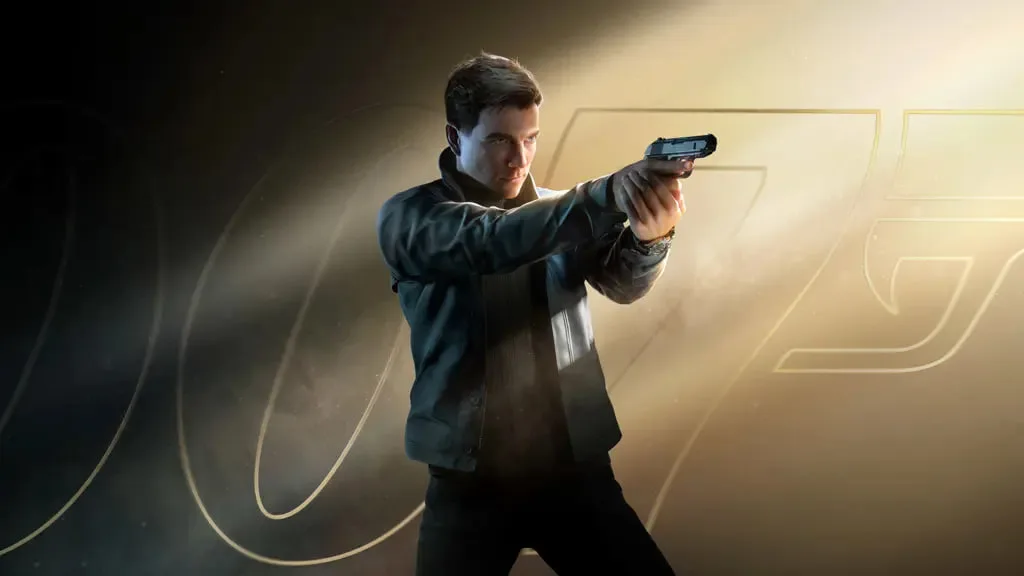

Improve Nintendo Switch performance and bugs in 007: First Light by updating game and system software. Restart your console for a smoother experience.
Nintendo Switch players might experience performance issues or bugs in 007: First Light due to the console's hardware limitations or game-specific optimizations. Addressing these can improve the gameplay experience.
Nintendo Switch Performance & Bugs:
- Update Game and System Software: Ensure both 007: First Light and your Nintendo Switch system software are updated to their latest versions.
- Restart Console: A simple restart can often resolve temporary glitches.
- Check Game Card/Download: If using a physical game card, ensure it's clean and properly inserted. If downloaded, check for any download errors.
- Close Software: Fully close the game application before launching it again.
- Free Up Space: Ensure you have enough free space on your Switch's internal storage or microSD card.
- Report Bugs: Use Nintendo's support channels or contact the game developer to report any persistent bugs or performance issues.
- Graphics Settings (if applicable): If the game offers any graphics options, experiment with them to find a balance between visual quality and performance.
While the Switch version may have graphical compromises compared to other platforms, these steps can help ensure the smoothest possible experience.
100% Human-Written. AI Fact-Checked. Community Verified. Learn how AntMag verifies content