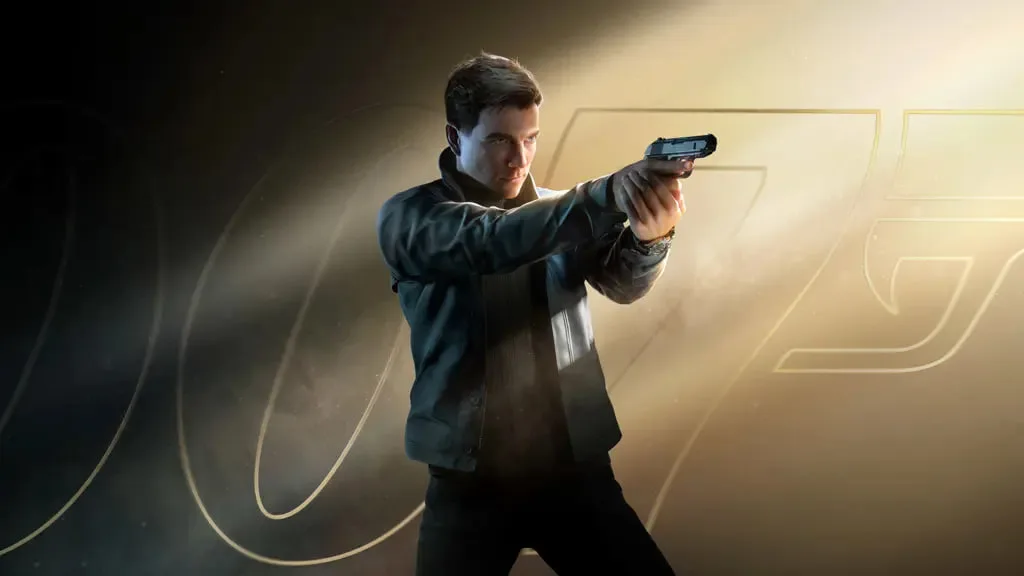
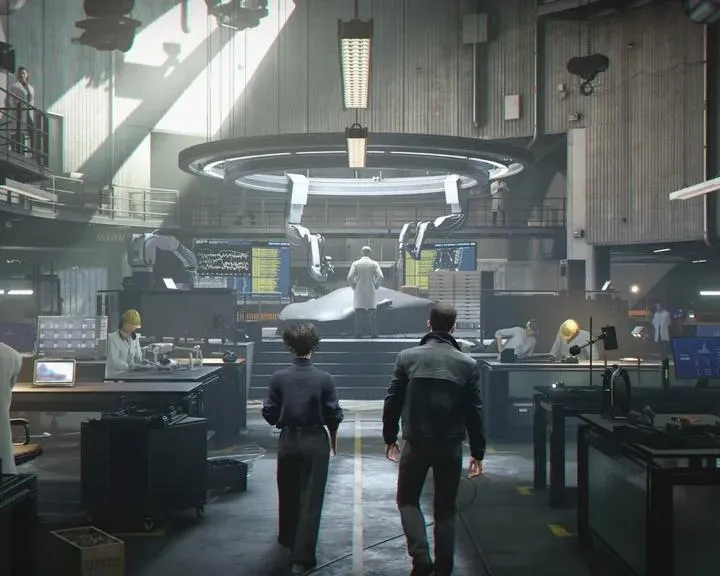
Learn the essential PC controls and keybindings for 007 First Light. Master every action and button prompt to excel in your missions as James Bond.
This guide details the PC controls and keybindings for 007 First Light. Understanding these controls is crucial for effectively playing as James Bond and earning your 00 status.
The game utilizes a standard control scheme for PC, allowing players to perform various actions such as movement, aiming, shooting, and interacting with the environment. Specific button assignments will be detailed below to ensure a smooth gameplay experience.
| Action | Keybinding |
|---|---|
| Movement (Forward) | W |
| Movement (Backward) | S |
| Movement (Left) | A |
| Movement (Right) | D |
| Jump | Spacebar |
| Crouch | Ctrl |
| Prone | C |
| Aim Down Sights | Right Mouse Button |
| Fire Weapon | Left Mouse Button |
| Reload | R |
| Melee Attack | F |
| Use/Interact | E |
| Weapon Select (Next) | Mouse Wheel Up |
| Weapon Select (Previous) | Mouse Wheel Down |
| Primary Gadget | G |
| Secondary Gadget | H |
| Pause Menu | Esc |
| Inventory | Tab |
| Map | M |
| Objective | J |
| Camera (Third Person) | V |
| Sprint | Shift |
Mastering these controls will allow for fluid movement, precise combat, and efficient interaction with the game world, essential for completing the missions in 007 First Light.
100% Human-Written. AI Fact-Checked. Community Verified. Learn how AntMag verifies content