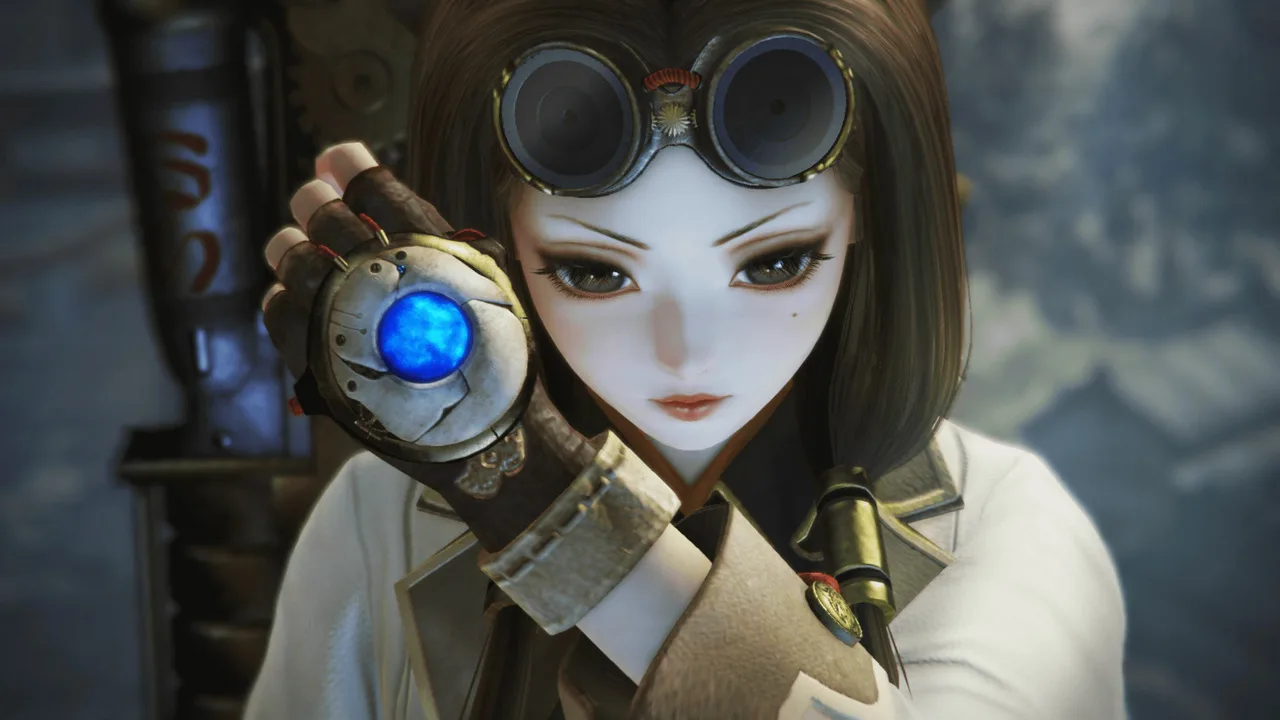
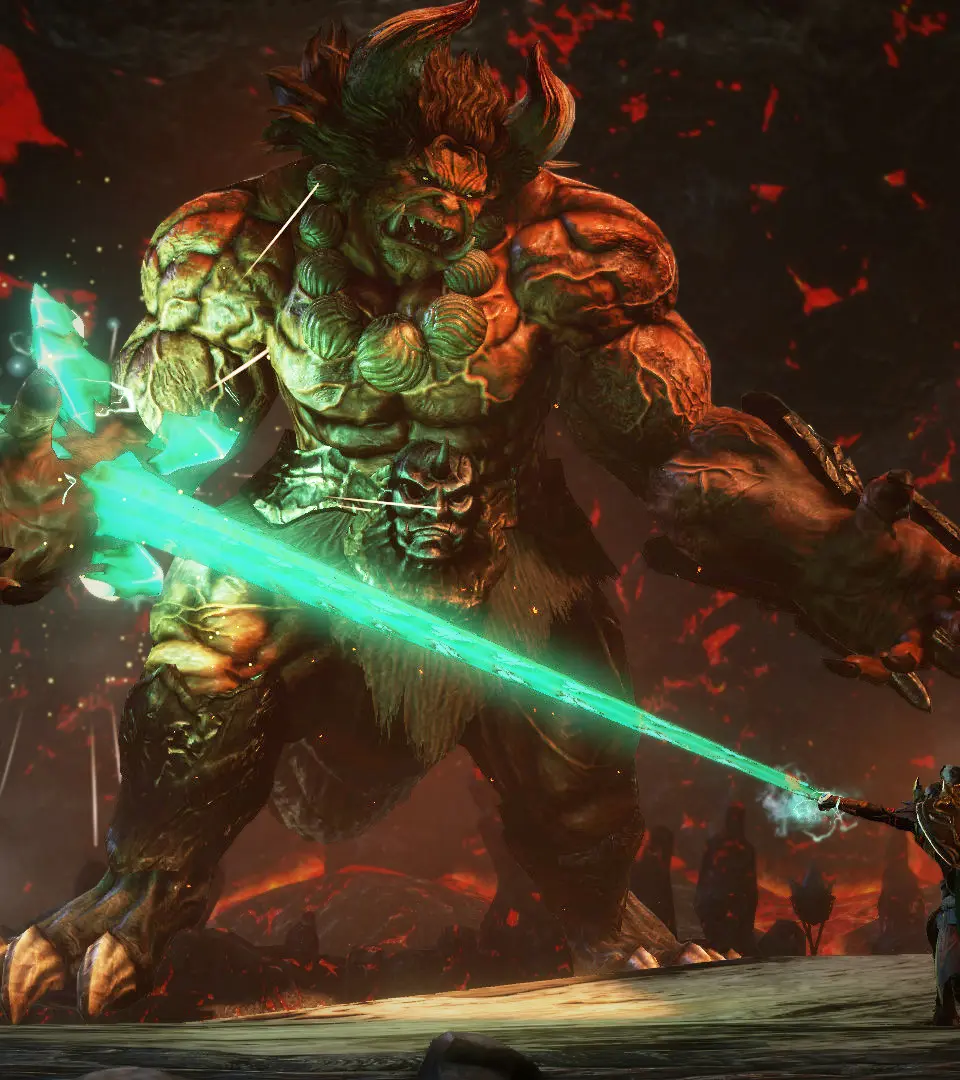
Master precise movement and controls for combat in Toukiden 2. Learn to jump and dodge effectively to survive the Otherside's dangers.
Understanding your controls is paramount. Toukiden 2 offers a fluid combat system that relies on precise movement and timely attacks. Here's a general overview of the default controls (may vary slightly based on platform and customization):
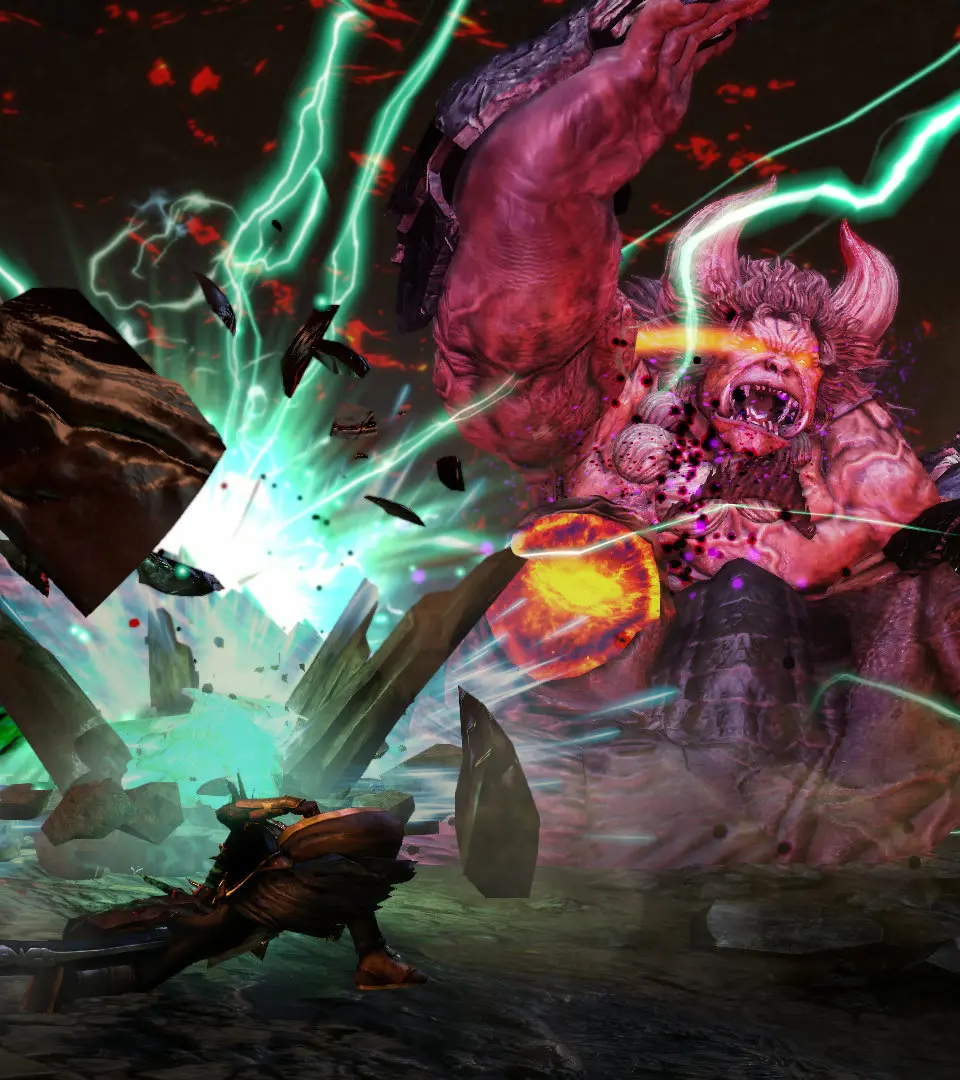
- Left Stick: Move Character
- Right Stick: Camera Control
- X/A (Jump): Jump, also used for evasive maneuvers.
- Circle/B (Dodge/Roll): Quick evasion, crucial for avoiding Oni attacks.
- Square/X (Light Attack): Fast, low-damage attacks.
- Triangle/Y (Heavy Attack): Slower, high-damage attacks, often used to break Oni parts.
- R1/RB (Demon Hand): Activates the Demon Hand, allowing for grappling, throwing, and purification.
- L1/LB (Target Lock): Locks onto an enemy, making combat easier.
- L2/LT (Mitama Skill Menu): Opens the menu to select and activate Mitama skills.
- R2/RT (Special Weapon Action): Unique attack or ability depending on your equipped weapon.
- D-Pad: Item selection (Up/Down), Map (Left), Chat/Emotes (Right).
Practice these movements in a safe area before engaging powerful Oni. Mastering dodging and the Demon Hand will significantly improve your survivability.
100% Human-Written. AI Fact-Checked. Community Verified. Learn how AntMag verifies content