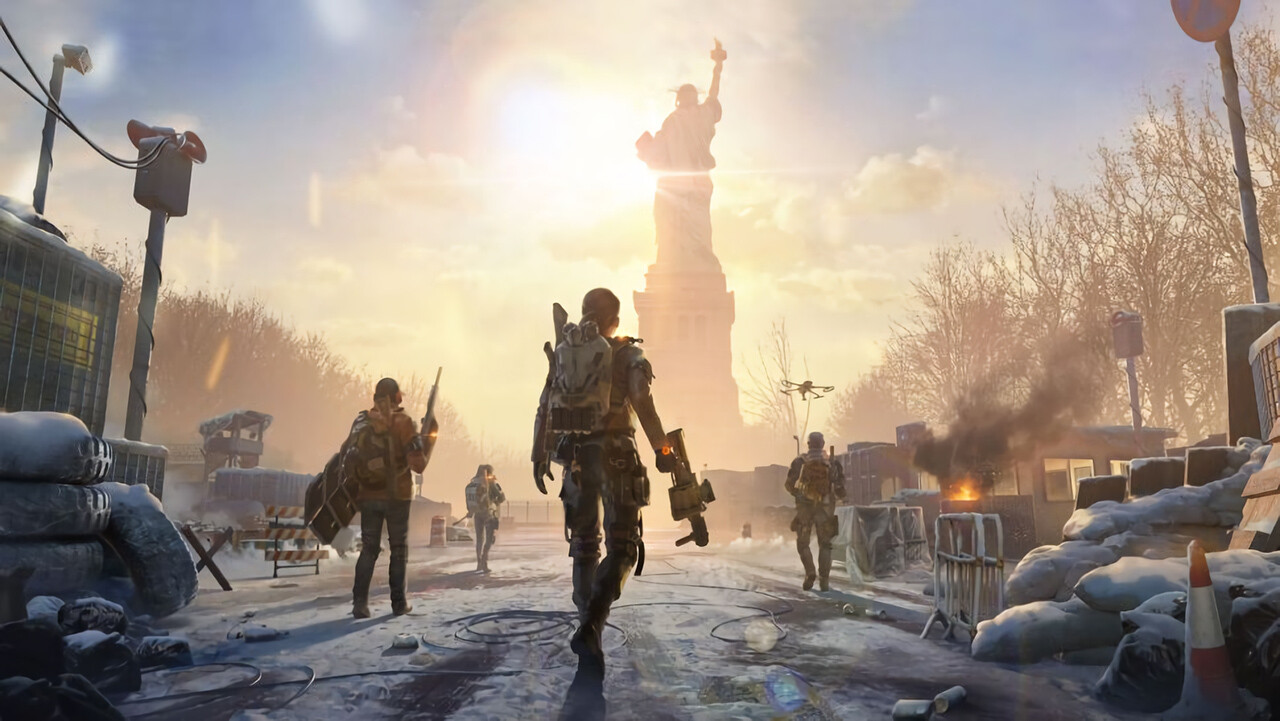
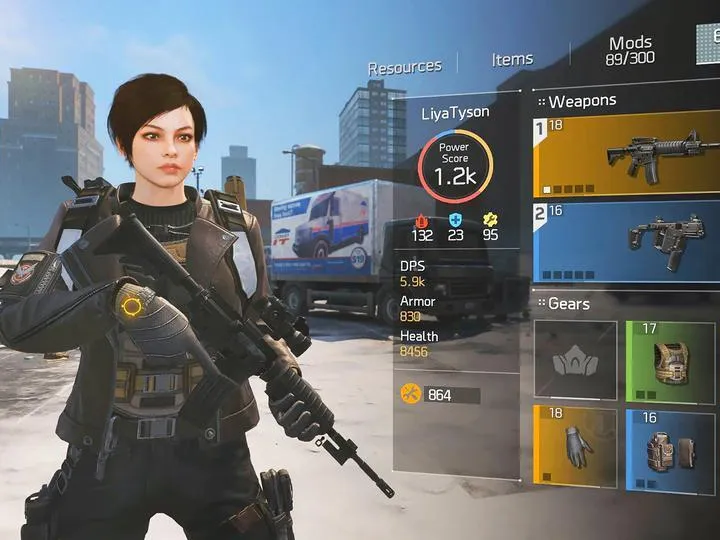
Unlock the full potential of The Division: Resurgence on mobile with our comprehensive guide to touchscreen controls. Learn every action and button prompt to dominate the battlefield.
This guide breaks down the touchscreen controls for The Division: Resurgence, ensuring you can navigate the game's interface and execute actions with precision. Understanding these controls is crucial for survival and success in the game's challenging environments.
| Action | Button |
|---|---|
| Movement | Left Analog Stick (Virtual) |
| Camera Control | Right Analog Stick (Virtual) |
| Aim Down Sights (ADS) | Tap Right Trigger (R2) |
| Fire Weapon | Tap Left Trigger (L2) |
| Reload | Tap Reload Button |
| Take Cover | Tap Cover Button |
| Melee Attack | Tap Melee Button |
| Use Skill 1 | Tap Skill 1 Button |
| Use Skill 2 | Tap Skill 2 Button |
| Crouch/Prone | Hold Crouch Button |
| Sprint | Double-tap Forward on Left Analog Stick |
| Interact/Loot | Tap Interact Button |
| Map | Tap Map Icon |
| Inventory | Tap Inventory Icon |
| Abilities/Skills Menu | Tap Abilities Icon |
| Weapon Swap | Tap Weapon Swap Icon |
Mastering these controls will allow for fluid movement, accurate aiming, and effective use of your abilities, giving you a significant advantage in combat.
100% Human-Written. AI Fact-Checked. Community Verified. Learn how AntMag verifies content