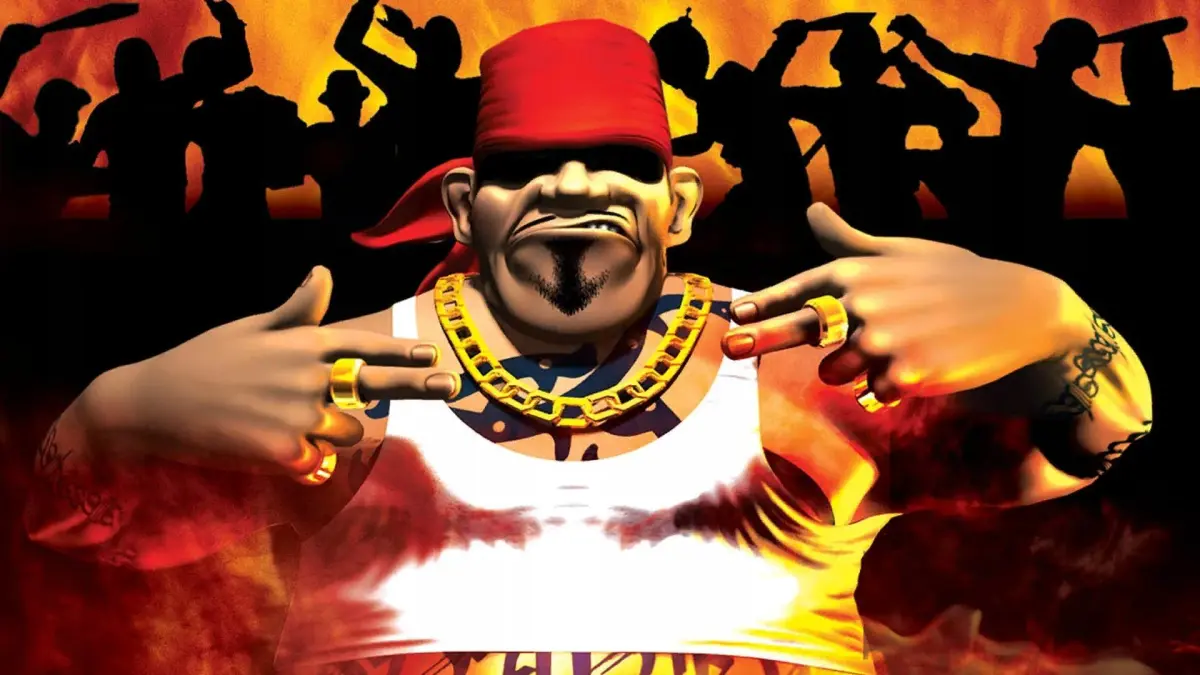
Master the controls in State of Emergency with this comprehensive guide. Learn button mappings for movement, attacks, camera control, and more.
This section of the guide details the control scheme for State of Emergency. While the analog stick for movement might be a point of contention for some players, the controls are generally straightforward.
| Action | Button |
|---|---|
| Show map | Up arrow |
| Character movement | Left analog |
| Rotate camera | Right analog |
| Re-center camera | L1/R1 |
| Rotate character left/right or Sprint | L2/R2 |
| Pause game/Mission info | Start |
| Adjust settings/Save/Load/Quit | Select |
| 360 degree knockdown attack | Triangle |
| Kick/Attack with object | Square |
| Punch/Throw object | X |
| Pickup/Drop object | O |
100% Human-Written. AI Fact-Checked. Community Verified. Learn how AntMag verifies content