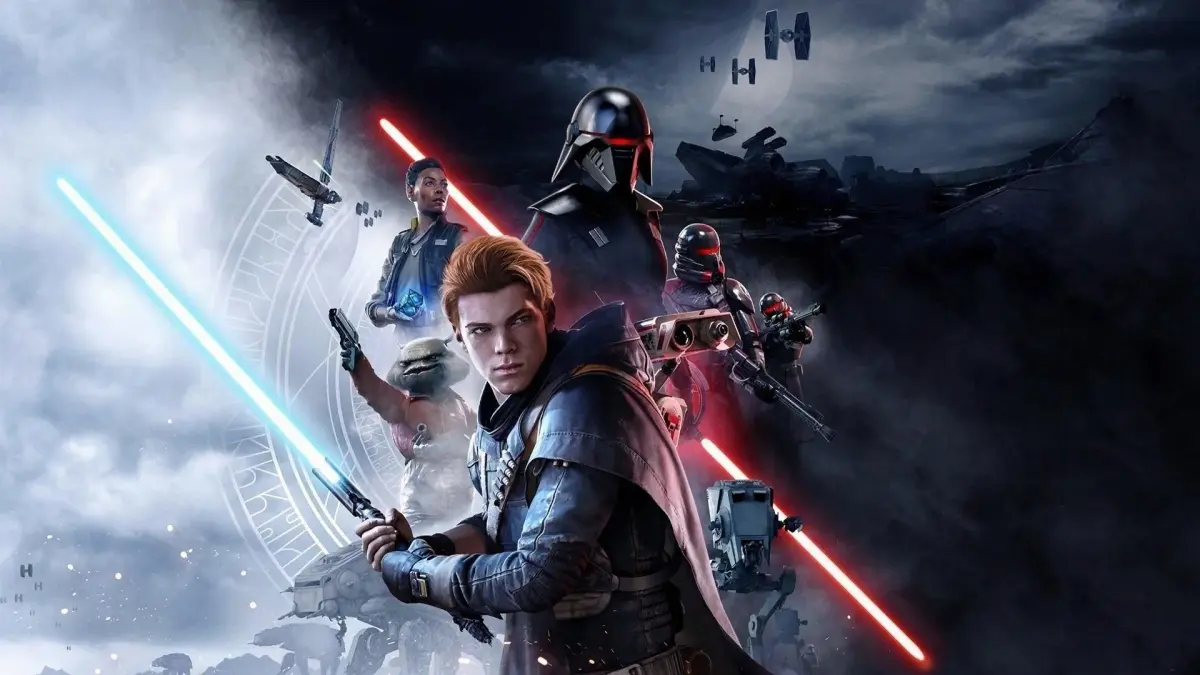
Having trouble with Star Wars Jedi: Fallen Order? This guide covers common bugs and their fixes, helping you get back to your adventure with Cal Kestis.
Hey there! So, you're diving into Star Wars Jedi: Fallen Order and maybe ran into a snag or two? Don't worry, it happens! Let's talk about some of the common issues you might encounter and how to get past them so you can keep exploring the galaxy with Cal Kestis.
General Troubleshooting
Before we get into specific problems, here are a few things that often help:
- Restart the Game: Seriously, this fixes more than you'd think. Just close the application completely and launch it again.
- Check for Updates: Make sure your game and your console or PC drivers are up to date. Developers often patch bugs in new releases.
- Verify Game Files (PC): If you're on PC, using the game launcher (like Steam or Origin) to verify the integrity of your game files can catch corrupted data.
- Lower Graphics Settings (PC): If you're experiencing performance issues or crashes on PC, try turning down some of the graphics settings. Sometimes, a demanding effect can cause instability.
Specific Bugs and Potential Fixes
Performance Issues / Frame Rate Drops
This can happen on any platform, but it's most common on PC. You might notice the game chugging, especially in busy areas or during intense combat.
- PC: As mentioned, lowering graphics settings like shadows, textures, or anti-aliasing can help. Also, ensure your system meets the recommended specs.
- Consoles: Sometimes, simply restarting the console can clear up temporary performance hiccups.
Getting Stuck or Falling Through the World
This is a classic! You might find yourself clipping through geometry or falling into the void. It's rare, but it can happen.
- Load a Previous Save: The easiest fix is usually to load your most recent autosave or a manual save from just before the issue occurred.
- Fast Travel (if possible): If you can access the meditation circle and fast travel, try going to a different planet and then back to your current location.
Quest or Objective Not Triggering
Sometimes, a mission objective might not update, or a cutscene might not play when it should.
- Revisit the Area: Go back to the location where the objective is supposed to trigger or the cutscene should play. Sometimes just re-entering the area helps.
- Complete a Different Task: Try doing something else for a bit – maybe defeat some enemies, find a collectible, or even visit another planet. Then, return to the quest.
Enemies Not Spawning or Behaving Erratically
You might encounter a situation where enemies you expect to see aren't there, or they're stuck in a T-pose or not attacking.
- Save and Reload: This is often the go-to fix. Find a meditation circle, save your game, and then reload that save.
- Leave and Return: Move away from the area where the enemies are bugged and then return after a short while.
Remember, the developers at Respawn Entertainment worked hard to make this game amazing, and most of these issues are rare. If you encounter something truly game-breaking that isn't listed here, checking online forums or the official support channels for Star Wars Jedi: Fallen Order might give you more specific solutions. Happy gaming!
100% Human-Written. AI Fact-Checked. Community Verified. Learn how AntMag verifies content