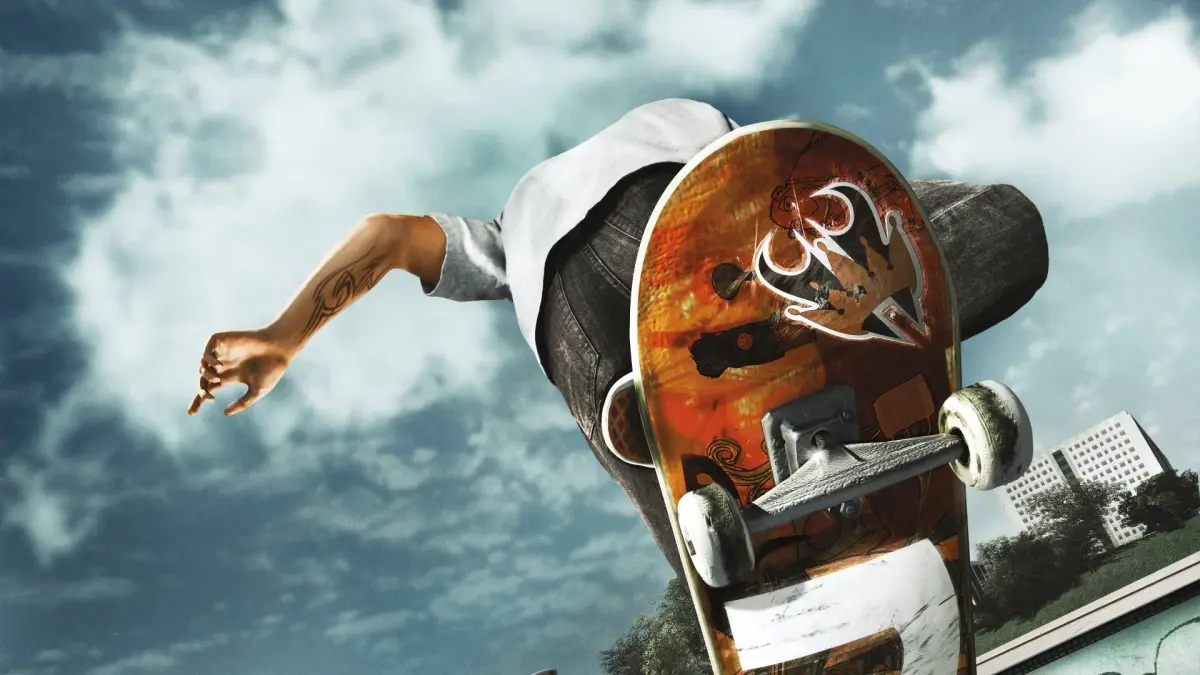
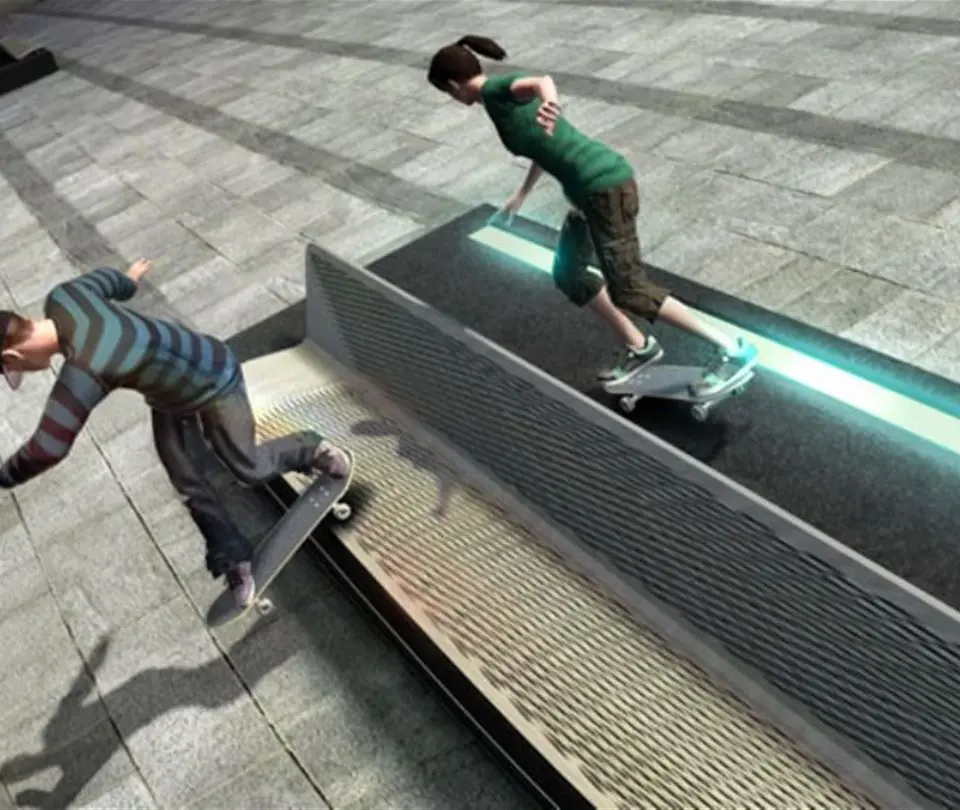
Dominate all modes in Skate 3 with this overview. Master Career Mode, high scores, and new tricks to become a Port Carverton legend.
Welcome, shredders! This section breaks down every game mode available in Skate 3, offering detailed strategies and tips to help you dominate Port Carverton. Whether you're aiming for a high score, mastering a new trick, or just cruising with friends, understanding each mode is key to becoming a legend.
Career Mode
Career Mode is the heart of Skate 3, where you build your skating empire from the ground up. Your primary goal is to sell one million boards and become a skate industry mogul. This is achieved by completing various challenges and events across the three districts of Port Carverton: Industrial, Downtown, and University.
- Getting Started: Upon creating your skater, you'll be introduced to Coach Frank. He'll guide you through basic tutorials in the Skate School. Don't skip these! Even seasoned You can pick up new nuances.
- Challenge Types:
- Photo Challenges: These require you to perform specific tricks at designated spots for magazine covers or advertisements. Look for the camera icon on your map. Often, you'll need to hit a certain score or land a particular grind on a landmark like the "Clock Tower Ledge" in Downtown.
- Film Challenges: Similar to photo challenges, but you'll be performing for video parts. These often involve longer lines or more complex trick sequences. A common one is filming a line through the "University Plaza", linking grinds and gaps.
- Contests: These are score-based events where you compete against AI skaters. Focus on chaining together high-scoring tricks, especially manuals and grinds, to maximize your score. The "Monster Energy Contest" in the Industrial District is an early test of your combo skills.
- Deathrace: Race against other skaters through a set course. Knowing shortcuts and maintaining speed are crucial. The "Downtown Dash" is a prime example, requiring precise cornering and avoiding traffic.
- Own the Spot: These challenges require you to achieve a target score on a specific spot to "own" it. Once owned, the spot generates passive income and contributes to your board sales. The "Mega Park Gap" in the Industrial District is a challenging early Own the Spot.
- Hall of Meat: Embrace the pain! These challenges involve bailing spectacularly to achieve specific bone breaks or distances. The "Construction Site Drop" is an excellent spot for high-impact bails.
- Team Challenges: As you progress, you'll recruit teammates. These challenges involve working together to achieve goals, such as linking team combos or covering specific areas.
- Board Sales: Every challenge completed, every spot owned, and every milestone achieved contributes to your overall board sales. Keep an eye on your sales tracker in the pause menu. Reaching milestones unlocks new gear, areas, and opportunities.
- Progression Tips:
- Explore: Don't just stick to the challenge markers. Explore each district to find hidden spots, collectibles, and potential trick lines.
- Practice: If a challenge is too difficult, use the "Session Marker" (Up on D-Pad) to quickly reset and try again.
- Upgrade Your Skater: As you earn money, invest in new decks, trucks, wheels, and clothing. While largely cosmetic, a fresh look can boost your confidence!
- Recruit Teammates: Completing certain challenges will allow you to recruit AI teammates. They can help with team challenges and provide additional board sales.
Free Play
Free Play is your sandbox. With no objectives or time limits, this mode allows you to explore Port Carverton at your leisure, practice tricks, or simply cruise around. It's the perfect mode for:
- Exploration: Discover new lines, hidden areas, and secret spots that might be useful in Career Mode or online.
- Trick Practice: Use the "Session Marker" to repeatedly attempt difficult tricks or combos without the pressure of a challenge.
- Creative Expression: Experiment with different trick combinations and flow.
- Finding Collectibles: Many collectibles, such as "Skate Logos" and "Team Objects", are scattered throughout the world and are easier to find in Free Play.
To access Free Play, simply select it from the main menu or choose to "Free Skate" after completing a Career Mode event.
Multiplayer
Skate 3 offers robust online multiplayer options, allowing you to compete or collaborate with other players. The multiplayer hub is accessed from the main menu.
- Online Free Skate: Join a lobby with up to five other players and free skate together. This is excellent for casual sessions, exploring the map as a group, or setting up impromptu challenges. You can also initiate competitive events directly from Online Free Skate.
- Ranked Matches: Compete against other players in structured events to climb the global leaderboards. These include:
- 1-Up: A classic game of "S.K.A.T.E." where players take turns performing tricks, and others must match them.
- Domination: Players compete to "own" specific spots on the map by achieving the highest score on them within a time limit.
- Team Freeskate: Similar to Online Free Skate, but you're divided into teams, and your combined scores contribute to your team's victory.
- Challenge Map: A series of pre-designed challenges that players compete in for score.
- Custom Matches: Create private lobbies with friends and set your own rules and game modes. This is ideal for friendly competitions or practicing specific events.
- Community Content: Browse and download user-created parks, challenges, and replays. You can also upload your own creations for others to enjoy.
Multiplayer Strategy: Communication is key! Use voice chat to coordinate with teammates or trash talk opponents. Learn the best spots for high scores in each map and practice your trick linking to maximize points.
Skate.Park
Unleash your inner architect in Skate.Park! This powerful editor allows you to design and build your dream skate parks from scratch. You can place a vast array of objects, from simple ramps and rails to complex quarter pipes and funboxes.
- Building Basics:
- Object Placement: Select objects from the extensive menu and place them in your park. Use the rotation and scaling tools to fine-tune their position and size.
- Terrain Manipulation: You can raise and lower terrain, create hills, and even add water features to your park.
- Saving and Sharing: Save your creations to your profile and upload them to the Skate.Community for others to download and enjoy.
- Tips for Great Parks:
- Flow is Key: Design your park so that skaters can easily link tricks and maintain momentum. Avoid dead ends or awkward transitions.
- Variety: Include a mix of obstacles for different types of skating – street, vert, and transition.
- Test Your Park: Regularly test your park by skating it yourself. This will help you identify any issues with flow or object placement.
- Inspiration: Look at real-world skate parks or popular community-created parks for ideas.
Skate.Reel
The Skate.Reel allows you to record, edit, and share your most epic skating moments. Every time you land a noteworthy trick or complete a challenge, the game automatically records a replay.
- Recording: While skating, you can manually start and stop recording at any time. The game also automatically saves replays of significant events.
- Editing:
- Camera Angles: Choose from several dynamic camera angles to showcase your tricks.
- Slow Motion: Emphasize key moments with slow-motion effects.
- Trimming: Cut out unwanted footage to create a concise and impactful clip.
- Music: Add music from the game's soundtrack to enhance your video.
- Sharing: Upload your finished videos to the Skate.Community for the world to see. You can also export them to external platforms.
Pro Tip: Focus on capturing clean landings and unique trick combinations. A well-edited Skate.Reel can earn you recognition within the community!
100% Human-Written. AI Fact-Checked. Community Verified. Learn how AntMag verifies content