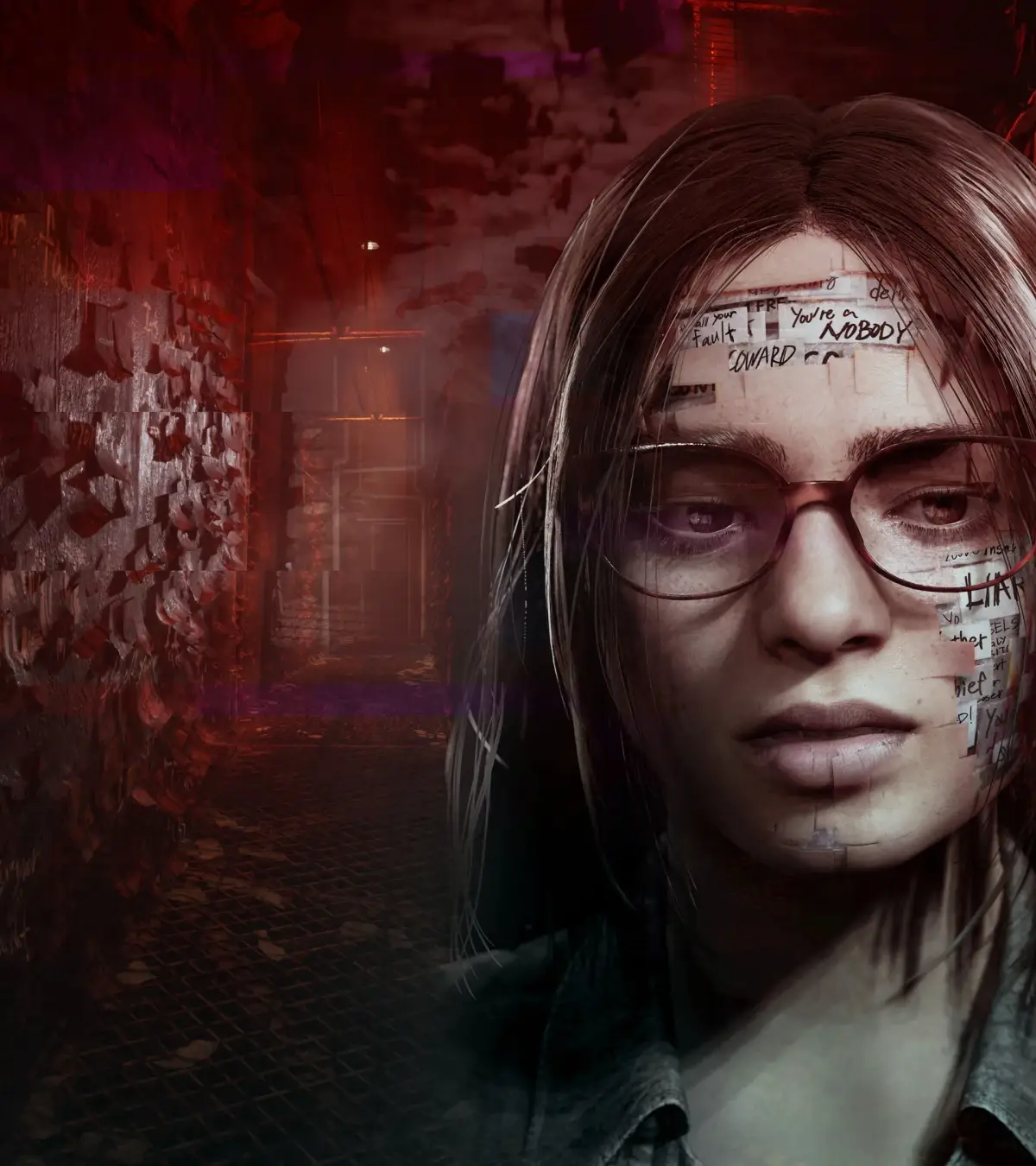
Learn all the controls for Silent Hill: The Short Message, including movement, combat, map navigation, and inventory management. Master every button prompt to survive the horror.
Alright, let's get you sorted with the controls for Silent Hill: The Short Message. Knowing these inside and out will make navigating the spooky environments and dealing with whatever lurks in there a lot smoother. Think of this as your cheat sheet so you don't have to fumble around when things get tense.
Here's the breakdown of what each button does:
| In-Game Control | Function |
| L1 / R1 | Side Step |
| L2 | Search View |
| R2 | Aim Weapon |
| X | Attack / Decide / Search |
| Square | Run / Cancel |
| Triangle | Look at Map |
| Circle | Turn Flashlight On / Off |
| Start | Pause / Skip Cutscenes |
| Select | Pause Game |
| R1 + L1 | 180 degree turn |
When you've got the map open, these controls come into play:
| Map Control | Function |
| X | Zoom In / Out |
| Square | Leave Map |
| Triangle | Leave Map |
| Start | Zoom In / Out |
| Select | No Use |
| D-Pad | Change Floors |
| Right Analog | Change Floors |
Managing your inventory is pretty straightforward:
| Inventory Control | Function |
| X | Select |
| Square | Cancel |
| Triangle | Cancel |
| Start | Select |
| Circle | Cancel |
| L1 - L2 - R1 - R2 | No Use |
| D-Pad | Choose |
| Right Analog | No Use |
| Left Analog | Choose |
Keep this handy, and you'll be moving like a pro in no time. Don't worry if you mess up a few times; it happens to everyone. Just remember what each button does, and you'll be fine.
100% Human-Written. AI Fact-Checked. Community Verified. Learn how AntMag verifies content