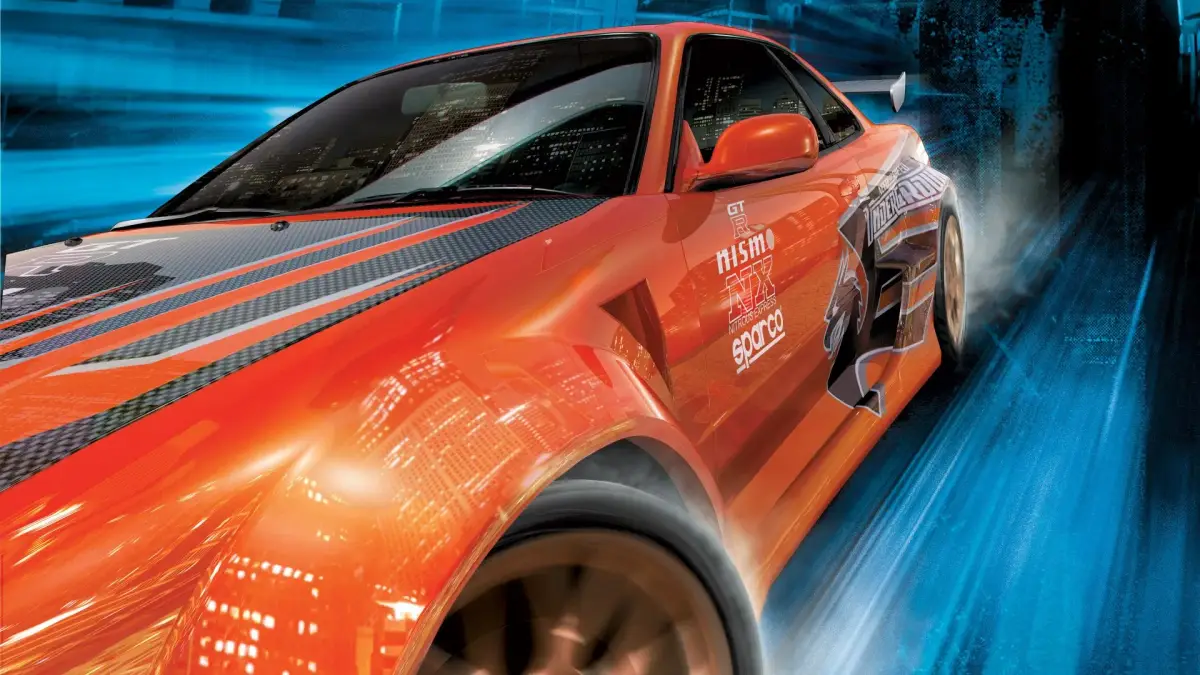
Find answers to technical questions for Need for Speed Underground, including save game locations and how to disable the crash cam.
Save Game Location (PC):
For Windows XP users, your saved game profile information is stored in (C:\Documents and Settings\All Users\Application Data\NFS Underground). You must enable "Show Hidden Files" to see the Application Data directory. This information can be saved and re-imported into your game if you re-format your system or experience data loss, provided you place it in the same directory.
For Windows 9x and ME users, look for your save files in C:\Windows\All Users\Application Data\NFS Underground.
Turning Off Slow-Mo Cam (Crash Cam):
To disable the slow-motion camera (also known as the crash cam), navigate to OPTIONS, then CAMERA, and move the Jump Cameras slider all the way to the left. Moving it to the right will increase the effect.
Importing Music:
Need for Speed Underground does not support the import of your own music files (MP3s). However, you can mute the in-game music by setting it to 0 and play your music using a separate media player in the background.
Replay Option:
Unlike previous Need for Speed titles, Need for Speed Underground does not feature a replay option.
Rear View Mirror:
Yes, a rear view mirror option is available, but only when you have selected the bumper cam mode. To enable it, press the 'Esc' key to bring up the Pause Menu, select 'Camera', and choose 'Bumper Cam' for your Favourite Drive Camera. Then, return to the previous menu and select 'Display'. The rearview mirror option should now appear. Turn it on. Note that this option will only appear if 'Bumper Cam' has already been selected.
Language Support:
Language support can be changed by editing the registry. This should only be attempted if you are comfortable with registry editing. The relevant registry key is HKEY_LOCAL_MACHINE\Software\EA GAMES\Need For Speed Underground, with the Name 'Language'. Available options include English US, Dutch, Spanish, Swedish, French, German, and Italian. Be aware that sound bites for messages in Underground Mode will not play, and all cutscenes will remain in English, regardless of the selected language.
Downloadable Content (DLC (downloadable content — extra missions or items released after launch)):
There will be no downloadable content (such as paint jobs or cars) available for Need for Speed Underground. This is due to compatibility requirements between the PlayStation 2 console and the PC, which necessitate that both platforms remain identical.
Online Support:
Online support is exclusively available for PlayStation 2 and PC users. There is no online support for the GameCube (Cube/Box).
Activating Motion Blur (PC):
If the motion blur option is grayed out in Display Settings, your current graphics card likely does not support it. To enable motion blur, you will need a new graphics card. The game's developers suggest that blur effects do not translate well to PC and can cause eye discomfort, and do not significantly improve gameplay. Driver updates will not resolve this issue, and it is presumed these options are unavailable for graphics cards that predate DirectX 9.
Activating Headlights (PC):
Headlights can only be enabled if your graphics card supports this feature. The tutorial sequence is a video cutscene (a non-interactive cinematic the game plays automatically) and may inaccurately suggest that headlights are available on all systems. This is not the case; refer to the information regarding motion blur for further details.
100% Human-Written. AI Fact-Checked. Community Verified. Learn how AntMag verifies content