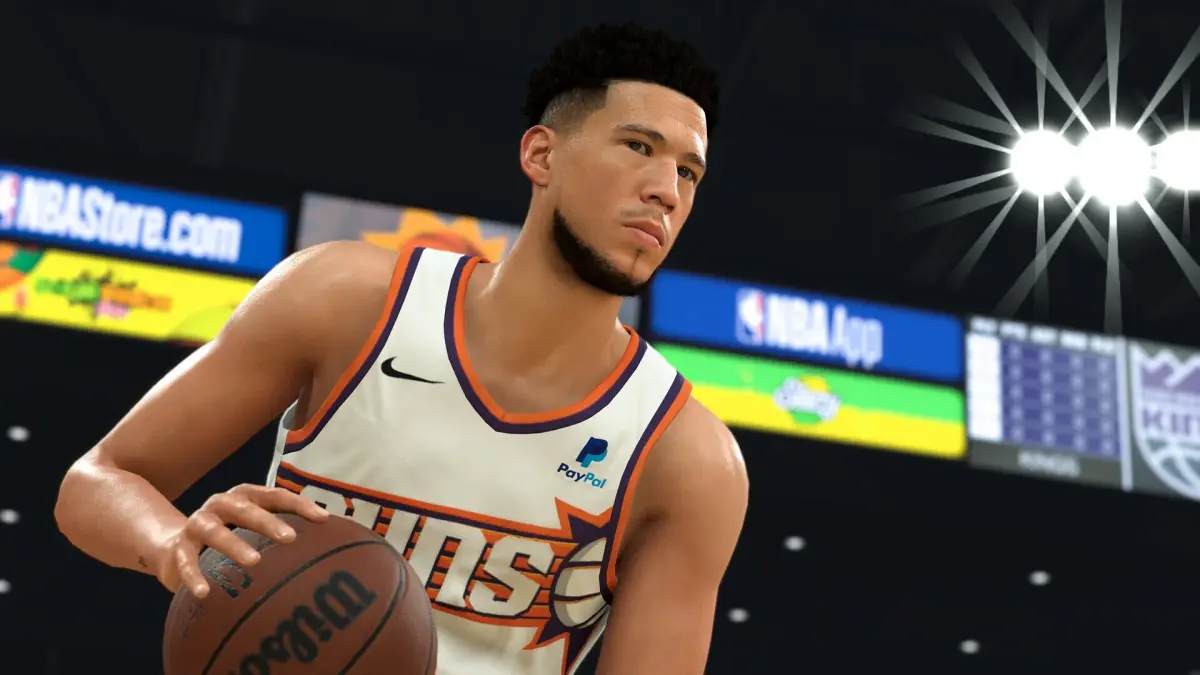
Learn how to effectively use timeouts in NBA 2K24 to control the game, disrupt your opponent, and secure those crucial wins. Our expert tips will help you strategize like a pro.
Alright, let's talk about timeouts in NBA 2K24. They might seem simple, but using them smart can totally swing a game in your favor. Think of them as your secret weapon to pause the action, regroup, and shut down your opponent's momentum. We're going to break down exactly when and how to use them so you can stop giving up those easy runs and start closing out games like a champ.
Why Timeouts Matter
You've got a limited number of timeouts per game, so you can't just call them whenever you feel like it. Using them wisely means:
- Stopping Your Opponent's Run: When the other team is on a hot streak and scoring easy baskets, a timeout can be a lifesaver. It breaks their rhythm and gives your defense a chance to reset.
- Setting Up a Play: Down by a few points with little time left? Call a timeout to draw up a specific play in the huddle. This is your chance to get your best shooters open looks or set up a crucial defensive stop.
- Managing Fatigue: If your key players are getting tired, a quick timeout can give them a breather and let their stamina recover slightly.
- Avoiding a 5-Second Violation: If your ball handler is trapped and about to get a turnover, call a timeout to avoid the costly mistake.
When to Call a Timeout
Here’s the lowdown on the best times to hit that timeout button:
- When the Opponent Goes on a 7-0 Run (or more): If they're scoring effortlessly, it's time to interrupt. Don't wait until they're up by 20.
- Before a Crucial Free Throw: If your opponent's best shooter is at the line with a chance to tie or take the lead late in the game, call a timeout to ice them. Make them think about it.
- To Set Up a Last-Second Shot: If you have possession with only a few seconds left and need a bucket, use your timeout to draw up a specific play.
- When Your Star Player is Double-Teamed and Trapped: Don't turn the ball over. Call the timeout and reset.
- To Make Substitutions: Sometimes you need to get fresh legs on the court or put in a specific defender. A timeout is a good opportunity for this.
How to Call a Timeout in NBA 2K24
It's super simple:
- On Console (PlayStation/Xbox): Press the Options button (PlayStation) or the Menu button (Xbox) to bring up the game menu. Navigate to 'Coaching' and then select 'Call Timeout'. You'll usually see how many timeouts you have left displayed on the game's HUD as well.
- On PC: The exact button can vary depending on your controller setup, but it's typically the 'Start' or 'Escape' key to bring up the menu, then navigate to 'Coaching' and 'Call Timeout'.
- Keep Track of Your Timeouts: Always know how many you have left. Don't waste them early on minor issues.
- Watch Your Opponent's Timeouts: If they're burning through theirs, you might be able to force them into a bad situation later.
- Don't Be Afraid to Use Them: While you don't want to waste them, don't hoard them so much that you lose a game you could have saved. Sometimes, that one timeout is all you need.
- Use the Timeout to Adjust Your Strategy: If your current game plan isn't working, use the timeout to switch up your offensive or defensive sets.
Mastering the use of timeouts in NBA 2K24 is a key skill that separates good players from great ones. Use them strategically, and you'll find yourself winning more close games and controlling the flow of the action like never before.
100% Human-Written. AI Fact-Checked. Community Verified. Learn how AntMag verifies content