
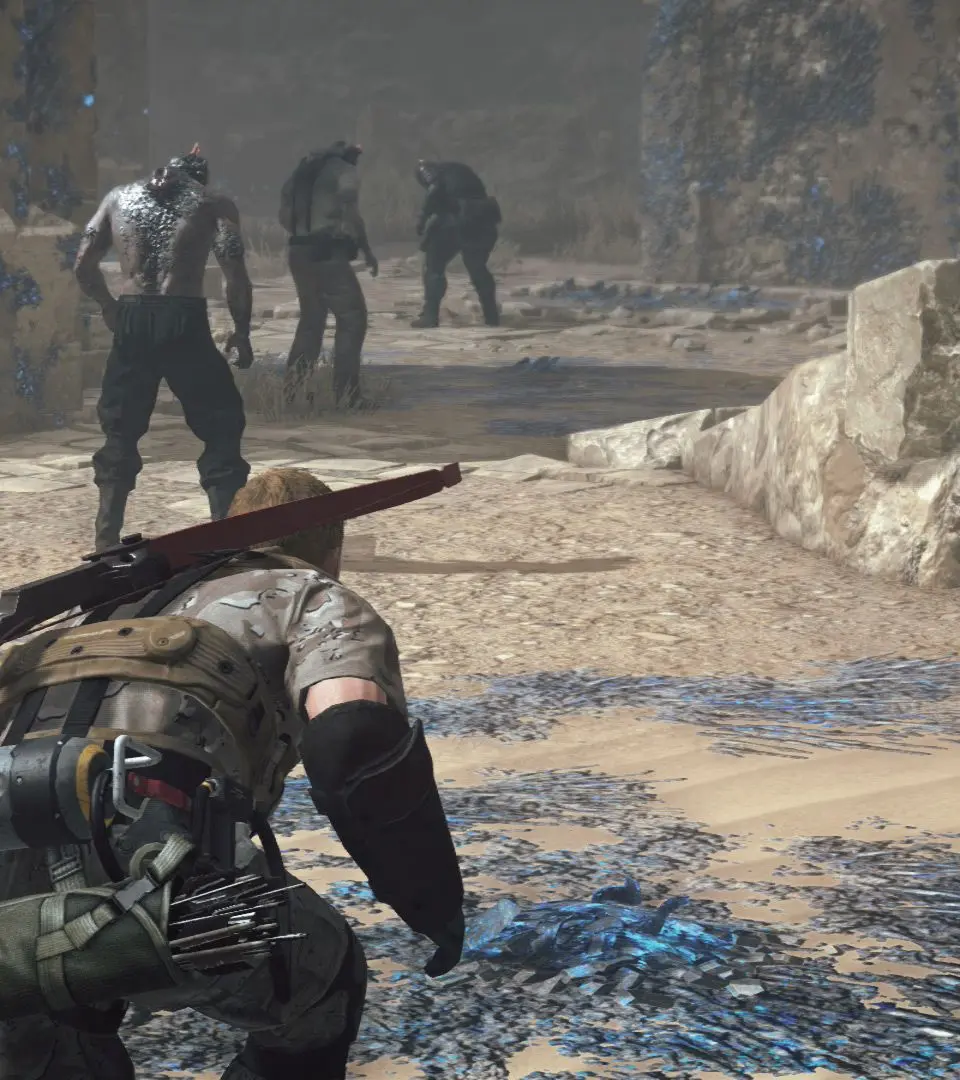
Master the Fulton Recovery System in Metal Gear Survive with our comprehensive guide. Learn how to effectively extract resources and personnel to aid your survival.
Walkthrough
- 1Deploying the Fulton Device: Aim the Fulton device at an item or unconscious enemy you wish to extract.
- 2Initiating Extraction: Press and hold the designated button (e.g., R1 on PlayStation) to launch the Fulton balloon.
- 3Maintaining Connection: Keep the target within the Fulton's range and ensure the balloon is not obstructed by terrain or enemies.
- 4Successful Extraction: Once the extraction is complete, the item or personnel will be transported to your base.
- 5Resource Management: Extracted resources will be added to your inventory, while personnel can be assigned to tasks at your base.
Tips
- Prioritize Targets: Focus on extracting high-value resources and essential personnel first.
- Clear the Area: Ensure the extraction zone is clear of immediate threats before deploying the Fulton.
- Use Cover: Utilize environmental cover to protect yourself while the extraction is in progress.
- Upgrade the Fulton: Invest in upgrades for your Fulton device to increase its range, speed, and success rate.
- Unconscious Enemies: Extracting unconscious enemies can provide valuable personnel for your base, but be mindful of the risks involved.
100% Human-Written. AI Fact-Checked. Community Verified. Learn how AntMag verifies content