
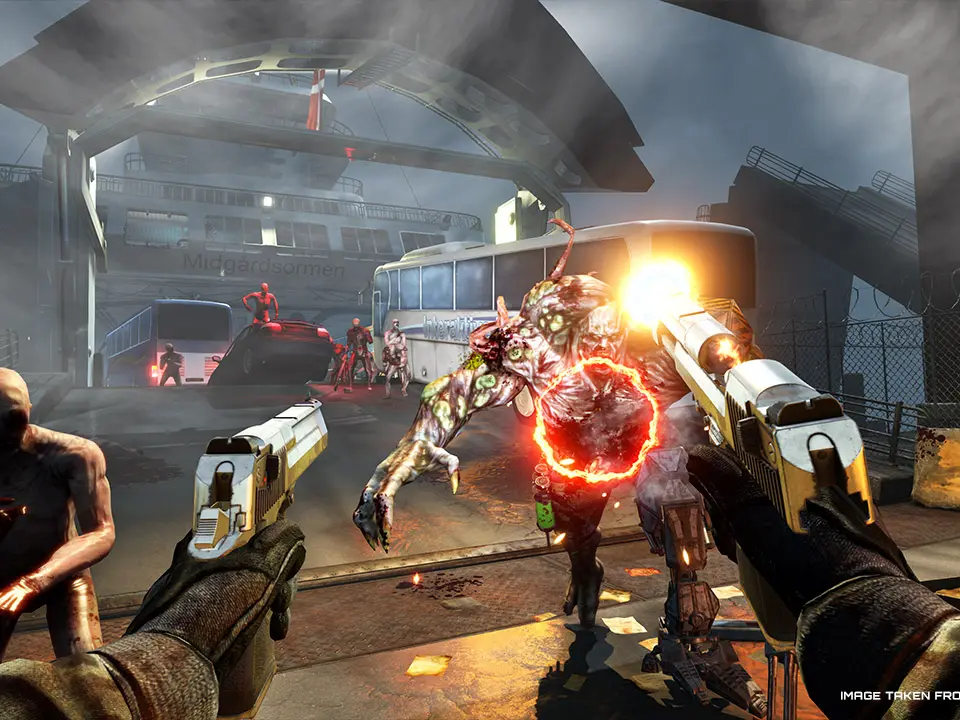
Learn the essential controls and movement mechanics in Killing Floor 2. Master WASD, sprinting, jumping, and weapon switching to survive the Zeds.
Killing Floor 2 is a cooperative first-person shooter that emphasizes teamwork and survival against hordes of mutated creatures known as Zeds. Mastering the game's basic controls and movement is crucial for staying alive and effectively contributing to your team's success.
| Action | Key/Button |
|---|---|
| Move Forward | W |
| Move Backward | S |
| Move Left | A |
| Move Right | D |
| Jump | Spacebar |
| Sprint | Left Shift |
| Crouch | Ctrl |
| Melee Attack | Left Mouse Button |
| Fire Weapon | Left Mouse Button |
| Aim Down Sights (ADS) | Right Mouse Button |
| Reload | R |
| Switch Weapon (Primary/Secondary) | 1 or Mouse Wheel Up/Down |
| Switch to Grenade | G |
| Use Item/Ability | E |
| Open Trader Menu | T |
| Open Map | M |
| Open Inventory | I |
| Toggle Flashlight | F |
| Voice Chat (Push-to-Talk) | V |
Effective movement and control are key to survival in Killing Floor 2. Utilize sprinting to quickly reposition or escape danger, and jumping to evade attacks or reach slightly elevated positions. Crouching can make you a smaller target, though it also reduces your movement speed. Understanding weapon switching allows you to adapt to different combat scenarios, whether it's engaging at range with a rifle or dealing with close-quarters threats with a shotgun.
100% Human-Written. AI Fact-Checked. Community Verified. Learn how AntMag verifies content