
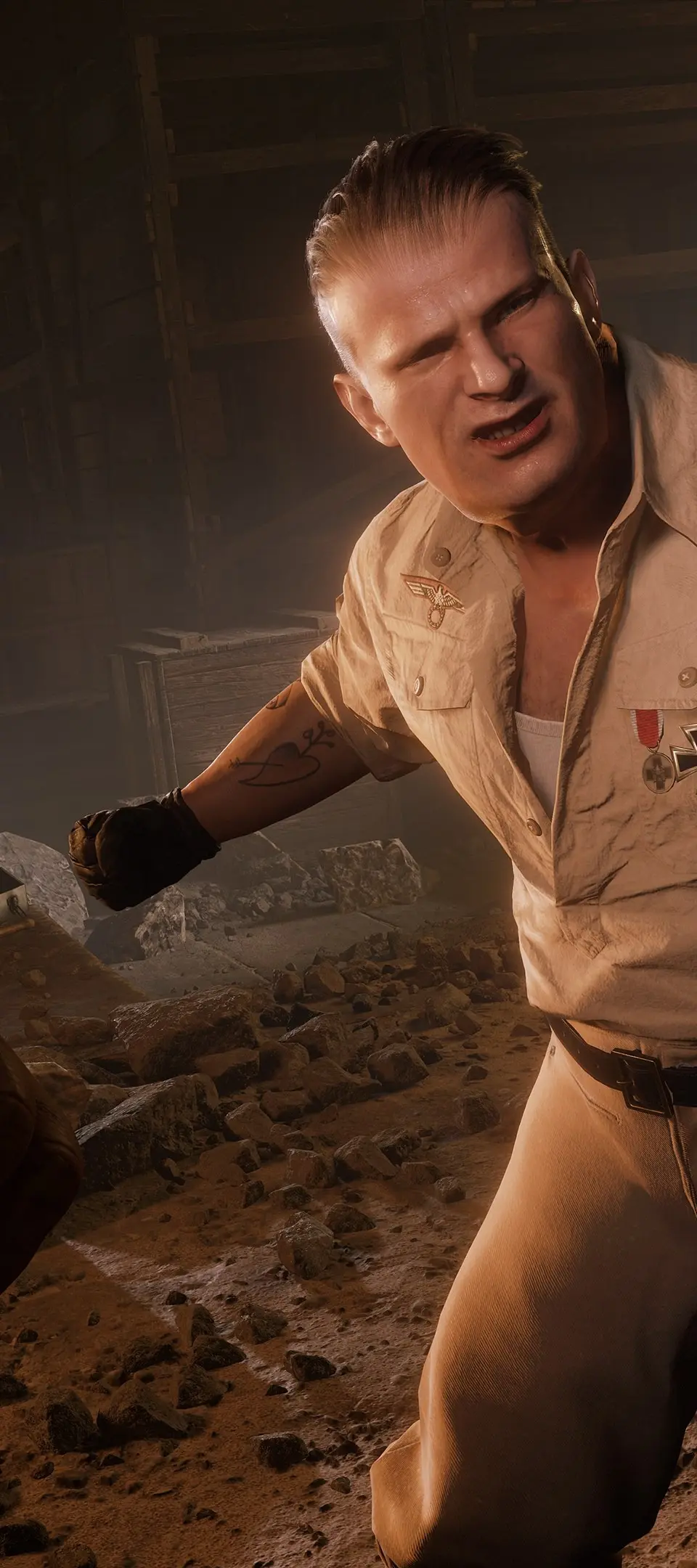
Learn the essential controls and movement mechanics for Indiana Jones and the Great Circle. Master Indy's whip, combat, stealth, and traversal to uncover ancient mysteries.
This guide covers the basic controls and movement for Indiana Jones and the Great Circle, detailing how to navigate the world and interact with your environment as the legendary archaeologist.
| Action | Button/Input |
|---|---|
| Movement | Left Stick (PC/Console) |
| Camera Control | Right Stick (PC/Console) |
| Interact/Contextual Action | Button Prompt (e.g., 'E' on PC, 'X' on PlayStation) |
| Whip Attack/Distraction | Button Prompt (e.g., 'Right Mouse Button' on PC, 'R2' on PlayStation) |
| Whip Traversal (Swinging/Climbing) | Contextual Button Prompt |
| Melee Combat | Button Prompt (e.g., 'Left Mouse Button' on PC, 'Square' on PlayStation) |
| Gunplay | Button Prompt (e.g., 'Left Mouse Button'/'Right Mouse Button' for Aim/Fire on PC, 'L2'/'R2' on PlayStation) |
| Stealth/Crouch | Button Prompt (e.g., 'Ctrl' on PC, 'Circle' on PlayStation) |
| Jump/Mantle | Button Prompt (e.g., 'Spacebar' on PC, 'X' on PlayStation) |
Indiana Jones and the Great Circle features a dynamic control scheme that adapts to the action. You'll primarily use the left stick for movement and the right stick for camera control. The whip is a versatile tool, used for both combat (distracting, disarming, attacking) and traversal (swinging across gaps, climbing walls). Environmental interactions and contextual actions will be prompted on screen, requiring you to press specific buttons. Combat involves a mix of melee, gunplay, and strategic use of the whip. Stealth is also a key element, allowing you to sneak past enemies or set up ambushes.
100% Human-Written. AI Fact-Checked. Community Verified. Learn how AntMag verifies content