Learn how to utilize Photo Mode and Drone Mode in Forza Horizon 4 to capture stunning in-game screenshots and explore the world from new perspectives. Get tips and tricks for the best shots.
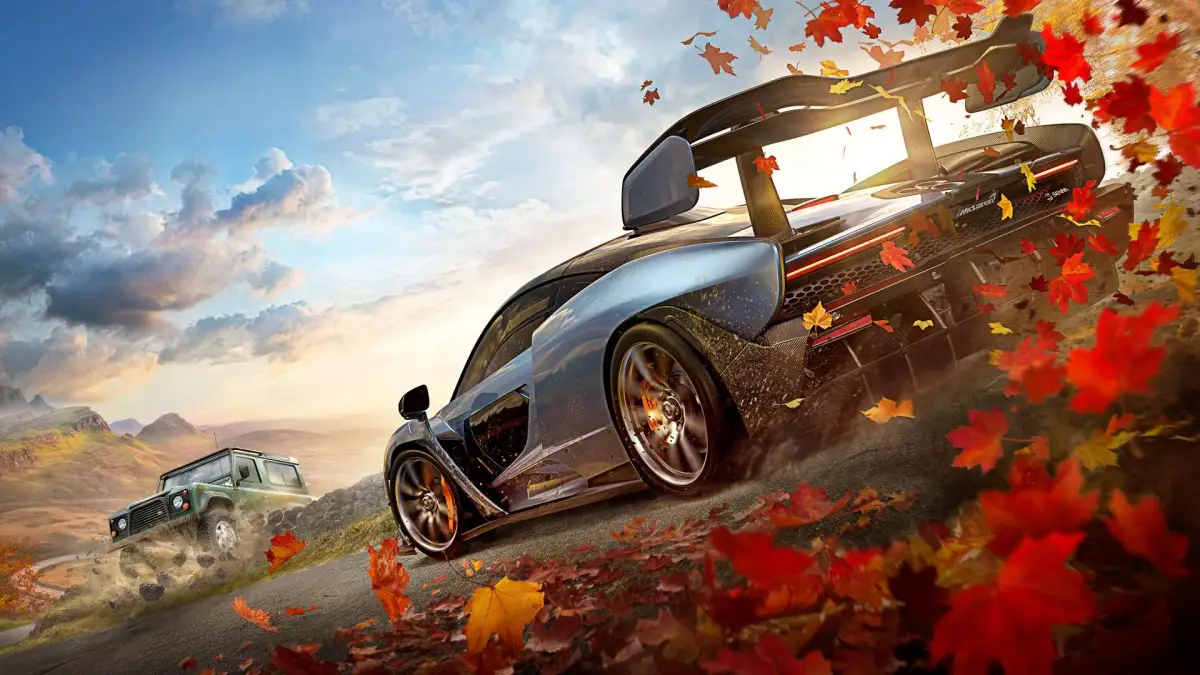
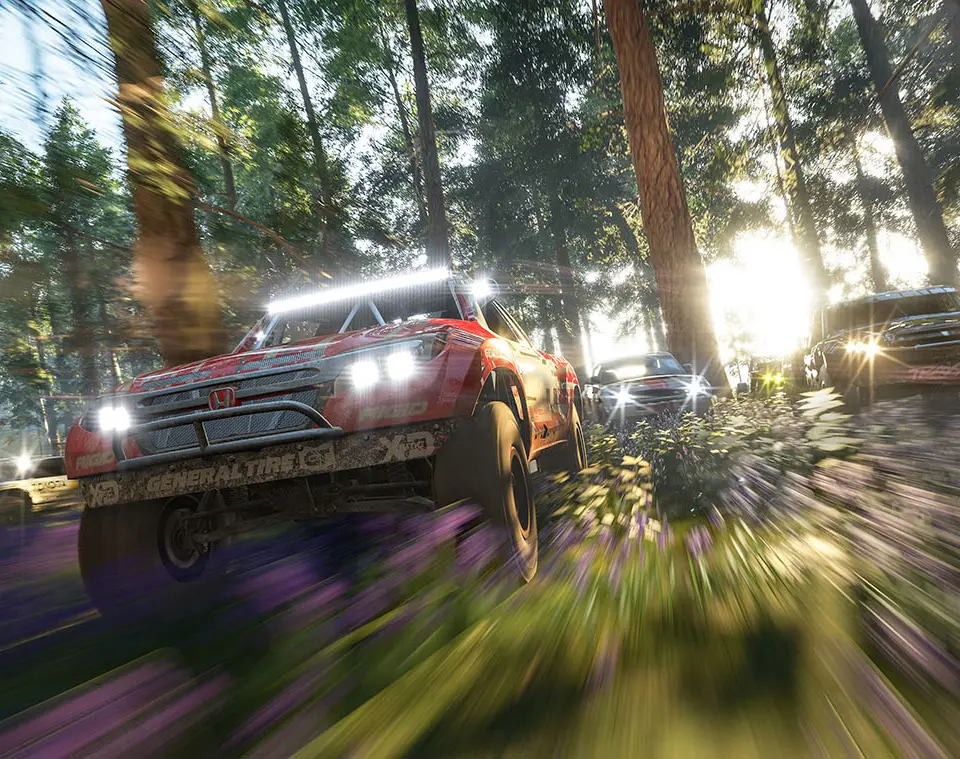
Forza Horizon 4 offers robust Photo Mode and Drone Mode features, allowing players to capture breathtaking images of the game's world and their cars. This guide will walk you through how to use these modes effectively.
Photo Mode:
Photo Mode allows you to pause the action at any time and compose the perfect shot. You can adjust camera angles, zoom, focus, apply filters, and even control lighting to create professional-looking photographs of your vehicles and the stunning British landscape.
Drone Mode:
Drone Mode provides an even greater level of freedom, letting you pilot a drone to scout locations, find hidden collectibles, or capture unique aerial views of the map. It's an excellent tool for exploration and discovering new photographic opportunities.
- Experiment with different camera angles and focal lengths.
- Utilize the various filters and post-processing options to enhance your images.
- Pay attention to the time of day and weather conditions, as they can dramatically affect the mood of your photo.
- Use Drone Mode to find unique vantage points that are inaccessible by car.
- Consider the composition: use leading lines, rule of thirds, and interesting backgrounds.
100% Human-Written. AI Fact-Checked. Community Verified. Learn how AntMag verifies content