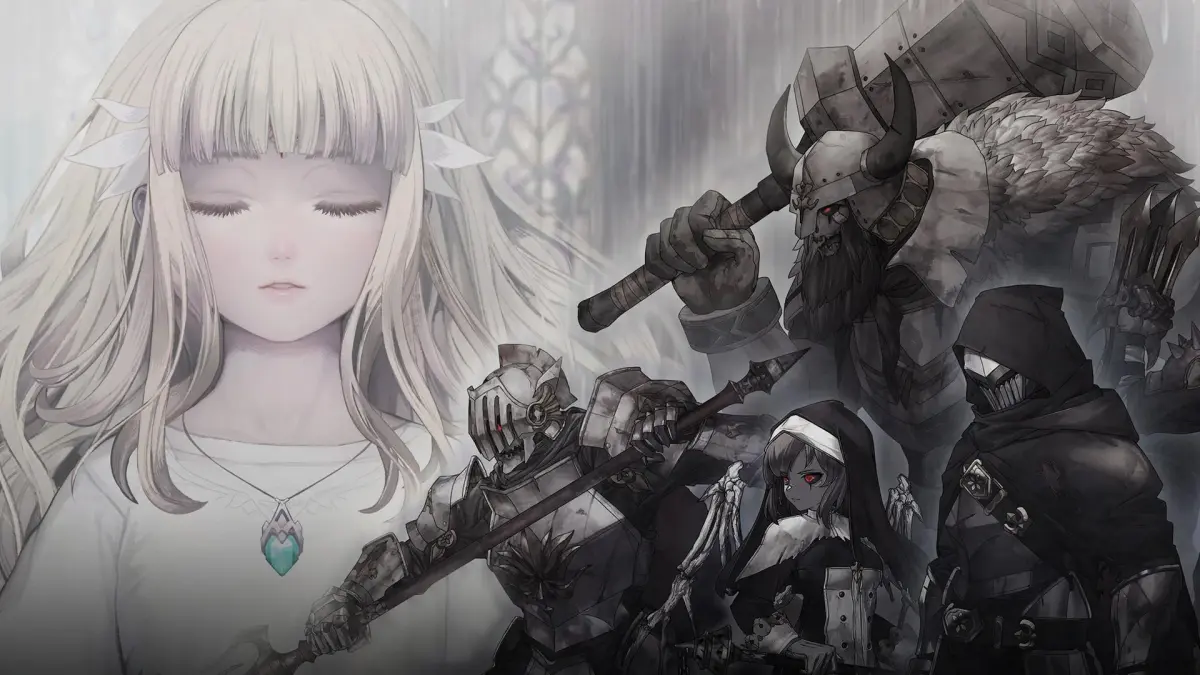
Master the user interface of Ender Lilies: Quietus of the Knights. Learn about menus, HUD elements, and important icons to enhance your gameplay experience and uncover the secrets of the Blighted Kingdom.
This guide will help you understand the user interface of Ender Lilies: Quietus of the Knights. Familiarize yourself with the HUD, menus, and key icons to navigate the world of Land's End effectively.
Key UI Elements:
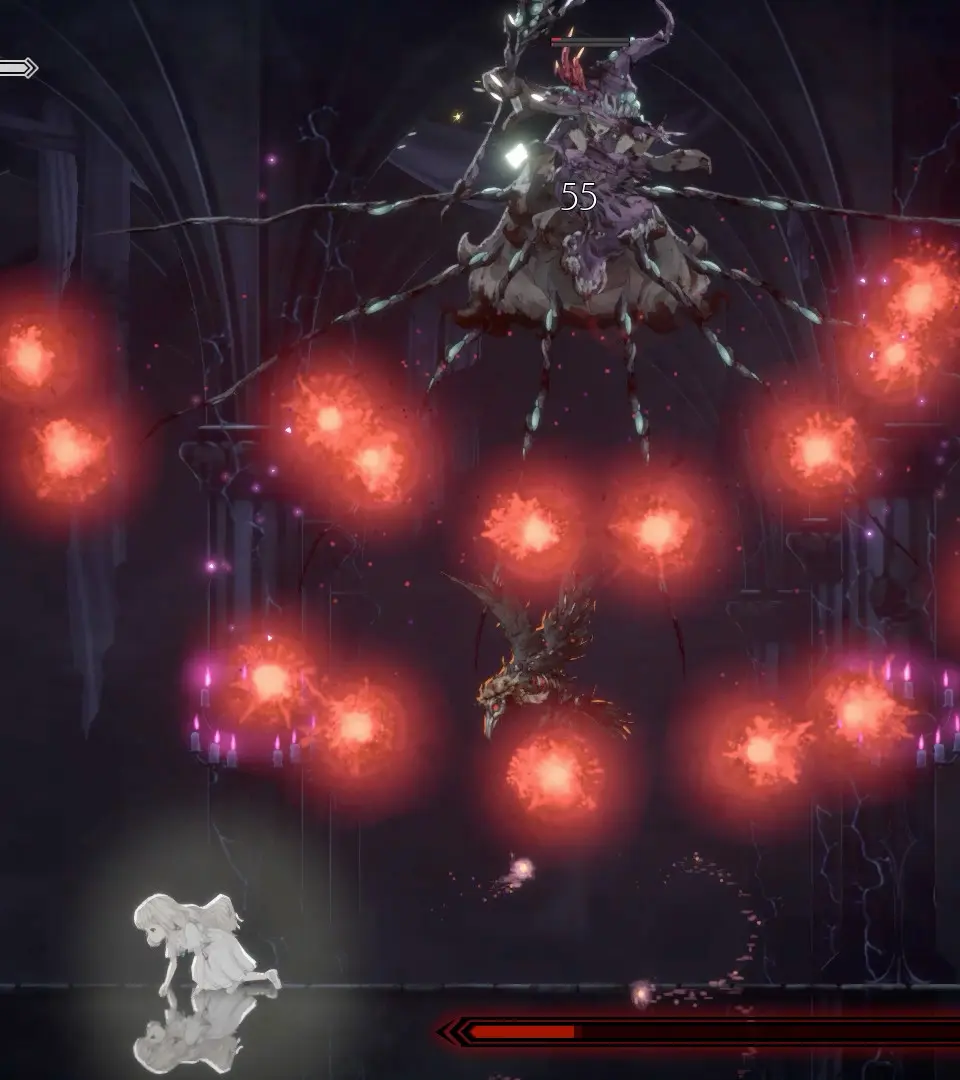
- Health Bar: Displays Lily's current health.
- Spirit Gauge: Shows the amount of Spirit energy available for using summoned spirits.
- Active Spirit Slots: Indicates which summoned spirits are currently equipped.
- Item Slots: Displays usable items.
- Map: Access the map to view your current location and explore the kingdom.
- Notes and Findings: Collectible lore items that provide context and clues.
- Menu: Access game options, inventory, spirit management, and more.
Understanding these elements is crucial for survival and progression in Ender Lilies: Quietus of the Knights.
100% Human-Written. AI Fact-Checked. Community Verified. Learn how AntMag verifies content