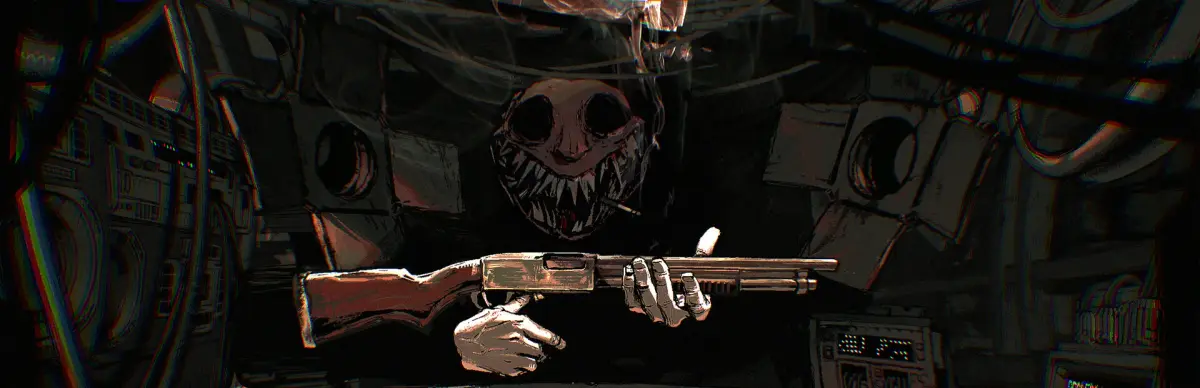
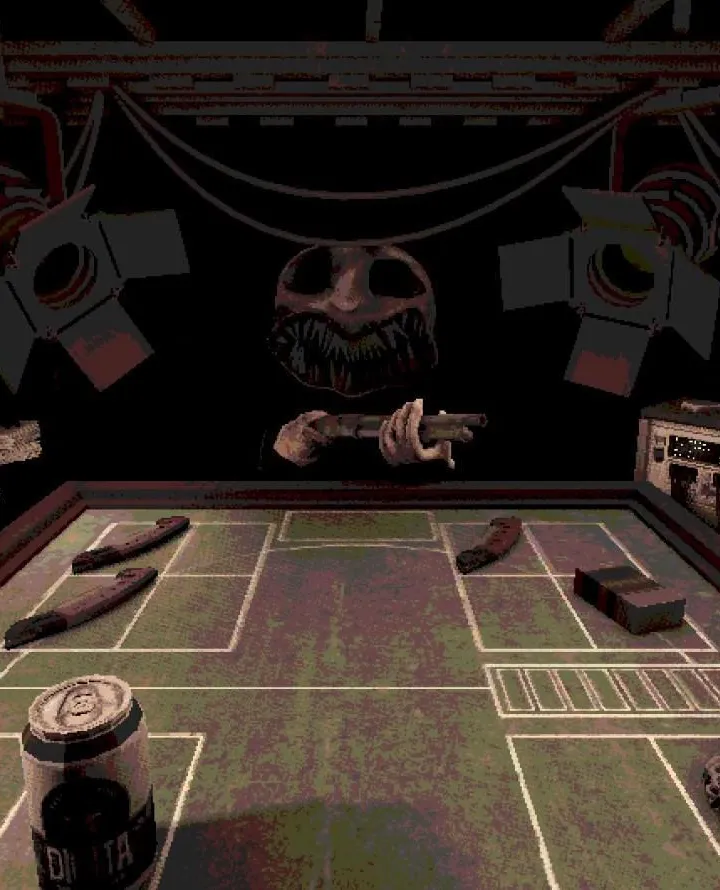
Confused by the Buckshot Roulette interface? This guide breaks down every screen and element so you can focus on the deadly game of Russian Roulette.
Hey there! So, you've jumped into Buckshot Roulette and you're wondering what all those icons and screens mean? Don't sweat it, it's not too complicated once you know what you're looking at. Think of this as your quick rundown so you can get back to the real action – trying not to blow your head off.
This guide will walk you through the main screens and elements you'll encounter. We'll cover the stuff you see during gameplay and the menus you'll navigate.
Gameplay UI
When you're in the thick of it, the game's UI is pretty straightforward, but crucial for survival.
- Health: You'll see your current health status. Keep an eye on this – it's pretty obvious, but you can't win if you're dead!
- Shotgun Status: This is super important. It'll show you if the shotgun is loaded with a live round or a blank. Knowing this is key to making smart bets.
- Round Counter: This tells you how many rounds are left in the cylinder. Essential for calculating odds, especially when the Dealer starts messing with things.
- Dealer's Actions: Pay attention to what the Dealer is doing or saying. Sometimes they hint at what's in the gun or what's coming next.
Menus and Screens
Outside of the actual gameplay, you'll interact with a few different screens.
- Main Menu: This is your starting point. From here, you can usually select your game mode, access settings, or start a new game.
- Game Room: This is where the magic (or terror) happens. It's the main arena where you'll face off against the Dealer.
- Results Screen: After a round or a full game, you'll see a results screen. This usually shows your performance, score, and maybe some stats. It's good to glance at to see how you did.
- Credits: If you're curious about who made this wild ride, the Credits screen lists the team.
- Heaven/Bathroom: These are more thematic locations you might encounter, often tied to specific game events or endings. They're part of the game's atmosphere and narrative.
That's the gist of it! Most of the UI is designed to give you the info you need to make those high-stakes decisions. Don't get bogged down by it; focus on the game, trust your gut, and good luck!
100% Human-Written. AI Fact-Checked. Community Verified. Learn how AntMag verifies content