
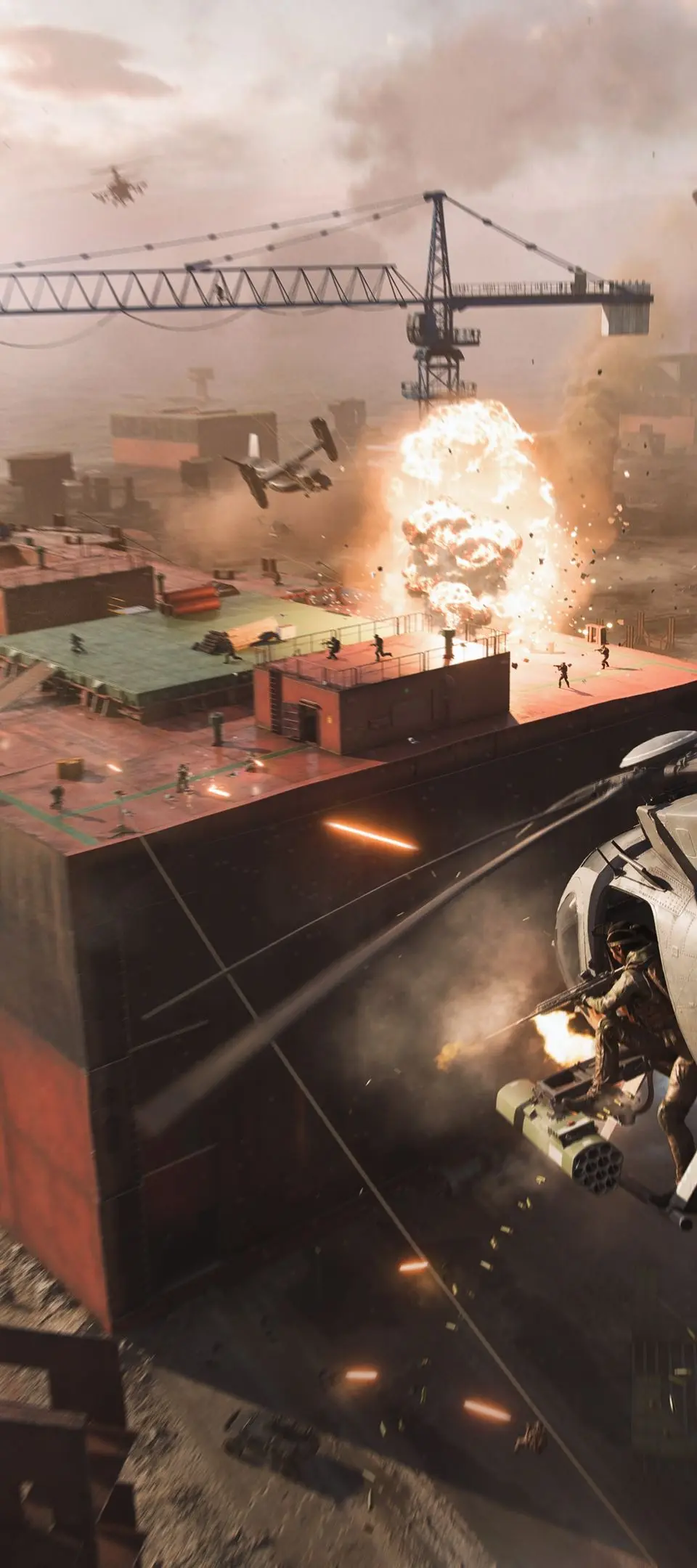
Master Battlefield 2042's basic controls and movement. Develop fluid, responsive gameplay for infantry, vehicle operation, and survival.
Mastering the fundamental controls and movement mechanics in Battlefield 2042 is not just about knowing which button does what; it's about developing muscle memory that allows for fluid, responsive, and strategic gameplay. Whether you're an infantry specialist, a vehicle operator, or a support player, seamless control execution is paramount for survival and success on the dynamic battlefields of 2042. This section will guide you through the essential actions, offer strategic insights, and highlight customization options to optimize your experience.
Infantry Controls: The Essentials
Below are the default keybinds for infantry actions across PC, PlayStation, and Xbox platforms. While these are the standard, we highly recommend exploring the in-game settings to customize them to your personal preference and playstyle. Fluid movement and quick action are often the difference between life and death.
PC Default Keybinds
- W, A, S, D: Movement (Forward, Left, Back, Right)
- Spacebar: Jump/Vault (Allows you to clear obstacles or gain a height advantage)
- Left Shift: Sprint (Crucial for quickly repositioning or escaping danger)
- Left Ctrl: Crouch/Prone (Use to reduce your hitbox, take cover, or become less visible)
- Left Mouse Button: Fire Weapon (Primary attack)
- Right Mouse Button: Aim Down Sights (ADS) (Improves accuracy significantly)
- R: Reload (Keep your magazine full!)
- E: Interact/Revive (Interact with objectives, pick up items, or revive downed teammates)
- Q: Spot Enemy/Ping (Crucial for team play; highlights enemies for your squad and team, or pings locations of interest)
- F: Melee Attack (A quick, silent takedown at close range, often a one-hit kill from behind)
- G: Throw Grenade (Utility for flushing out enemies or denying areas)
- 3/4/5: Equip Gadget 1/2/3 (Cycle through your specialist gadgets or equipment)
- Scroll Wheel Up/Down: Switch Weapon (Quickly swap between primary, secondary, and melee)
- V: Change Fire Mode (Toggle between full-auto, burst, or single-fire on applicable weapons)
- X: Deploy Parachute/Wingsuit (When falling from a height, or deploying from a vehicle)
- Z: Call for Medic/Ammo/Ride (Contextual communication with your team)
- M: Open Map (Essential for situational awareness and planning)
- Tab: Scoreboard (Check match progress and player stats)
Console Default Controls (PlayStation / Xbox)
While specific button labels differ, the core actions remain consistent across console platforms. Most actions are mapped to face buttons, shoulder buttons, and joystick clicks.
- Left Stick: Movement (Walk, Run)
- Right Stick: Look/Aim
- L3 (Left Stick Click): Sprint (PS) / LS (Left Stick Click): Sprint (Xbox)
- Circle (PS) / B (Xbox): Crouch/Prone (Hold for Prone)
- X (PS) / A (Xbox): Jump/Vault
- R2 (PS) / RT (Xbox): Fire Weapon
- L2 (PS) / LT (Xbox): Aim Down Sights (ADS)
- Square (PS) / X (Xbox): Reload/Interact/Revive
- R1 (PS) / RB (Xbox): Spot Enemy/Ping (Often a quick tap)
- L1 (PS) / LB (Xbox): Throw Grenade (Hold to cook)
- Right Stick Click (R3/RS): Melee Attack
- D-Pad: Cycle Gadgets/Equipment (Up/Down/Left/Right often assigned to specific items)
- Triangle (PS) / Y (Xbox): Switch Weapon
- Options (PS) / Menu (Xbox): Open Map/Scoreboard
Advanced Movement Techniques & Strategies
Beyond the basics, mastering advanced movement can give you a significant edge:
- Slide Cancelling: While sprinting, initiate a slide (Crouch) and then immediately jump. This can maintain momentum while making you a harder target to hit, especially when rounding corners or entering engagements.
- Vaulting & Climbing: Don't just jump over obstacles. Look for opportunities to vault over low walls or climb ledges to access unexpected flanks or escape routes. The game often highlights climbable surfaces.
- Prone Flanking: Going prone in tall grass or behind low cover can make you almost invisible, allowing for stealthy approaches or ambushes, especially with a suppressed weapon.
- Jumping & Peeking: When engaging around cover, quickly jump out, fire a few shots, and jump back. This makes you unpredictable and harder to track than simply strafing.
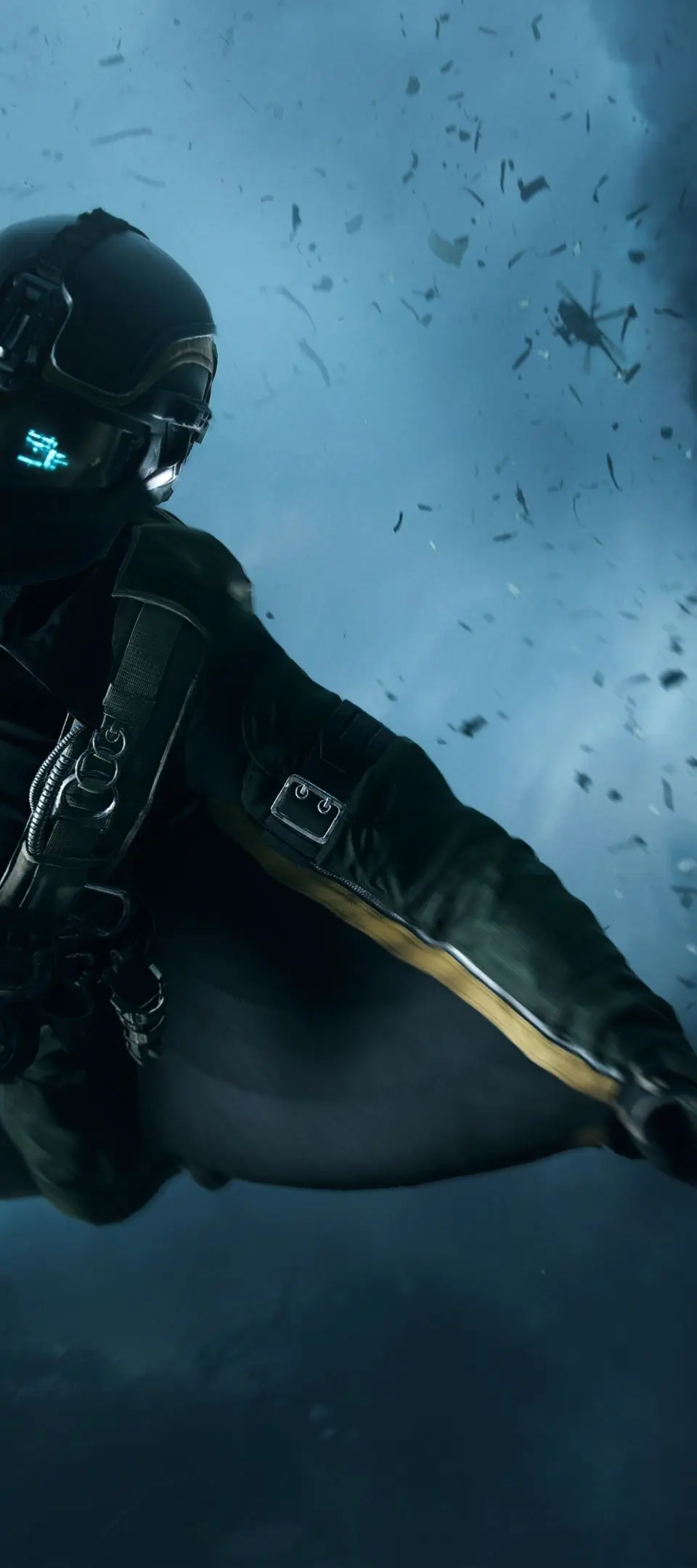
- Using the Wingsuit (Sundance): If playing as Sundance, understanding the wingsuit's deployment and glide mechanics is crucial. Practice deploying from high points and navigating through the environment to surprise enemies or quickly traverse large distances.
Customizing Your Controls: A Game Changer
Battlefield 2042 offers extensive control customization options across all platforms. Taking the time to fine-tune these settings can dramatically improve your performance and comfort.
- Sensitivity Settings:
- Mouse Sensitivity (PC): Experiment with your mouse DPI and in-game sensitivity. A lower sensitivity often allows for more precise aiming, especially for long-range engagements, but requires more physical mouse movement.
- Controller Sensitivity (Console): Adjust look sensitivity, ADS sensitivity, and dead zones. Many players find a slightly higher look sensitivity for quick turns and a lower ADS sensitivity for precise shooting to be effective.
- Keybind/Button Remapping:
- PC: You can rebind almost every action to any key. Consider placing frequently used actions (like Melee or Gadget use) on easily accessible keys or mouse buttons.
- Console: While less granular than PC, consoles often allow for button remapping through the game's settings or the console's system-level accessibility options. Consider "bumper jumper" layouts for easier jumping while aiming, or remapping melee to a more accessible button.
- Field of View (FOV): Adjusting your FOV can significantly impact your perception of speed and situational awareness. A higher FOV allows you to see more of your surroundings but can make distant targets appear smaller. Find a balance that suits your playstyle.
- Aim Assist (Console): Experiment with the different aim assist settings. Some players prefer a stronger assist, while others find it interferes with their natural aiming.
Pro Tip: Don't be afraid to experiment! Spend time in the Firing Range or a low-stakes match to test new control layouts or sensitivity settings. What works for one player might not work for another. The goal is to find what feels most natural and efficient for you.
100% Human-Written. AI Fact-Checked. Community Verified. Learn how AntMag verifies content