
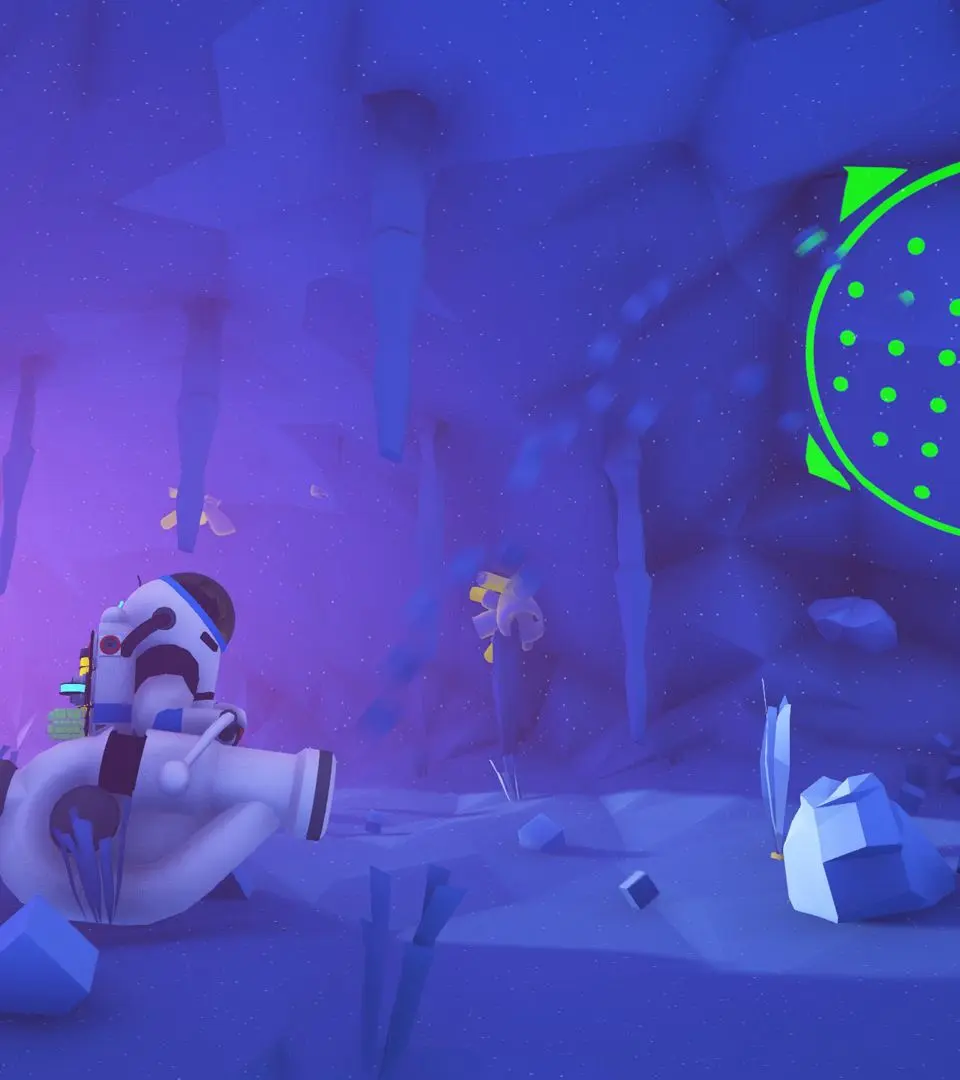
Learn the essential first steps for survival in Astroneer. This guide covers landing, resource gathering, crafting, and basic survival mechanics to get you started on any planet.
Walkthrough
- 1Planetfall: Arrive on Sylva and survive the landing.
- 2Astroneering Bas(e)ics: Unpack and install the Oxygenator on your Shelter, and connect your Printer's power to the Shelter. Retrieve starting gear from the Landing Pad.
- 3Breathing Space: Print a Tether Bundle from your Backpack and connect a Tether to the Oxygenator. Tethers extend oxygen access.
- 4Resourcing: Gather 4 Compound and 4 Resin using the Terrain Tool.
- 5Landfilling: Attach a Small Canister to your Terrain Tool or Backpack and fill it with Soil.
- 6Re-Tooling: Unlock, print, and attach a Boost Mod and a Drill Mod 1 to your Terrain Tool for improved digging.
Tips
- Completing missions unlocks new ones and provides rewards like Bytes, Schematics, and Items.
- The Mission Log can be accessed via the Landing Pad, Logistics Depots, the action wheel (PC: Hold R, Xbox: Hold D-Pad Right, PS4: Hold D-Pad Right, Switch: Hold Right), or by clicking the right side of your Backpack.
- The Mission Log has sections for Rewards, Tracked, Active, Reclaimable, and Complete missions.
- Item rewards cannot be collected via the Mission Log remotely; only Byte rewards can.
- Tethers are crucial for extending your oxygen supply in the field.
- Gathering resources like Compound and Resin is essential for crafting.
- Upgrading your Terrain Tool with mods significantly improves efficiency.
100% Human-Written. AI Fact-Checked. Community Verified. Learn how AntMag verifies content