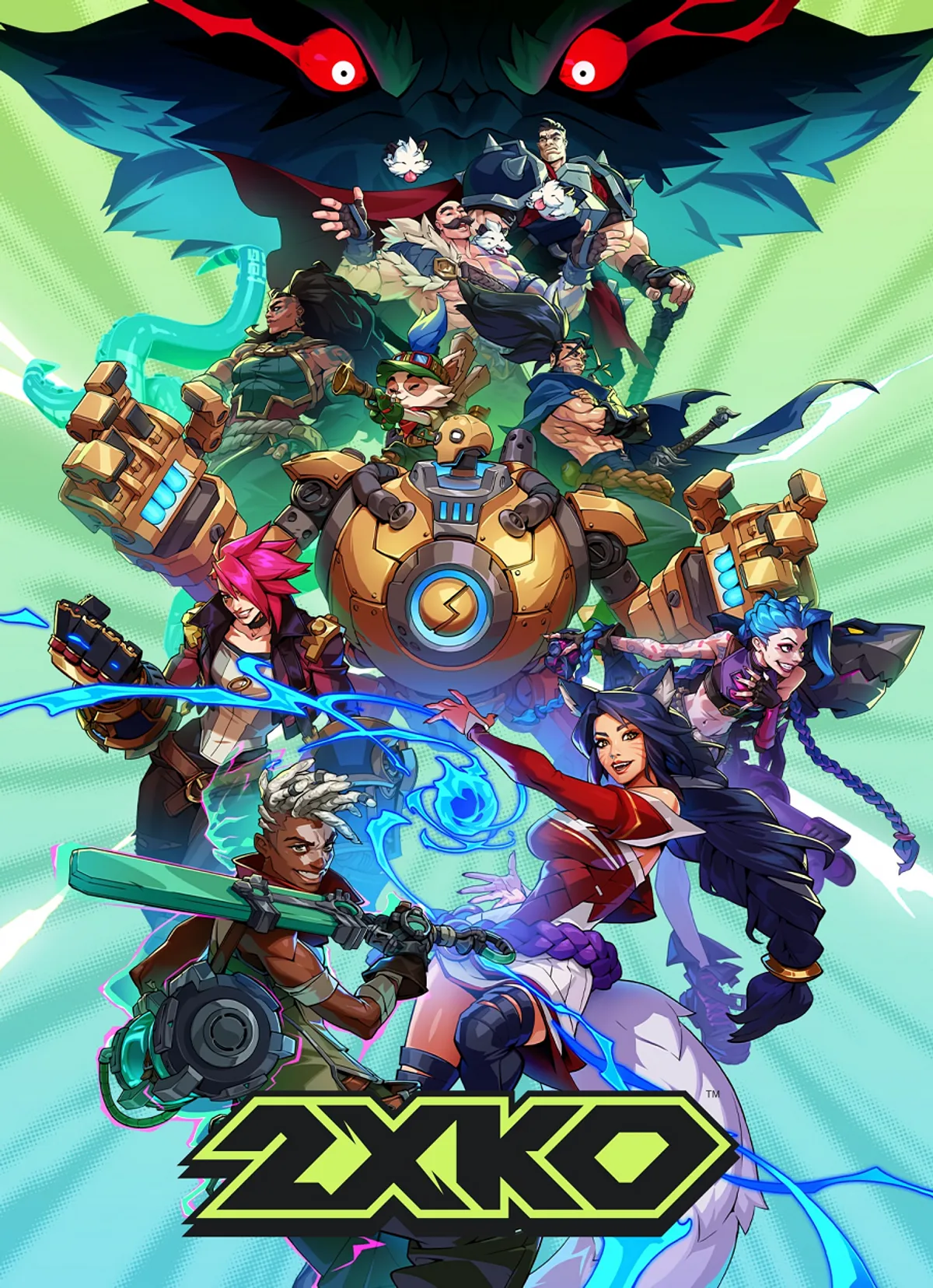
Learn the essential controller layouts for 2XKO on PS5 and Xbox Series X/S. Master every button and input to dominate the arena in this tag-team fighting game.
Welcome to the controller layout guide for 2XKO! This section will detail the button configurations for both PlayStation 5 and Xbox Series X/S controllers, ensuring you can execute every move and combo with precision.
| Action | PS5 Button | Xbox Series X/S Button |
|---|---|---|
| Light Attack | Square | X |
| Medium Attack | Triangle | Y |
| Heavy Attack | Circle | B |
| Special Attack | Cross | A |
| Assist 1 | L1 | LB |
| Assist 2 | R1 | RB |
| Tag In/Out | L2 | LT |
| Dash/Dodge | R2 | RT |
| Jump | Left Stick (Up) | Left Stick (Up) |
| Crouch | Left Stick (Down) | Left Stick (Down) |
| Movement | Left Stick | Left Stick |
| Target Lock | R3 (Click Left Stick) | RSB (Click Right Stick) |
| Menu/Pause | Options | Menu |
Understanding these layouts is crucial for mastering 2XKO's dynamic tag-team combat. Experiment with these controls to find the most comfortable and effective playstyle for you.
100% Human-Written. AI Fact-Checked. Community Verified. Learn how AntMag verifies content