
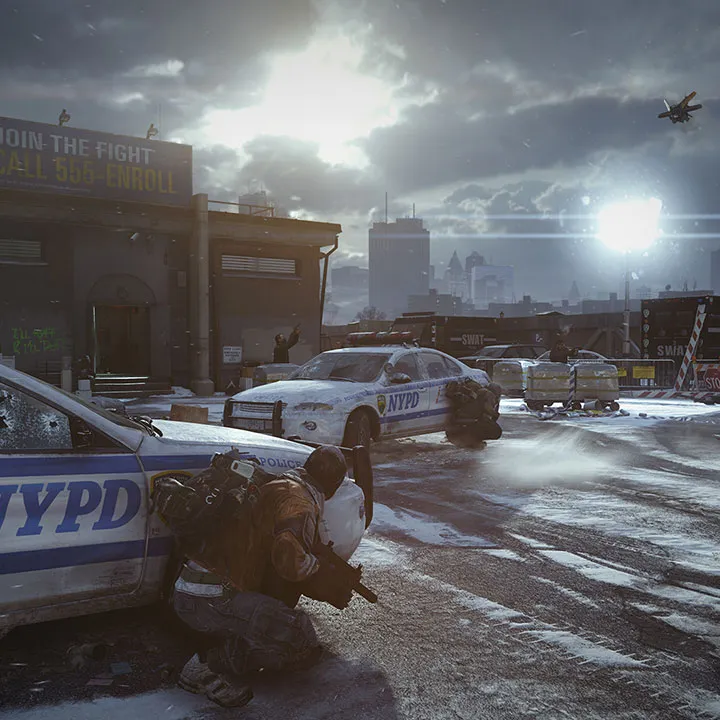
Learn the essential controls and movement mechanics in Tom Clancy's The Division. Master your agent's abilities to navigate the chaotic streets of New York and overcome any threat.
This guide covers the fundamental controls and movement mechanics for Tom Clancy's The Division. Understanding these basics is crucial for effective gameplay, allowing you to navigate the environment, engage in combat, and utilize your agent's abilities efficiently.
| Action | Button |
|---|---|
| Move | Left Analog Stick |
| Camera | Right Analog Stick |
| Sprint | Press Left Analog Stick |
| Take Cover | A (Xbox) / X (PlayStation) |
| Jump/Mantle | B (Xbox) / Circle (PlayStation) |
| Crouch/Prone | Right Analog Stick (Click) |
| Melee Attack | Right Stick Flick (Xbox) / R3 Flick (PlayStation) |
| Reload | X (Xbox) / Square (PlayStation) |
| Weapon Swap | Y (Xbox) / Triangle (PlayStation) |
| Use Skill 1 | Left Bumper (Xbox) / L1 (PlayStation) |
| Use Skill 2 | Right Bumper (Xbox) / R1 (PlayStation) |
| Grenade | LB + RB (Xbox) / L1 + R1 (PlayStation) |
| Interact/Pick Up | X (Xbox) / Square (PlayStation) |
| Map | View Button (Xbox) / Touchpad (PlayStation) |
| Inventory | Y Button (Xbox) / Triangle (PlayStation) |
| Character Menu | Menu Button (Xbox) / Options Button (PlayStation) |
| Emote | D-Pad Down |
100% Human-Written. AI Fact-Checked. Community Verified. Learn how AntMag verifies content