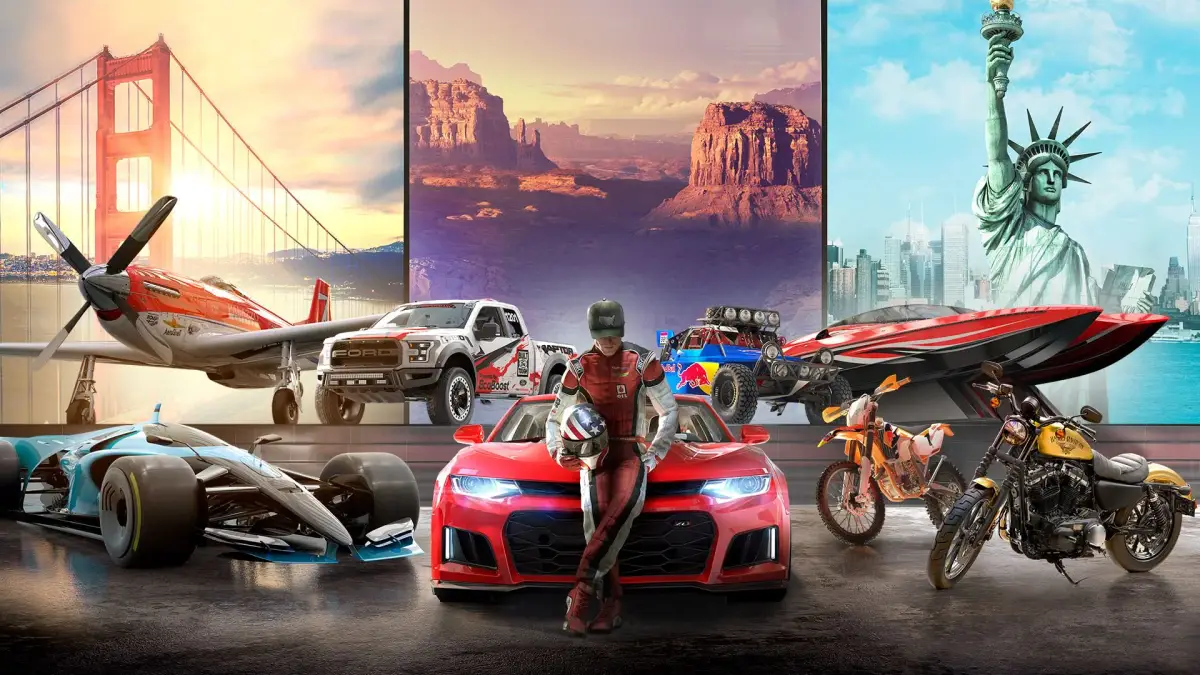
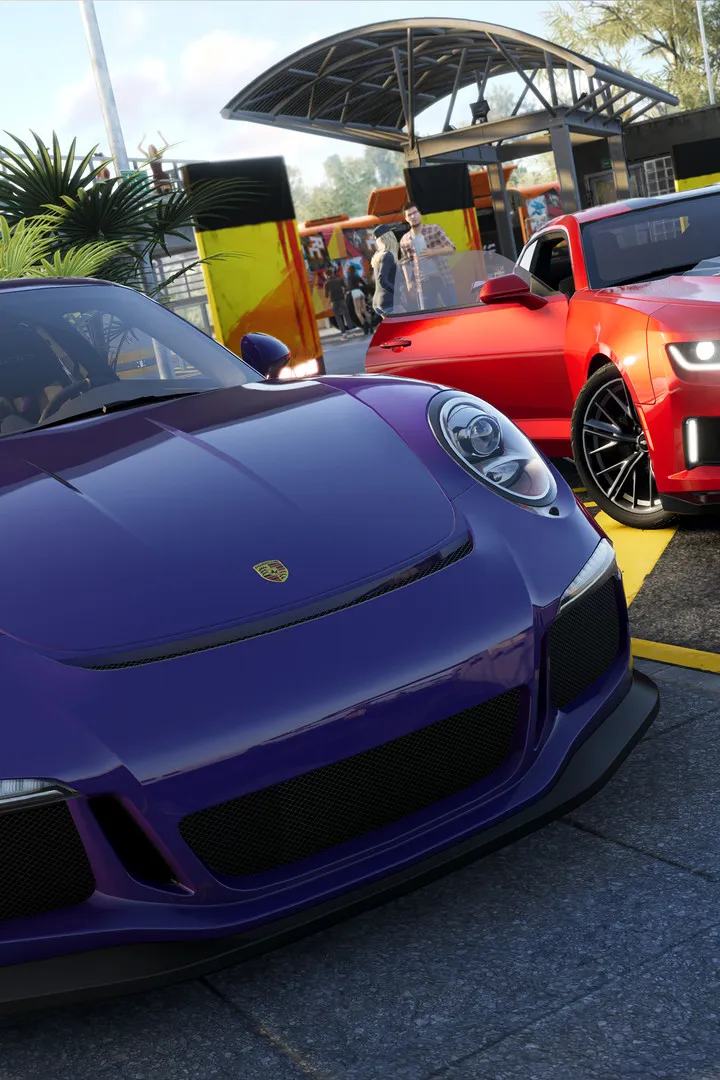
Get your ride ready! This guide covers the initial setup and character creation process in The Crew 2, helping you get started on your journey to become a legend.
Hey there, future legend! So you've just booted up The Crew 2 and you're ready to hit the streets (or dirt, or water, or sky!). Before you can start tearing up the asphalt and earning fame, we gotta get you set up. This section is all about that initial setup and getting your character looking just right. Think of it as your first pit stop before the real race begins!
First things first, you'll be prompted to create your driver. This is your avatar in the world of The Crew 2, so take a moment to make them yours. You'll have a few options to customize their appearance, from hairstyles and facial features to clothing. Don't stress too much about getting it perfect right away – you can always change your look later on as you progress through the game and unlock more customization options.
Once your driver is looking sharp, you'll get your very first vehicle. This is your trusty steed that will carry you through the early stages of the game. Pay attention to the type of vehicle you receive, as it'll give you a hint about the kind of racing you'll be doing initially. It’s your ticket to entering your first few events and starting to build your reputation.
After you've got your character and your first ride sorted, you'll be introduced to the game's main hub and the initial story progression. This is where you'll learn the ropes, get a feel for the controls, and start understanding the different disciplines of motorsport available. It's a pretty straightforward intro, designed to get you into the action without overwhelming you. Just follow the on-screen prompts, and you'll be cruising in no time!
100% Human-Written. AI Fact-Checked. Community Verified. Learn how AntMag verifies content