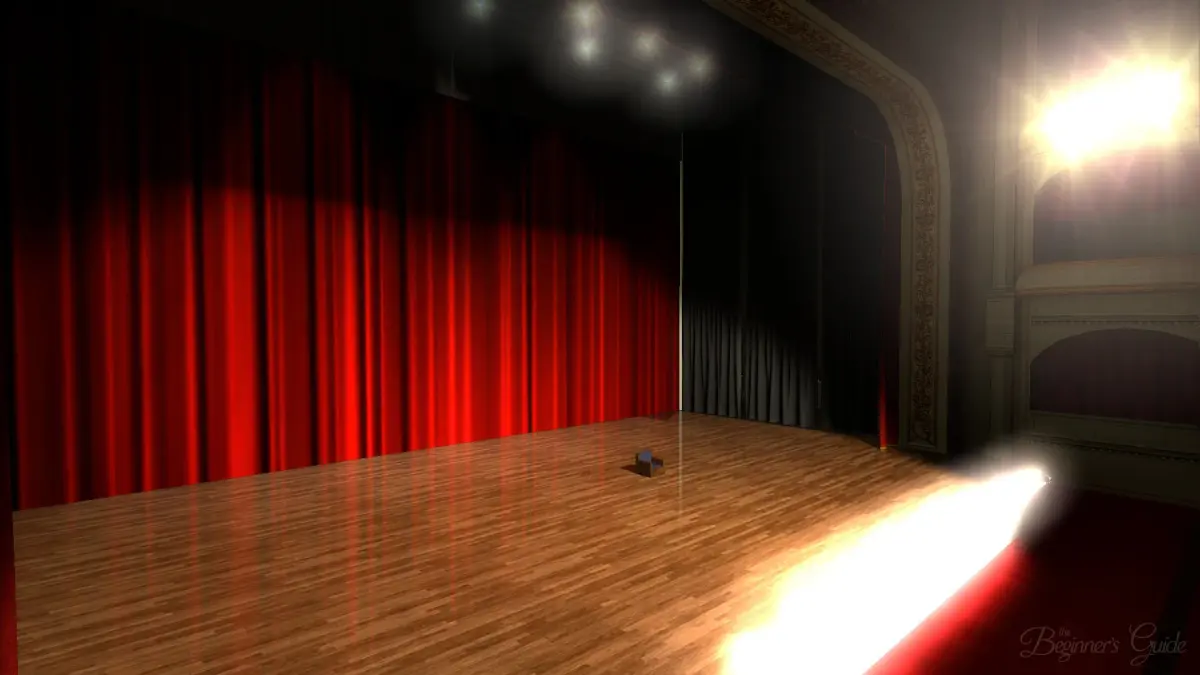
Ensure a smooth experience with The Beginner's Guide system requirements. This game prioritizes narrative and atmosphere over demanding hardware.
While The Beginner's Guide isn't a graphically intensive game like Cyberpunk 2077 or a sprawling open-world RPG like Hogwarts Legacy, understanding its system requirements is crucial for a smooth and enjoyable experience. Unlike games that demand high-end GPUs for ray tracing or expansive RAM for seamless world loading, The Beginner's Guide focuses on narrative and atmosphere. This section will walk you through verifying your system's compatibility and optimizing your setup.
Minimum System Specifications
These are the bare essentials to get the game running. Expect playable frame rates, but don't anticipate the absolute smoothest experience, especially if you have other applications running in the background. Think of this as the "just enough to get by" tier, similar to how you might approach early-game resource gathering in New World – you'll get the job done, but it won't be fast or glamorous.
- Operating System: Windows 7/8/10 (64-bit). While some older 32-bit systems might technically launch the game, performance will be severely impacted. We strongly recommend a 64-bit OS for stability.
- Processor: 2.4 GHz Intel i3 or equivalent AMD. This isn't a CPU-intensive game, so most modern dual-core processors should suffice.
- Memory: 4 GB RAM. This is the absolute minimum. If you're running multiple browser tabs, Discord, or other background applications, you might experience stuttering during scene transitions.
- Graphics: NVIDIA GeForce GTX 550 Ti or AMD Radeon HD 6770 with 1 GB VRAM. Integrated graphics cards might struggle, especially older models. Ensure your graphics drivers are up to date.
- DirectX: Version 9.0c. Most modern Windows installations will have this or a newer version.
- Storage: 2 GB available space. The game's footprint is small, so storage shouldn't be an issue for most users.
Recommended System Specifications
For the best possible experience, aiming for these specifications will ensure smooth gameplay, quick loading times, and an uninterrupted narrative flow. This is where you'll truly appreciate the subtle visual details and atmospheric sound design without any technical hitches, much like having the optimal gear for a challenging quest in Hogwarts Legacy.
- Operating System: Windows 10 (64-bit). For optimal compatibility and performance.
- Processor: 3.0 GHz Intel i5 or equivalent AMD. This provides ample processing power for the game and any background applications.
- Memory: 8 GB RAM. This allows for seamless transitions and multitasking without performance degradation.
- Graphics: NVIDIA GeForce GTX 760 or AMD Radeon R9 270X with 2 GB VRAM. This will handle all visual elements with ease.
- DirectX: Version 11 or higher.
- Storage: 2 GB available space (SSD recommended). While not strictly necessary, installing the game on a Solid State Drive (SSD) will significantly reduce loading times between chapters and scenes, enhancing the overall immersion.
Troubleshooting and Optimization Tips
Even if your system meets the recommended specifications, a few steps can further enhance your experience. Think of these as fine-tuning your character build in New World – small adjustments can yield significant improvements.
- Update Graphics Drivers: This is paramount. Outdated drivers are a common cause of performance issues. Visit NVIDIA, AMD, or Intel's official websites to download the latest drivers for your specific graphics card.
- Close Background Applications: Before launching the game, close any unnecessary programs like web browsers, streaming services, or other games. These consume RAM and CPU cycles that The Beginner's Guide could be using.
- Verify Game Files: If you encounter crashes or corrupted visuals, use your game client (e.g., Steam) to verify the integrity of the game files. This will check for and replace any missing or damaged files.
- Adjust In-Game Settings: While The Beginner's Guide has limited graphical options, if you're on a minimum spec system, consider lowering any available texture quality or shadow settings.
- Monitor Temperatures: Ensure your CPU and GPU aren't overheating. High temperatures can lead to throttling and performance drops. Free tools like HWMonitor can help you keep an eye on this.
100% Human-Written. AI Fact-Checked. Community Verified. Learn how AntMag verifies content