
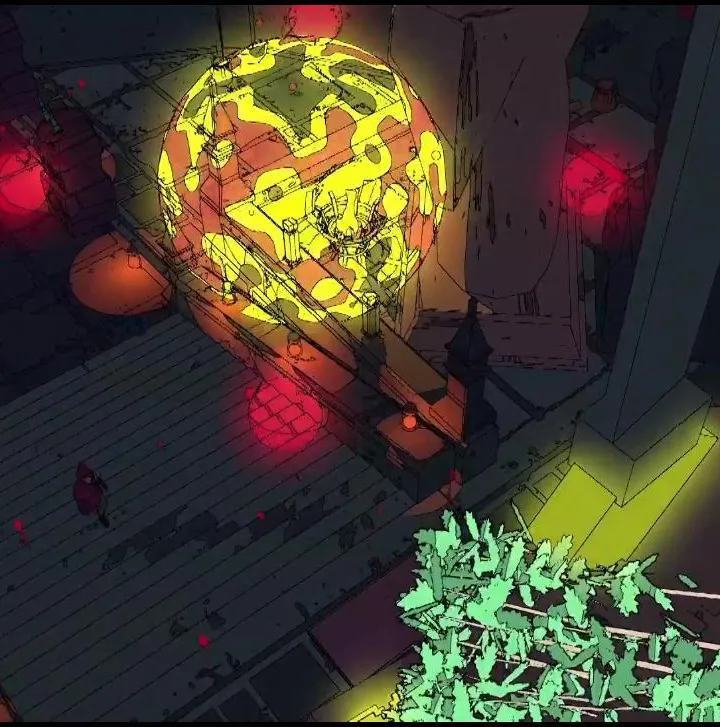
Optimize Sable's graphics settings for your hardware. Balance visual quality and performance to best appreciate its unique art style.
Sable's distinctive art style is a significant part of its appeal, characterized by clean lines, vibrant colors, and a minimalist aesthetic. To best appreciate this visual presentation, optimizing your graphics settings is crucial. The game offers a range of options that allow you to tailor the visual fidelity to your hardware's capabilities, ensuring a smooth frame rate and a visually pleasing experience. Whether you're playing on a high-end PC or a more modest setup, understanding these settings will help you strike the right balance between graphical quality and performance. This section will guide you through the common graphics options available in Sable and how to adjust them for optimal results.
When adjusting graphics settings, you'll typically encounter options such as resolution, texture quality, anti-aliasing, and shadow quality. Resolution directly impacts the sharpness and clarity of the image; a higher resolution generally results in a crisper picture but demands more from your GPU. Texture quality determines the detail of surfaces in the game world. While higher settings can make environments look more refined, they also increase VRAM usage. Anti-aliasing techniques are used to smooth out jagged edges on objects, improving the overall visual smoothness. Shadow quality affects the detail and softness of shadows cast by light sources. Lowering shadow quality can often yield significant performance gains with a minimal visual impact, especially in outdoor environments.
For players seeking the best performance, it's often recommended to start by lowering settings that have a significant impact on frame rates, such as shadow quality and anti-aliasing. If your system can handle it, you can then gradually increase other settings like texture quality and resolution to enhance visual fidelity. Many players find that Sable runs well even on moderate hardware, but if you encounter stuttering or low frame rates, systematically reducing these demanding settings is the most effective approach. Experimentation is key; what works best will depend on your specific hardware configuration. Don't be afraid to try different combinations of settings to find the sweet spot that provides both visual enjoyment and smooth gameplay as you explore locations like Sansee or Ewer, or even when collecting Chum Eggs.
100% Human-Written. AI Fact-Checked. Community Verified. Learn how AntMag verifies content