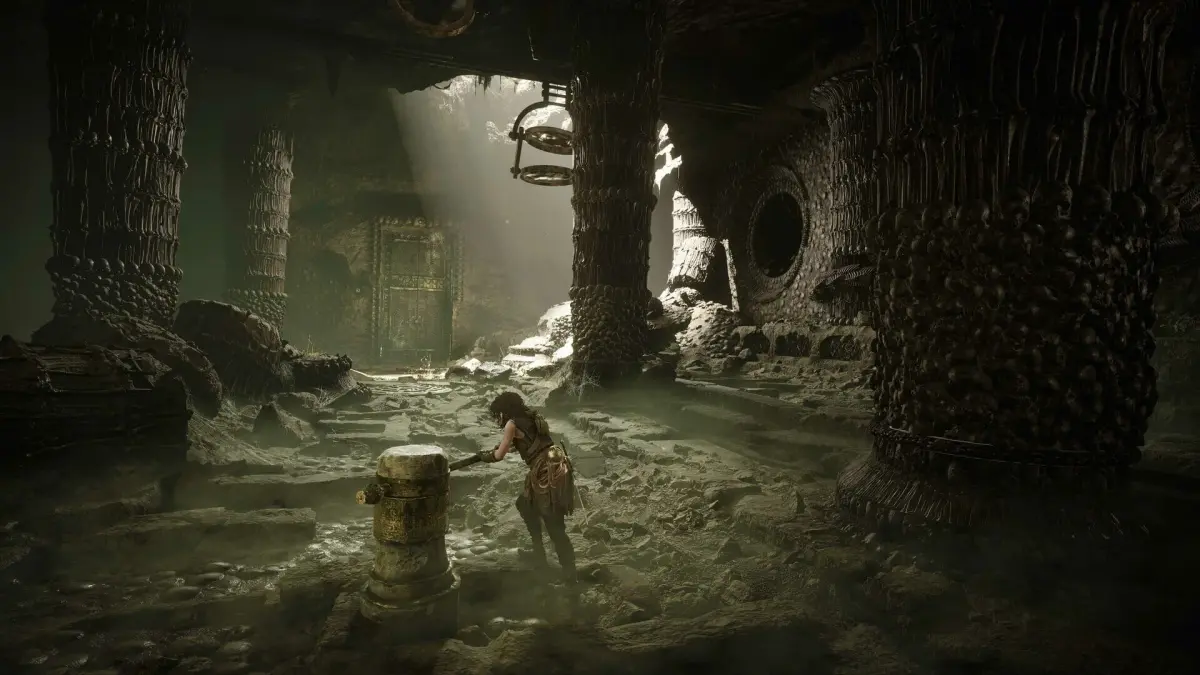
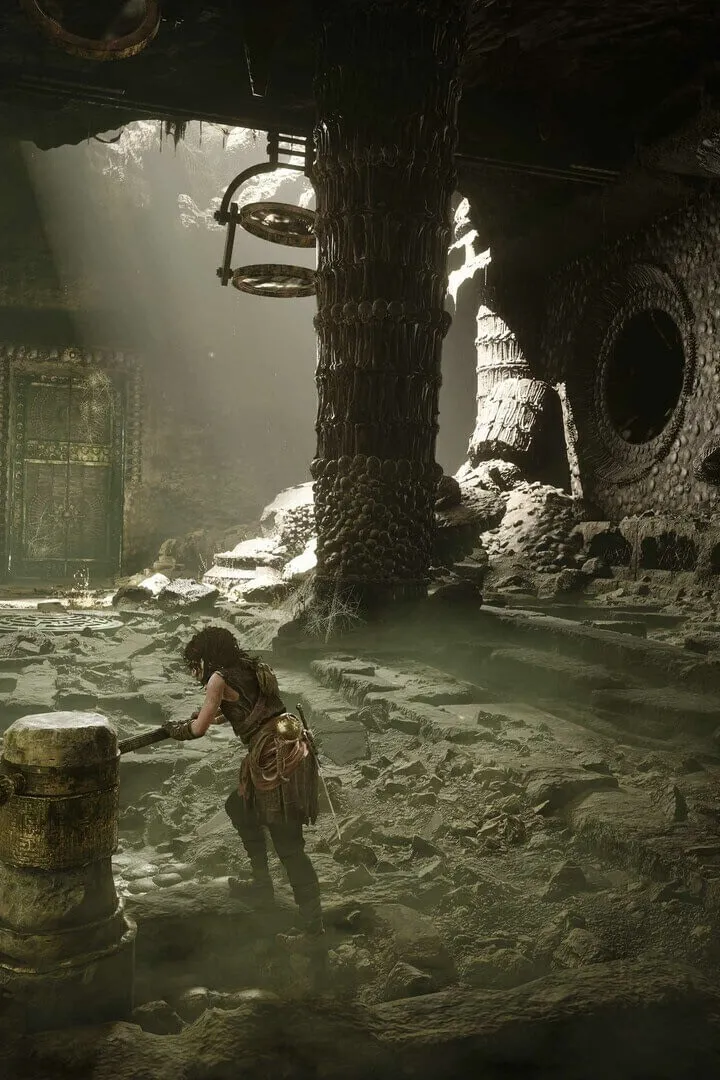
Learn the essential controls and understand the user interface in Resonance: A Plague Tale Legacy. Master Sophia's abilities and navigate the treacherous island with our comprehensive guide.
Resonance: A Plague Tale Legacy shifts the gameplay focus from pure survival-stealth to a more action-oriented experience with its protagonist, Sophia. As a seasoned plunderer, Sophia is designed to be faster and more aggressive than previous characters, emphasizing sharp reflexes for parrying attacks and delivering powerful strikes against pursuers. This section details the core controls and UI elements that facilitate this new gameplay style.
| Action | Button/Input |
|---|---|
| Movement | Left Stick (Controller) / WASD (Keyboard) |
| Camera Control | Right Stick (Controller) / Mouse (Keyboard) |
| Dodge/Evade | B/Circle (Controller) / Spacebar (Keyboard) |
| Light Attack | X/Square (Controller) / Left Mouse Button (Keyboard) |
| Heavy Attack | Y/Triangle (Controller) / Right Mouse Button (Keyboard) |
| Parry | LT/L2 (Controller) / Shift (Keyboard) - Timed input |
| Interact / Use Item | A/X (Controller) / E (Keyboard) |
| Open Crew Notebook | View/Select Button (Controller) / Tab (Keyboard) |
| Manipulate Minoan Sphere | RT/R2 (Controller) / Q (Keyboard) |
| Stealth Takedown | Contextual prompt when near unaware enemies |
| Sprint | Hold Left Stick (Controller) / Hold Shift (Keyboard) |
The user interface (UI) in Resonance: A Plague Tale Legacy provides crucial information without being intrusive. Key elements include:
- Health Indicator: Typically displayed as a bar or segment on the screen, showing Sophia's current health.
- Stamina Meter: May be present for actions like sprinting or dodging, indicating available energy.
- Objective Markers: Visual cues on the screen or map to guide the player towards current objectives.
- Interaction Prompts: Icons or text that appear when Sophia is near an interactable object or enemy for a stealth takedown.
- Minoan Sphere Indicator: Visual feedback when the Minoan sphere is active or ready to be used for puzzle-solving and light manipulation.
- Crew Notebook: Accessible via a dedicated button, this serves as an in-game guide, offering hints, lore, and potentially tracking progress or clues.
- Persistent Hunter Indicator: While not a traditional UI element, the game features a 'restless presence' that actively hunts Sophia, creating a sense of urgency and requiring players to maintain momentum.
100% Human-Written. AI Fact-Checked. Community Verified. Learn how AntMag verifies content