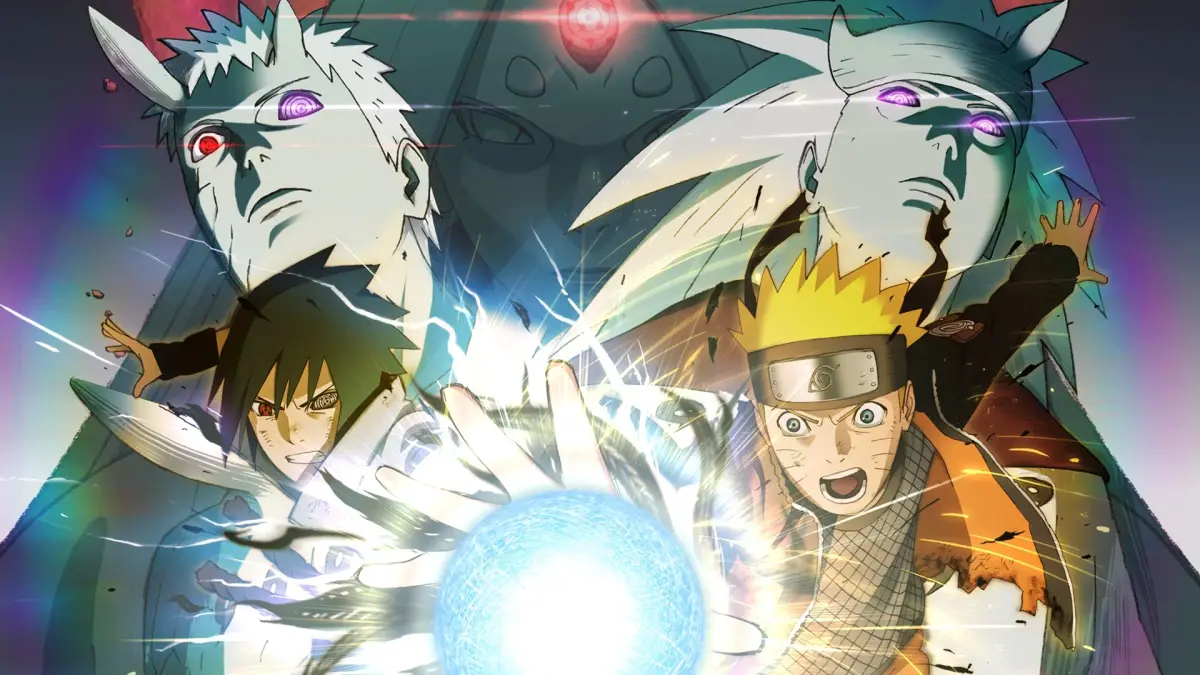
Confused by Xbox button prompts in Naruto Shippuden: Ultimate Ninja Storm 4? This guide translates every Xbox control to PlayStation, ensuring you master every fight and adventure mode action.
Hey there! If you're playing Naruto Shippuden: Ultimate Ninja Storm 4 and you've noticed that most guides, including this one, use Xbox button prompts, don't sweat it. This section is just a quick cheat sheet to help you map those Xbox controls over to your PlayStation controller. We'll break down exactly what each button does, both in the heat of battle and when you're just exploring the world.
Think of it like this: the game's actions are the same, just the button names are different between the two consoles. We've got you covered so you can focus on the ninja action!
Quick Button Translation:
| Playstation | Xbox | Use in fights | Use outside of fights |
| Circle | B | Basic attack command | Cancel or exit; punch to break objects in adventure mode |
| Triangle | Y | Chakra load/charge | Access option in game mode select; Access map in adventure mode |
| Square | X | Throw shuriken or other throwable weapon | Display Recap in story mode |
| X | A | Jump/Ninja movement | Confirm |
| R1 | RB | Support 2 (if 2 support chars otherwise Support 1) | Open event details in adventure mode |
| R2 | RT | Guard | None |
| R3 | R3 | Switch with support (left for support 1 and right for support 2) | Camera angles in adventure mode |
| L1 | LB | Support 1 | Change costume when selecting char for fight |
| L2 | LT | Substitution | Change costume when selecting char for fight |
| L3 | L3 | Movement | Movement/scrolling etc |
| Start | Start | Open fight menu | Open menu in adventure mode; save at game mode select; item list in story mode |
| Select | Back | None | Tutorial in story mode; return to game mode select in adventure mode |
| Directional Buttons | Directional Buttons | Use ninja tools | Scrolling etc |
If you're new to fighting games and feeling a bit lost on how to actually throw down, don't worry! The game has a super helpful 'Battle Practice' mode tucked away in the 'Practice' section of the 'Free Battle' menu. It's the perfect place to get a feel for the controls and try out different combos without any pressure. We'll dive deeper into that later, but for now, just know that practice makes perfect!
100% Human-Written. AI Fact-Checked. Community Verified. Learn how AntMag verifies content