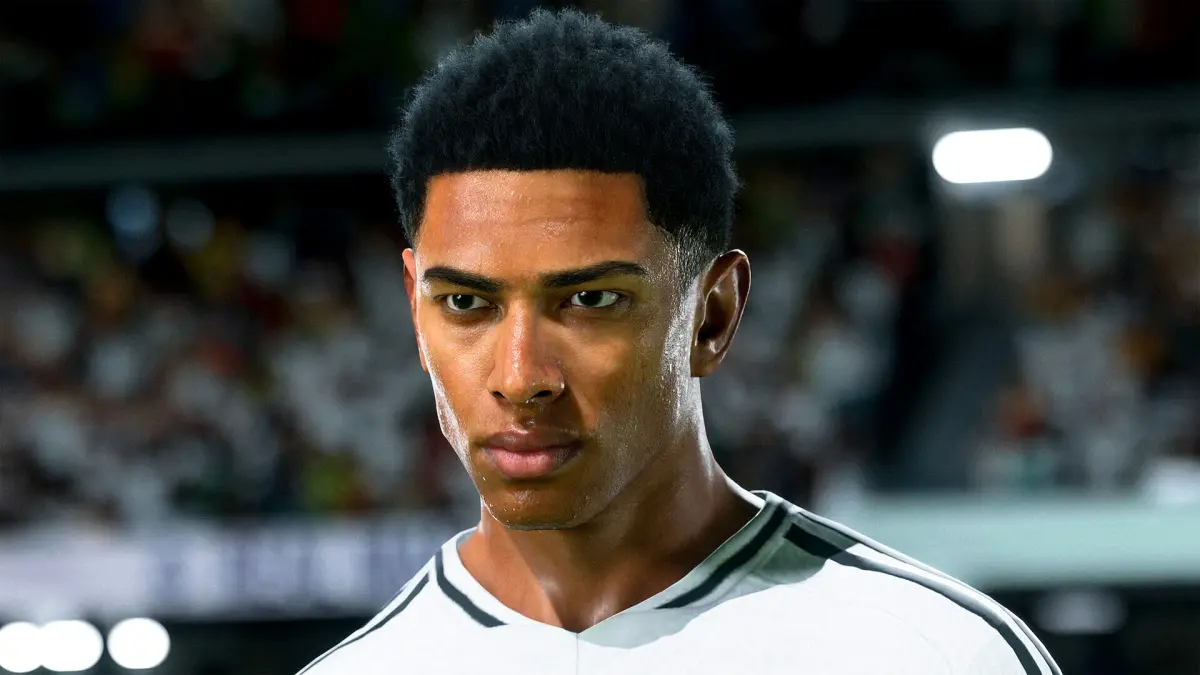
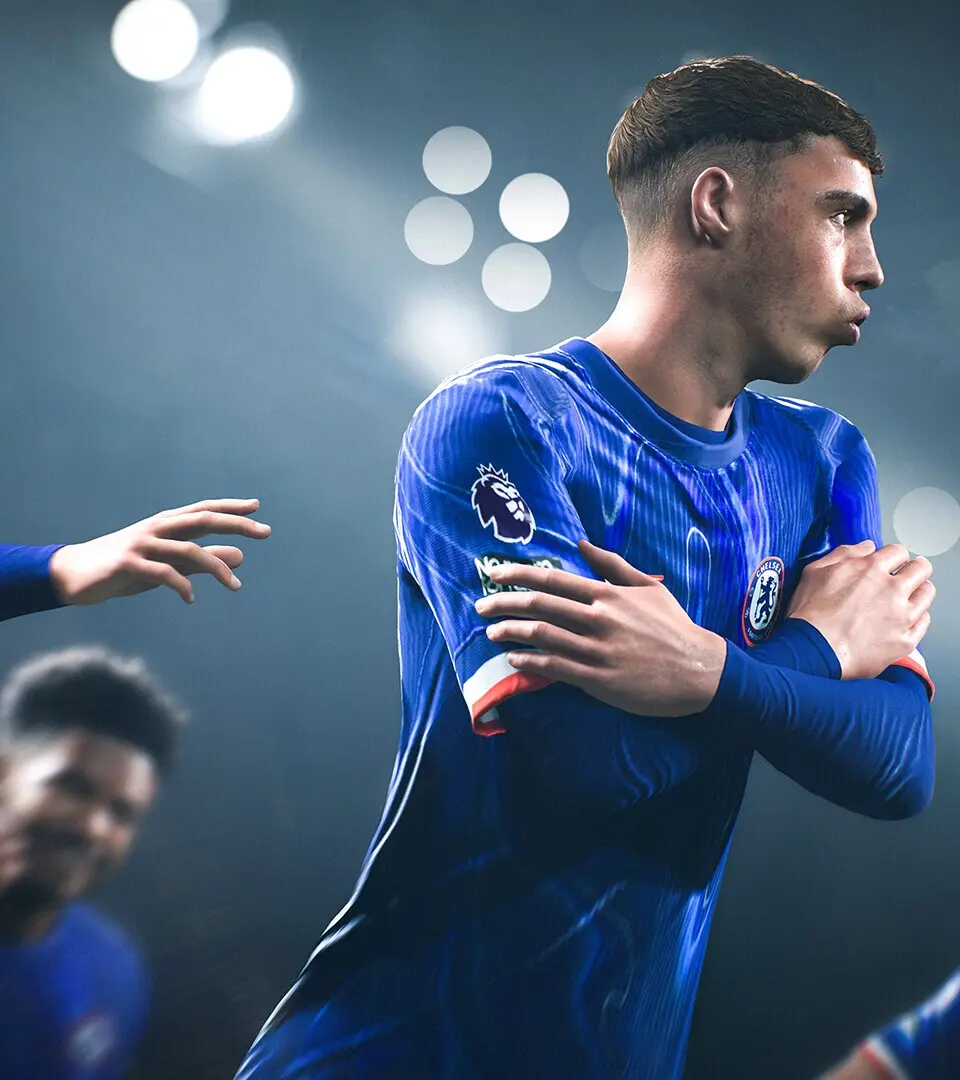
Optimize your EA Sports FC 25 experience with hidden settings. Adjust camera angles, controller preferences, and visual options for better gameplay.
Explore the settings menu for hidden gems.
- Camera Settings: Experiment with different camera angles (e.g., Co-op, Tele Broadcast) to find one that gives you the best view of the pitch.
- Controller Settings: Adjust controller vibration, passing assistance, and shooting assistance to your preference. Semi-assisted passing can offer more control.
- Visual Settings: Optimize brightness, contrast, and colorblind modes for better visibility.
- Audio Settings: Fine-tune commentary volume, crowd noise, and music to create your ideal matchday atmosphere.
- Trainer: Turn off the in-game trainer once you're comfortable with controls to remove visual clutter.

100% Human-Written. AI Fact-Checked. Community Verified. Learn how AntMag verifies content