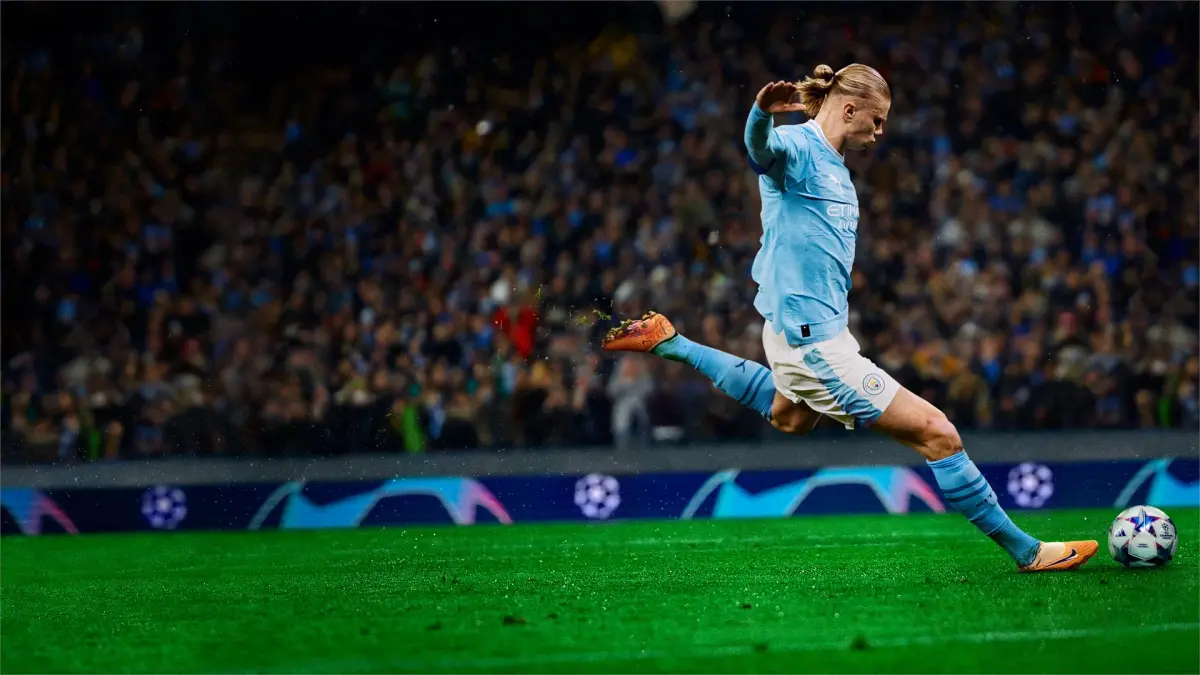
Optimize your gameplay with the best camera settings and views in EA Sports FC 24. Learn how to adjust your camera for optimal performance and a better gaming experience.
This guide will help you understand and configure the camera settings in EA Sports FC 24 to enhance your gameplay experience. Choosing the right camera view can significantly impact your ability to read the game, track players, and execute plays effectively.
| Camera Setting | Description / Recommendation |
|---|---|
| Broadcast | A popular choice offering a good balance between overview and detail. It provides a wide view of the pitch, similar to what you'd see on television. |
| Co-op | This camera angle is designed for two players on the same screen, offering a slightly wider view than Broadcast to accommodate both perspectives. |
| Dynamic | This camera dynamically adjusts its height and zoom based on the on-field action. It can be exciting but may be distracting for some players. |
| Dynamic Max Height | Similar to Dynamic, but with the maximum zoom level set higher, offering an even broader view. |
| Full Screen | This camera takes up the entire screen, offering the most immersive view but potentially sacrificing some tactical awareness due to a lack of pitch overview. |
| Tele | A more zoomed-in camera, often preferred by players who like to focus on individual player control and close-up action. |
| Tele Broadcast | A blend of Tele and Broadcast, offering a slightly wider view than Tele but still more focused than Broadcast. |
| Classic | A more traditional camera angle, often found in older FIFA titles. It offers a fixed perspective. |
| Player Camera | This camera follows a single player closely, ideal for those who want to experience the game from a specific player's viewpoint. |
| Customizable Camera Settings | EA Sports FC 24 allows for further customization, including camera height, zoom, and angle. Experimenting with these sliders is key to finding your personal preference. Many professional players opt for a high camera setting with a moderate zoom to maximize pitch visibility. |
Tips for Best Views
- Experiment: The best camera setting is subjective. Try out different options in various game modes (Kick-Off, Career Mode, Ultimate Team) to see what feels most comfortable and effective for you.
- Consider Your Playstyle: If you rely on intricate passing and midfield control, a wider view like Broadcast or Dynamic Max Height might be beneficial. If you prefer dribbling and close control, a more zoomed-in view like Tele or Player Camera could be better.
- Adjust Height and Zoom: Even within a chosen camera preset, adjusting the height and zoom sliders can make a significant difference. Higher settings generally offer better pitch awareness, while lower settings provide more detail on individual players.
- Practice: Once you've settled on a setting, give yourself time to adjust. Muscle memory and familiarity with your chosen camera view will improve your performance over time.
100% Human-Written. AI Fact-Checked. Community Verified. Learn how AntMag verifies content