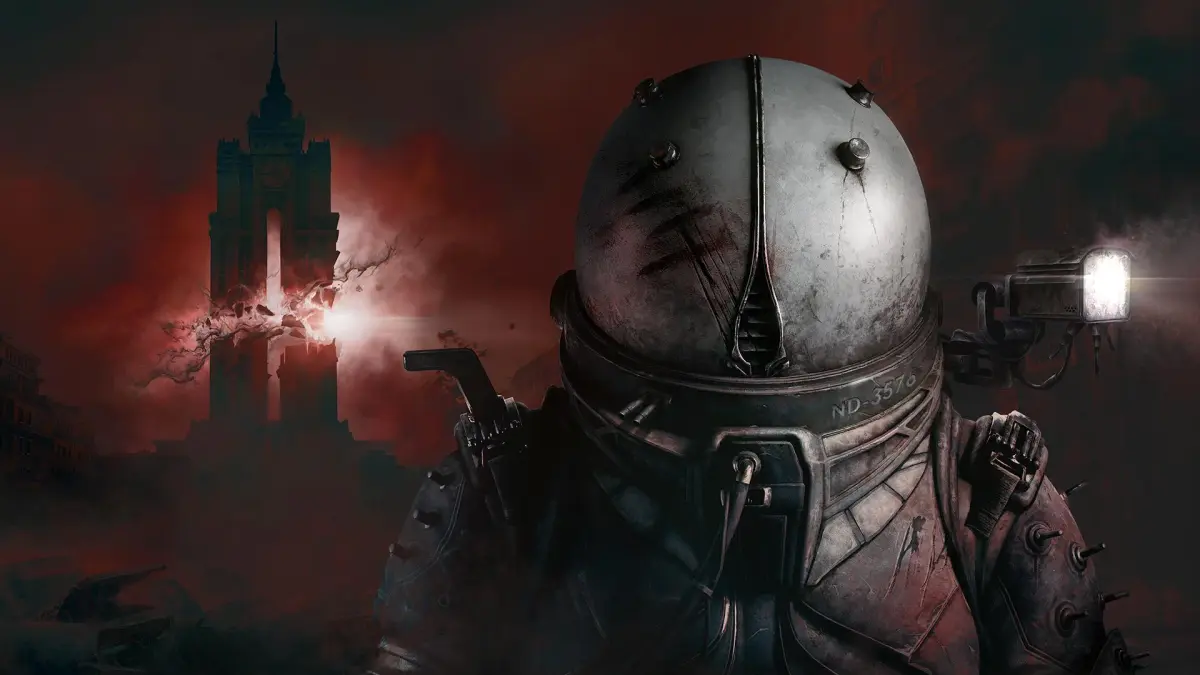
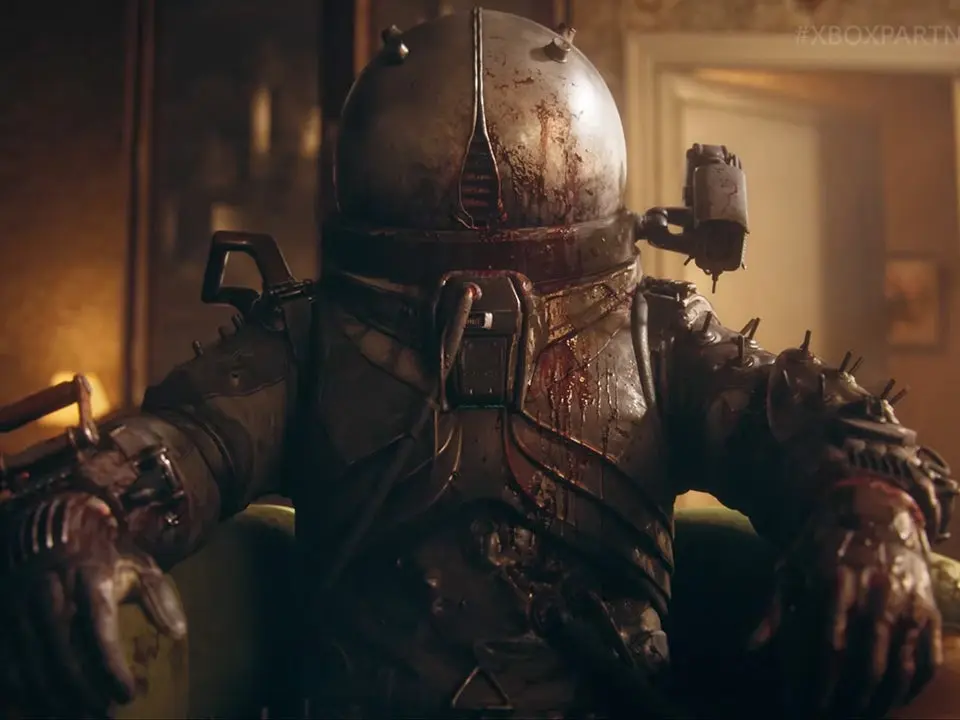
Prepare your Cronos: The New Dawn experience. Learn to install the game and configure settings like keybinds and resolution for optimal gameplay.
Before diving into the world of Cronos, ensure your game is properly installed and updated. After installation, launch the game. You'll be greeted by the main menu. We recommend checking the 'Options' menu first to adjust graphics settings, audio levels, and keybinds to your preference. A smooth gameplay experience is paramount. Ensure your display resolution matches your monitor's native resolution for the best visual fidelity. If you encounter any issues, consult the official game forums or support channels for troubleshooting tips. Optimizing your settings from the start can significantly enhance your immersion and performance.
100% Human-Written. AI Fact-Checked. Community Verified. Learn how AntMag verifies content