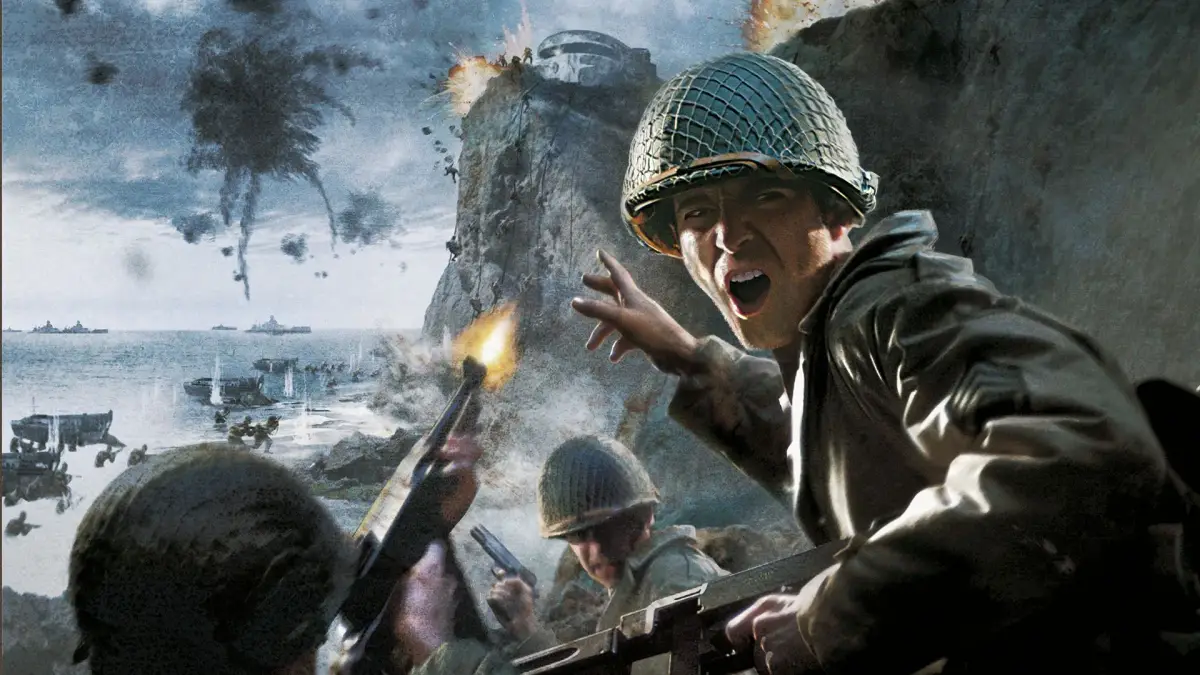
Learn the essential controls for Call of Duty 2, including movement, weapon actions, and other keybinds. Understand the in-game HUD elements like the compass and ammo indicator.
This section covers the fundamental controls and screen setup for Call of Duty 2, utilizing the flexibility of keyboard and mouse input.
Controls - Movement
| Action | Key |
|---|---|
| Move forward | W |
| Move backward | S |
| Strafe left | A |
| Strafe right | D |
| Lean left | Q |
| Lean right | E |
| Jump / Stand | Space |
| Crouch | C |
| Prone | CTRL |
Call of Duty 2 uses the standard W,S,A,D movement. Leaning tilts your upper body and is more useful in multiplayer to reduce your hitbox. Crouching improves accuracy and makes you a smaller target. Proning lays you flat for extreme accuracy, exposing only your head, but limits aiming movement. You can only prone on certain ground types. These modes are toggled with a single press.
Controls - Weapon
| Action | Key |
|---|---|
| Fire weapon | Left Mouse Button |
| Aim (Sight) | Right Mouse Button |
| Melee Attack / Hold Breath | Shift |
| Reload | R |
| Throw Grenade | G |
| Throw Smoke Grenade | 4 |
| Switch Weapon | 1 or 2 |
| Binoculars | B |
| Use / Interact | F |
The mouse controls looking and aiming. Right-clicking enters sight aiming mode (iron sights or scope), slowing movement for increased accuracy. Grenades can also be thrown with the middle mouse button. Smoke grenades create thick smoke that impacts gameplay. Binoculars allow for long-distance viewing. Melee attacks are for close combat, deal enhanced damage, and are used when out of ammo or reloading. The 'F' key is crucial for respawning after death and for picking up or exchanging highlighted weapons.
Controls - Other
| Action | Key |
|---|---|
| Show Objectives / Score | Tab |
| Screenshot | F12 |
| Console | ~ |
| VOIP (Talk Online) | Z |
| Chat (All) | T |
| Chat (Team) | Y |
| Voice Commands | V |
| Weapon Menu | X |
The Tab key displays current objectives or multiplayer scores. Screenshots are typically saved in My Documents/CoD2 or Activision/CoD2 folders. VOIP requires a compatible server and enabled microphone. In-game voice commands offer limited communication options. The ESC key allows access to game menus for changing settings or weapons.
Screen HUD
The Heads-Up Display (HUD) provides vital information:
- [1] Status Text
- Shows kill feeds in multiplayer or mission objectives in single-player.
- [2] Compass
- Indicates your current direction and the direction of waypoints.
- [3] Crosshair
- Used for aiming; becomes more precise when using Right Mouse Button.
- [4] Damage Indicator
- Shows the direction from which you are taking damage.
- [5] Ammo Indicator
- Displays current ammunition count and reserve bullets/grenades.
100% Human-Written. AI Fact-Checked. Community Verified. Learn how AntMag verifies content