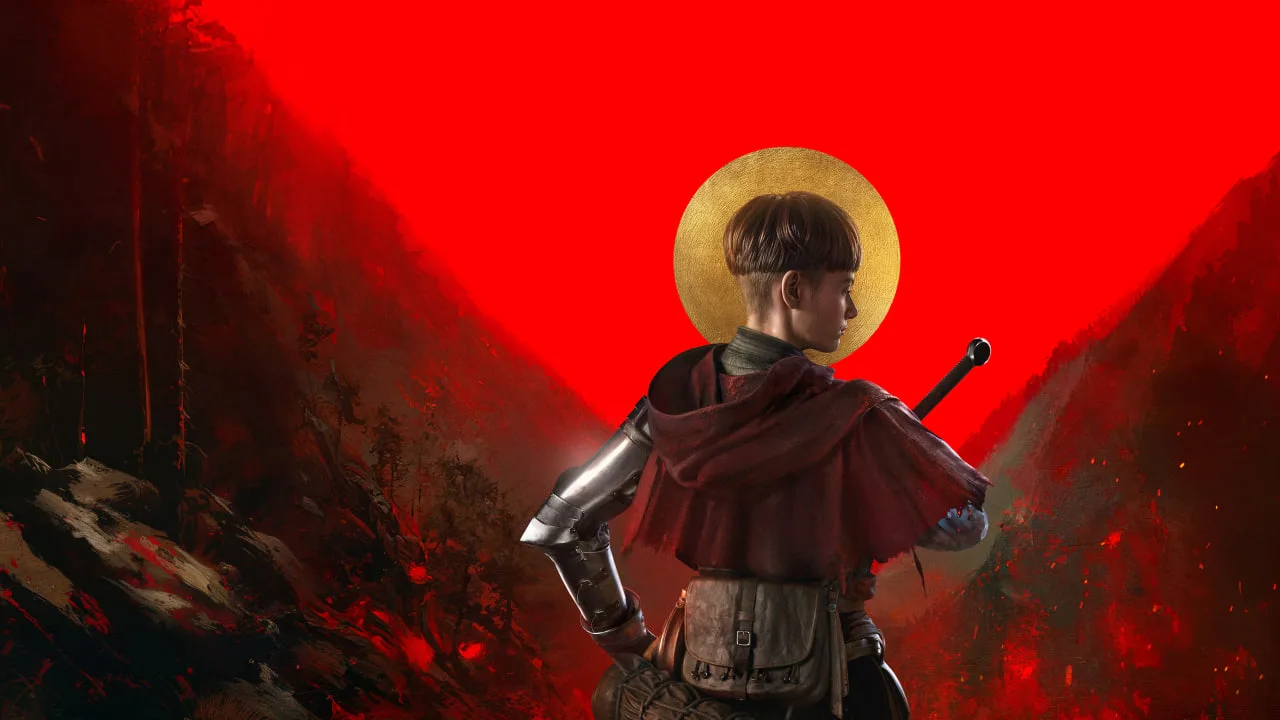
Boost 1384 Ex Voto PC performance. Adjust settings for smoother frame rates and reduce stuttering to better manage your soul-binding contracts.
To ensure a fluid and visually impressive journey as Aeta through the tumultuous Medieval Italy of 1384 Ex Voto on PC, optimizing your performance settings is key. The game is designed to scale across a range of hardware, but pushing for higher graphical fidelity requires careful tuning. Begin by ensuring your graphics drivers are up-to-date. Outdated drivers are a common culprit for performance issues, especially in demanding action titles. Once updated, launch 1384 Ex Voto and navigate to the Display & Graphics settings menu.
Start by lowering the Resolution Scale. If you are running at 1080p, try reducing it to 90% or even 80%. This has a significant impact on GPU load without drastically altering the perceived sharpness of the image. Next, consider the Shadow Quality and Ambient Occlusion settings. These are often the most demanding graphical features. Setting them to 'Medium' or 'Low' can yield substantial frame rate gains. The visual difference between 'High' and 'Medium' shadows, for instance, is often subtle in fast-paced combat, especially when you're focused on dodging attacks from Plague Doctors or parrying Bandits.
Texture Quality can often be kept at 'High' or 'Medium' even on mid-range systems, as it primarily affects VRAM usage. If you have ample VRAM (6GB or more), this setting is less likely to be a bottleneck. Conversely, Post-Processing Effects like Bloom and Motion Blur can be toggled off entirely if you find them distracting or performance-intensive. These effects can sometimes obscure enemy tells or make it harder to track fast-moving targets like the Swift Assassins. Experiment with disabling them one by one to see their individual impact. Finally, ensure that V-Sync is enabled if you experience screen tearing, but be aware that it can introduce input lag. If input lag is a concern, consider using an adaptive sync technology like G-Sync or FreeSync if your monitor and GPU support it.
100% Human-Written. AI Fact-Checked. Community Verified. Learn how AntMag verifies content